Food and product texture
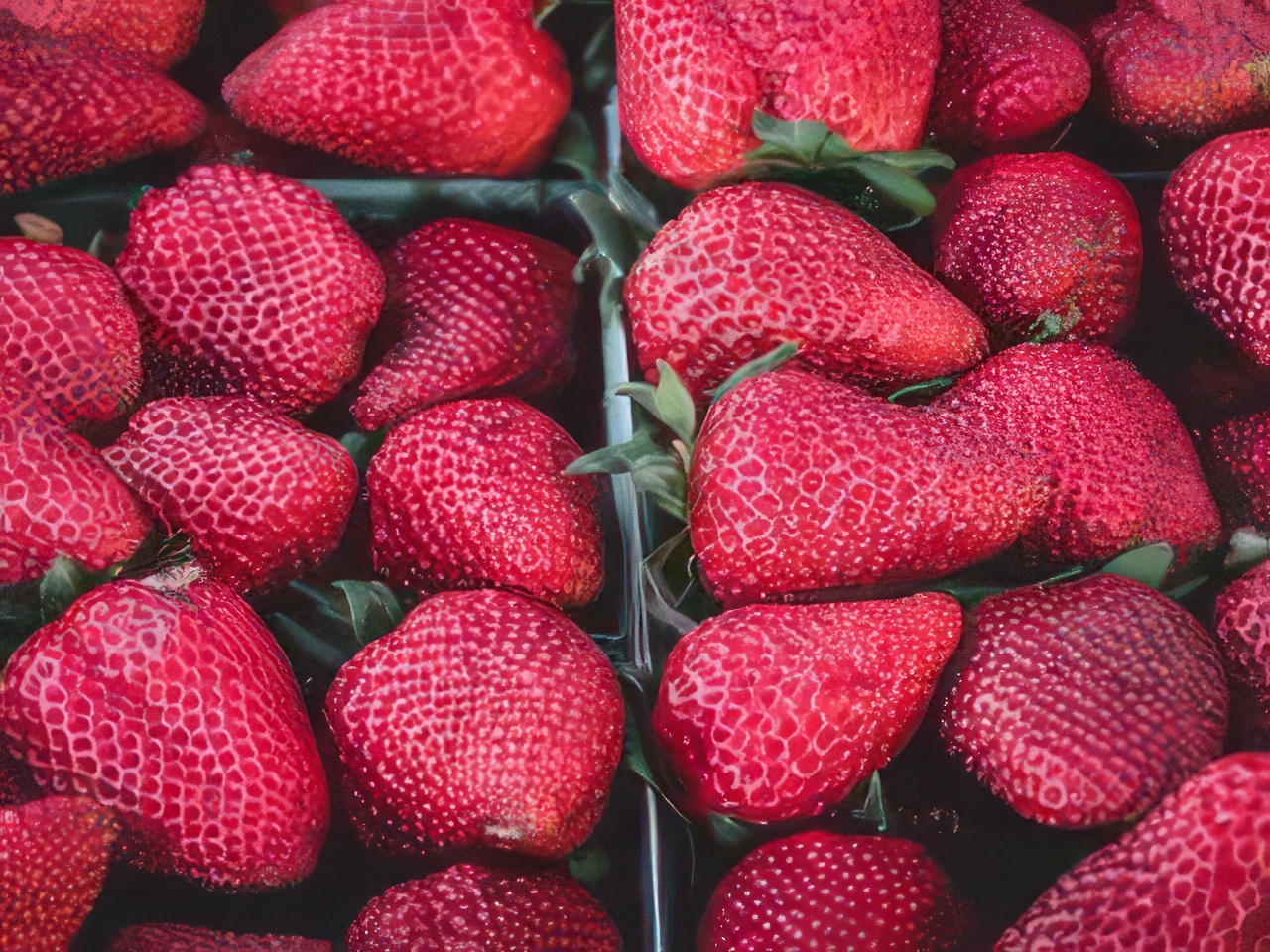
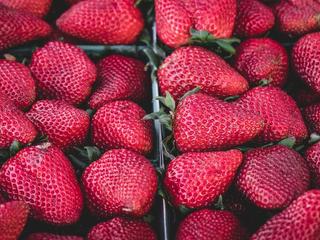
Real 4× outputA real 4× Topaz output from the 320 × 240 source shown here, with the same crop and composition.
Before320 × 240 original
After1280 × 960 Topaz output
AI image upscaler
Upload a low-resolution image and increase its width and height by 2× or 4× while preserving the original composition.
Visual examples
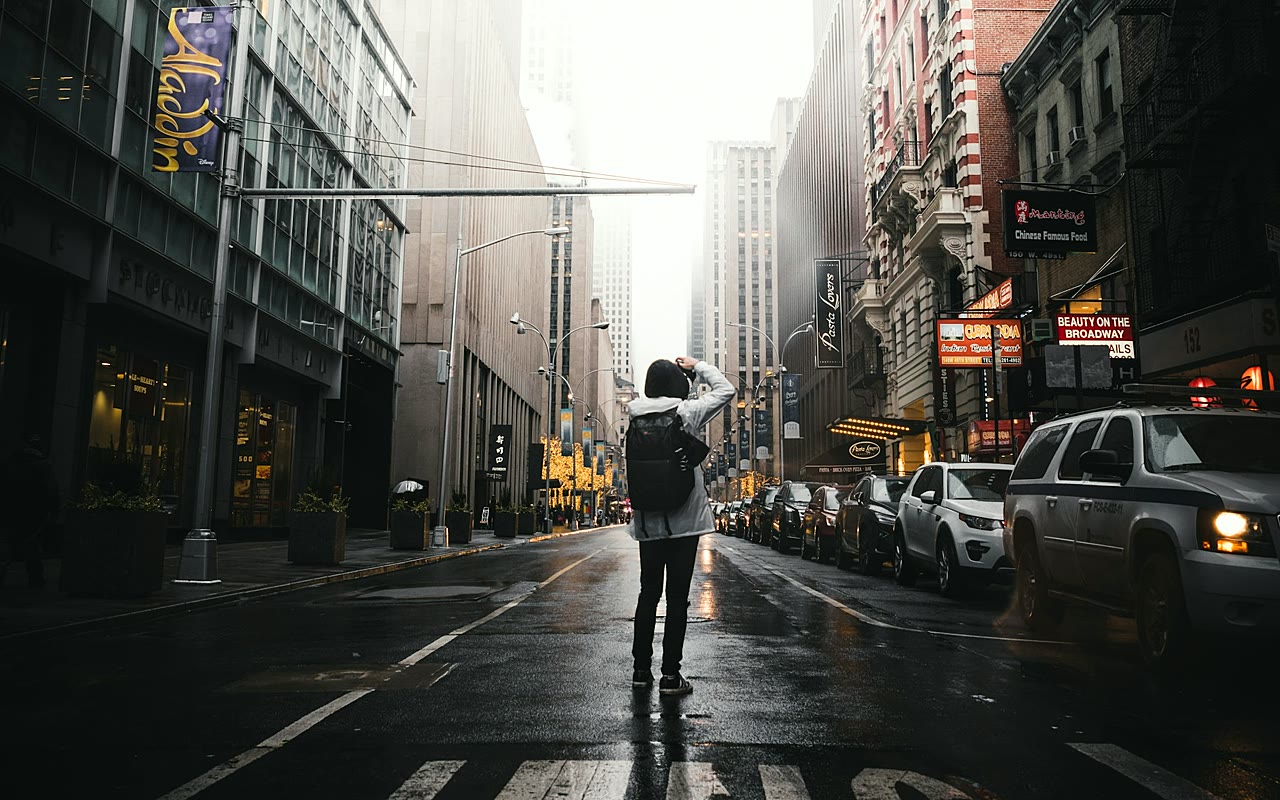
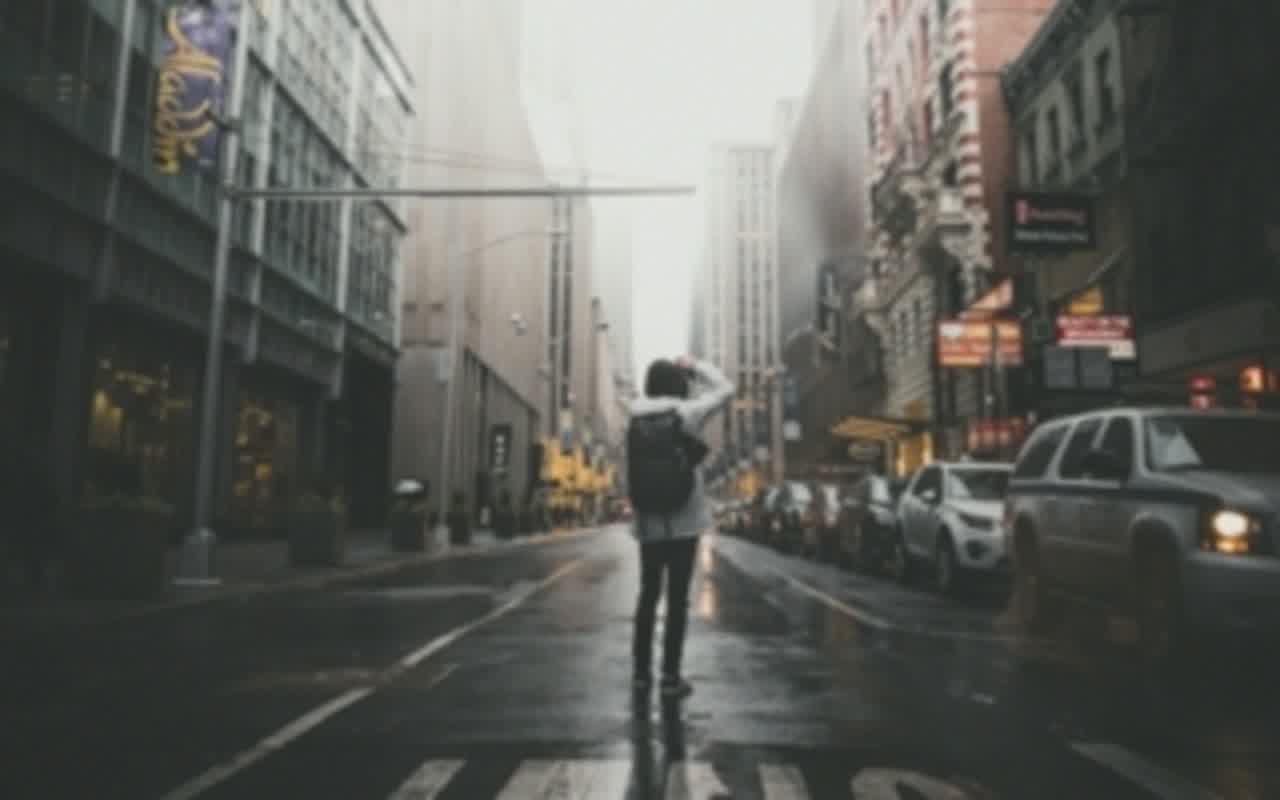
Compare real 4× results generated from 320×240 photos with the same Topaz model and settings used by this tool.
A real 4× Topaz output from the 320 × 240 source shown here, with the same crop and composition.
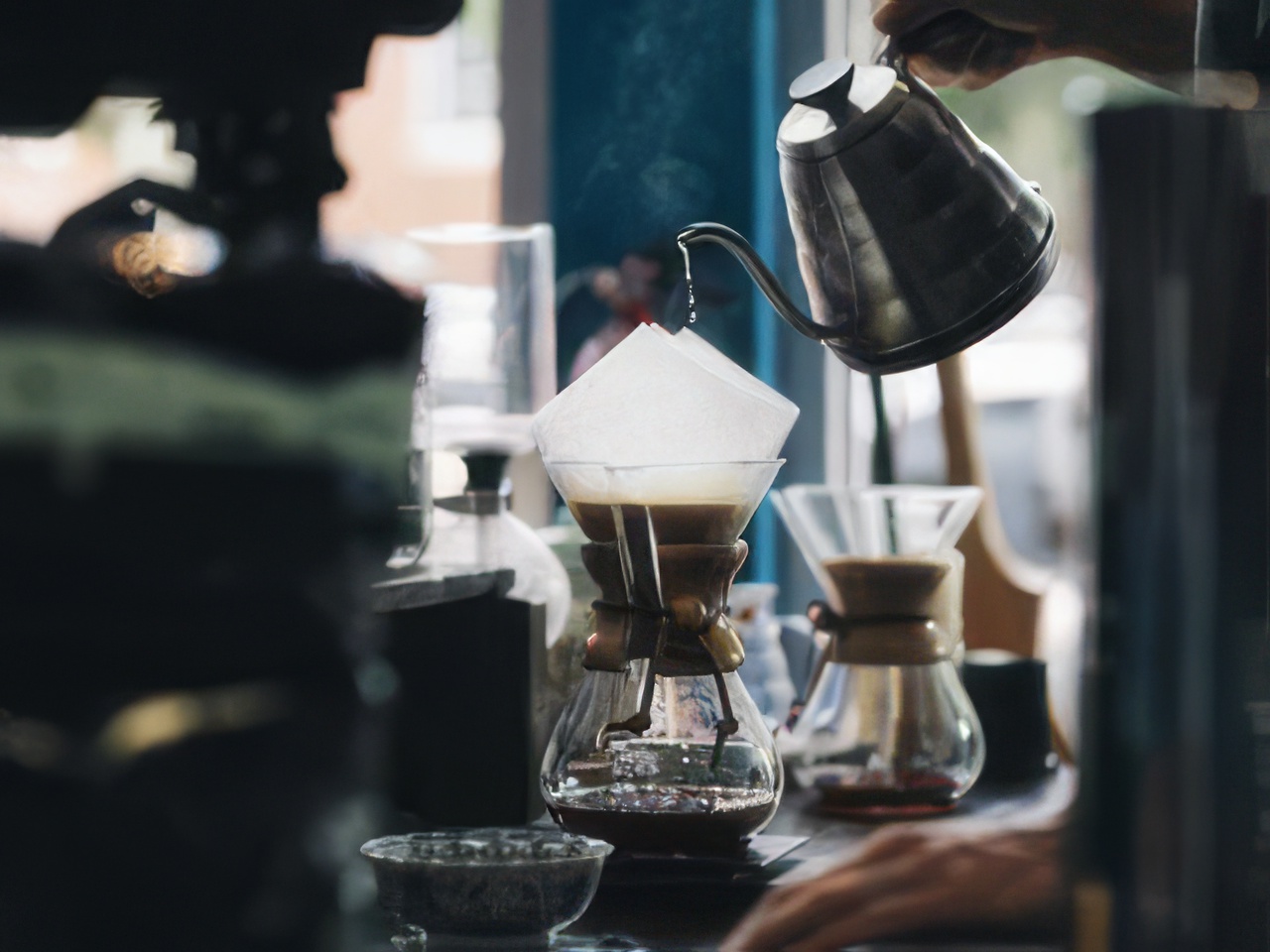
A second real 4× result using the same model and settings as the live Upscaler.
Pick the smallest scale that gives you the output dimensions you need. The exact size and credit price are shown before you start.
2×
Double the width and height for product photos, social posts, portraits, and screenshots that already contain useful detail.
4×
Quadruple the width and height when the original is genuinely small. This option is available only when the result stays within 128MP.
The workflow is designed so users see value in the first minute.
Choose a small PNG, JPG, or WebP image that still contains recognizable edges and detail.
Review the exact output dimensions and credit price, then choose the scale that fits how you plan to use the image.
Start upscaling, inspect the before and after result, then download it or continue editing in ImgPilot.
The price depends on the 2× or 4× output size. ImgPilot shows the exact dimensions and credit cost before you start, so there are no surprise charges.
The enhancer is designed to preserve features, natural colors, and composition while increasing resolution and detail.
Not reliably. Upscaling increases pixel dimensions and may refine visible edges, but it cannot recover detail lost to strong focus or motion blur. Use a low-resolution image that still contains recognizable detail.
Yes, when the product is already recognizable and the main problem is that the source image is too small. Upscaling does not replace product retouching or deblurring.
The editor supports PNG, JPG, and WebP for the initial upload. The current file size limit is 10 MB.
Yes. Continue editing opens the enhanced result in the ImgPilot image editor as your input image, ready for your next instruction.


























