Product & ecommerce videos
Turn a product photo or a line of copy into a short reveal for ads, product pages, and marketplaces.
AI video generator
Turn a text prompt or a single image into a short AI video. Generate text-to-video and image-to-video clips in 1080p MP4 with no watermark — for ads, social posts, and product reveals.
The more specific your prompt — subject, action, camera move, and style — the closer the result. Generation also varies between runs, so expect to try a few times. Depending on quality and duration, a video usually takes 1-3 minutes.
Made with ImgPilot AI video
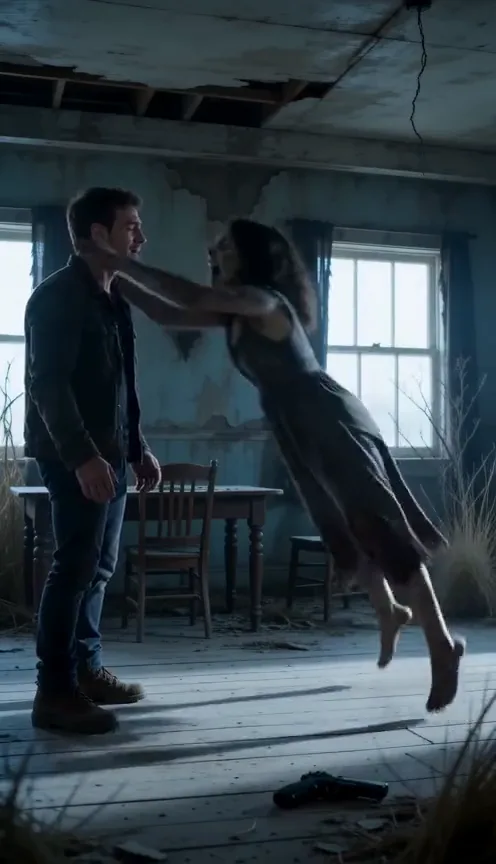
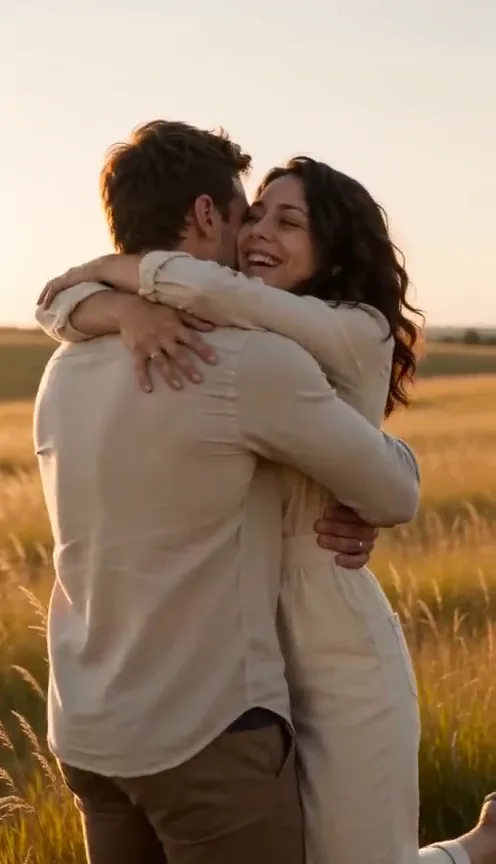
Turn two photos into a zombie reunion that ends in a warm embrace. See the example, then make your own.
Purchased separately · One-time payment, no subscription
Create a zombie couple videoWatch the ImgPilot AI video generator at work — set a prompt, add reference images for image-to-video, choose duration and aspect ratio, and generate a clip.
Write a scene prompt — subject, action, camera move, lighting, and mood — and the text-to-video generator turns it into a short AI video clip.
Upload a first frame (plus a last frame to set the ending), then describe the motion. Image to video animates a still photo, product shot, or character into a moving clip.
Set duration, aspect ratio, resolution up to 1080p, and audio when you need it. Clips export as MP4 with no watermark while jobs run in the background.
Text to video
ImgPilot's text-to-video generator turns a written prompt into a short AI video. Describe the scene, the action, the camera movement, the lighting, and the style — the more specific the prompt, the more control you get over the motion. Then set a duration and aspect ratio and generate.
Write a promptImage to video
Image to video brings a still image to life. Upload a first frame — a photo, a product shot, an illustration, or an AI-generated image — add a last frame when you want to control where the motion ends, and describe how it should move. Attach up to nine reference images to keep characters and style consistent.
Need a starting image? Generate one with the AI Image Generator.
Upload an image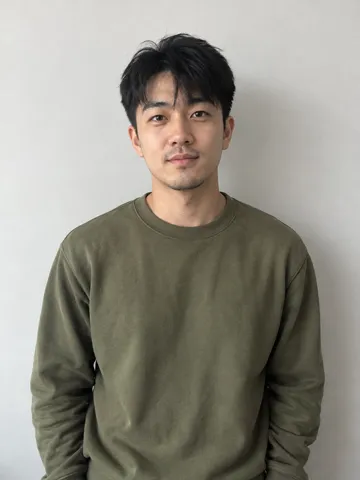
Workflow
A focused flow for text-to-video and image-to-video generation.
Start from a written prompt, or upload a first frame (plus a last frame to set the ending) when you already have an image to animate.
Choose duration, aspect ratio, resolution up to 1080p, and whether to generate audio.
Submit the task — it runs in the background while you keep working — then download the finished 1080p MP4 with no watermark.
Turn a product photo or a line of copy into a short reveal for ads, product pages, and marketplaces.
Generate vertical 9:16 videos for TikTok, Instagram Reels, and YouTube Shorts in minutes.
Draft ad variations and campaign concepts from a brief — no shoot, studio, or editing timeline.
Bring a still photo, portrait, or illustration to life with image-to-video motion.
Use first and last frames to preview a transition before committing to a full edit.
Visualize a concept or a quick how-it-works clip when stock footage doesn't fit.
Tune every AI video before you generate it.
Generate from a prompt, or from a first frame with a last frame to set the ending.
Choose how many seconds the clip runs.
Vertical 9:16, square 1:1, or widescreen 16:9 framing.
Render in Draft, Standard, or HD for the final cut.
Toggle generated sound on when a clip needs it.
Add up to nine references to keep characters and style consistent.
Download a clean 1080p MP4 — no watermark on your videos.
Text-to-video, image-to-video, output, and pricing — answered.
Jump back to the generator, pick text-to-video or image-to-video, set your controls, and create your next clip.


























