Free with no sign-up
Upload an image and remove its background in your browser without creating an account.
 Actual result
Free AI background remover
Remove backgrounds in seconds. No sign-up, HD downloads and no watermarks. Choose advanced processing and batch tools when you need more.
No sign-up. HD downloads. No watermark.
JPG, PNG, WebP
No image ready?
Try one of these
Working with an animated GIF? Use our GIF Background Remover to remove its background and keep it moving.
Free result, ready to use
Remove backgrounds in seconds. No sign-up, HD downloads and no watermarks. Choose advanced processing and batch tools when you need more.
Upload an image and remove its background in your browser without creating an account.
Preserve hair, fur, fabric edges, and product contours without tracing them by hand.
Download your cutout in HD, without a watermark. Ready for your next design.
High-quality examples
These examples were made with the High quality background remover. Free-mode results may differ.
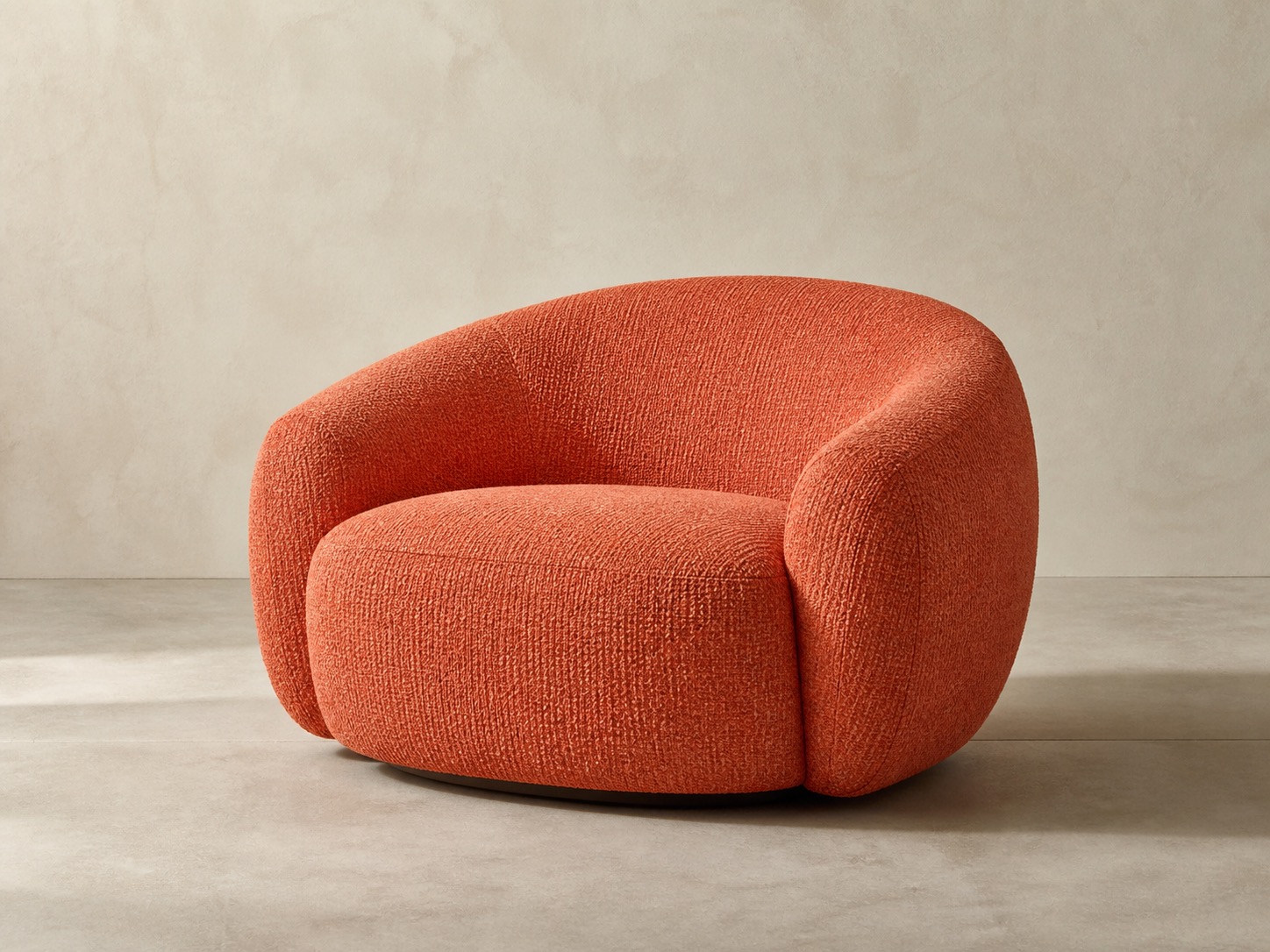
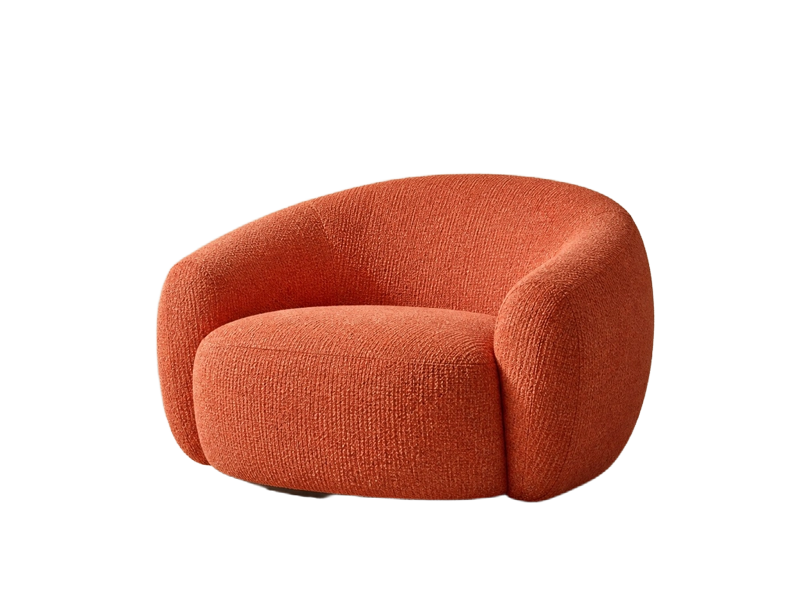
The chair is separated from its studio setting for a reusable catalog cutout.


The person is isolated while retaining the shape of individual curls around the face.
High-quality output. Transparency is shown on a checkerboard. Try your own image to assess the edges.
The same upload-first flow works across common creative and commerce tasks.
Create consistent catalog cutouts and test white or branded backgrounds before export.
Separate people from distracting rooms, streets, or event backdrops.
Turn a flat-background asset into a transparent layer for layouts and merchandise.
Isolate irregular silhouettes while keeping the original subject proportions.
Remove backgrounds in seconds. No sign-up, HD downloads and no watermarks. Choose advanced processing and batch tools when you need more.
Choose, drop, or paste a PNG, JPG, or WebP image into the tool.
Start the background remover and wait while the subject and its edges are separated.
Download your cutout in HD, without a watermark. Ready for your next design.
Use the transparent cutout as a starting point for a new composition, or improve a small source image before publishing it.
Looking for a remove.bg alternative?Remove backgrounds in seconds. No sign-up, HD downloads and no watermarks. Choose advanced processing and batch tools when you need more.
Upload JPG, PNG or WebP images. If a file exceeds the upload limits, we will ask you to choose a smaller one.
Yes. Choose Transparent before download to export the cutout with an alpha channel in a PNG file.
Yes. Preview transparent, white, black, or a custom color and download your PNG without signing in.
Download HD PNG · no watermark
Yes, after signing in. Use Continue editing to open the transparent result in ImgPilot's AI image editor and keep the work in your history.


























