01
Start with context
Describe the image or upload your own reference
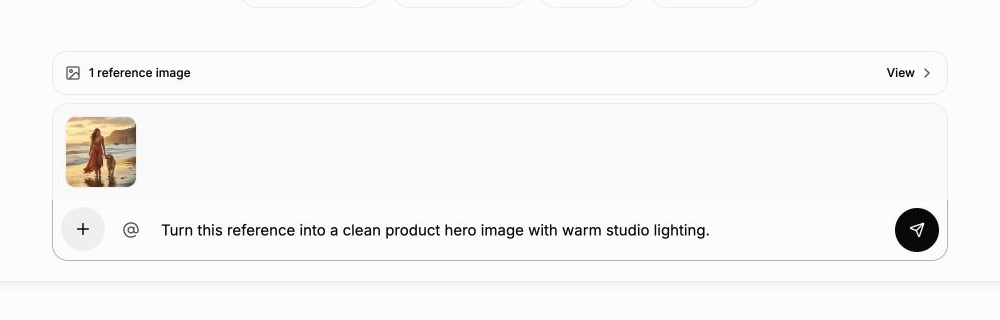
Create from a fresh prompt, edit a photo you already own, or use both together. The reference bar confirms which images will be included before you generate.
Generate images from text, compare leading AI models, and edit with AI chat and references. Move from prompt to finished visual without starting over.
Enter a prompt and click Generate to create an image
The AI Image Generator is the quickest route from one clear prompt to one result. Chat to Image is the fuller creative workspace for references, model comparisons, and precise follow-up edits.
Best when your idea is already clear and you want a polished first image with direct control over model, aspect ratio, and resolution.
Best when you want to create from text or references, compare several model interpretations, and keep improving one selected result.
ImgPilot keeps the creative steps connected. Start from text or an upload, identify the reference you mean, compare models fairly, and continue from the strongest result instead of beginning again.
Start with context
Create from a fresh prompt, edit a photo you already own, or use both together. The reference bar confirms which images will be included before you generate.
Reference precisely
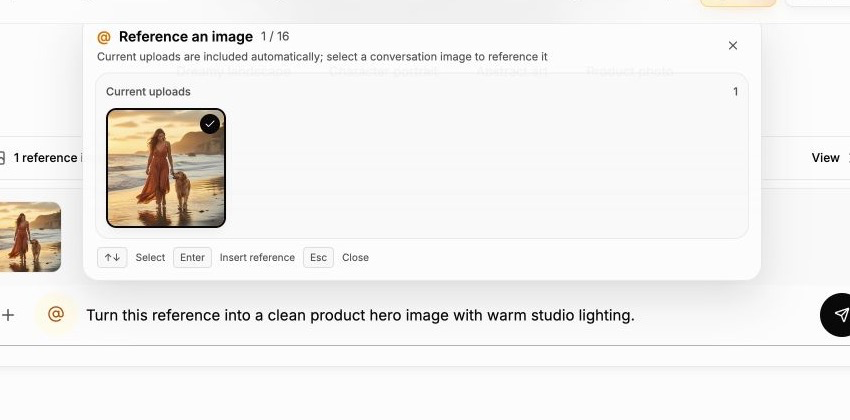
Select any earlier result from the conversation and give it a numbered mention. New uploads and @ references can coexist in the same request without losing their roles.
Compare directions
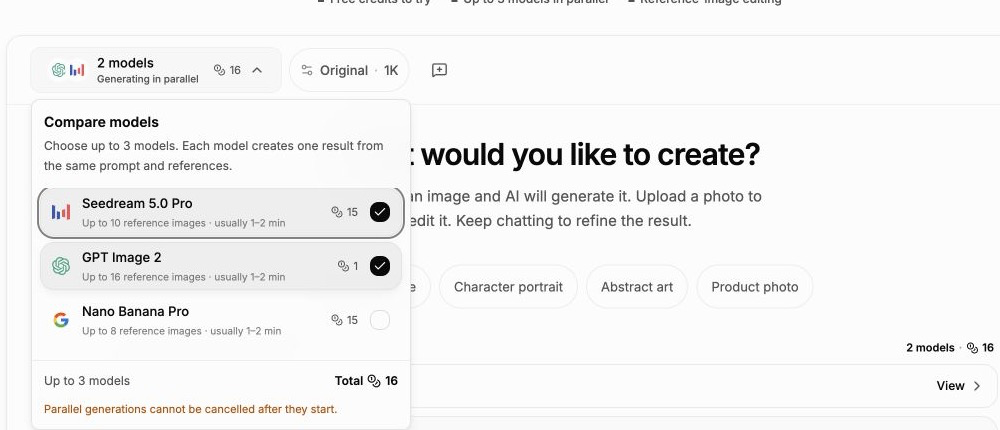
Send one prompt, reference set, aspect ratio, and resolution to as many as three models. Results return independently so differences in style and instruction-following stay visible.
Keep the best version
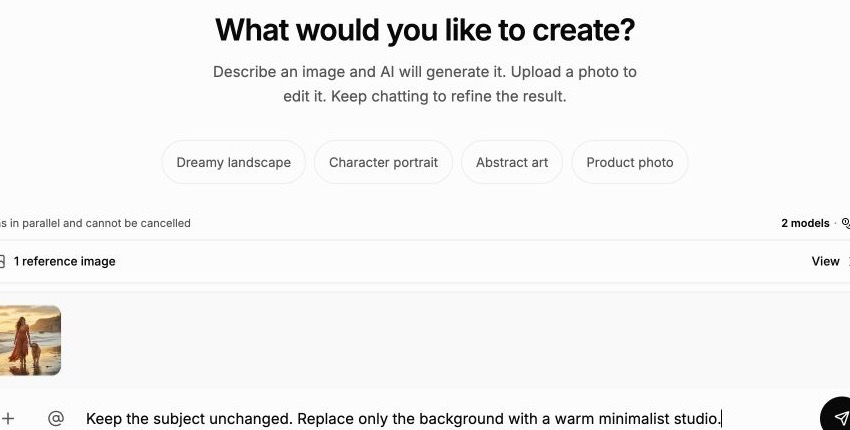
Choose the strongest result, describe only the next meaningful change, and switch between single-model and multi-model mode whenever the direction needs another comparison.
Move between focused tools without leaving ImgPilot. Generate a visual, refine it through chat, improve image quality, remove the background, restore an old photograph, prepare file formats, or animate a finished image.
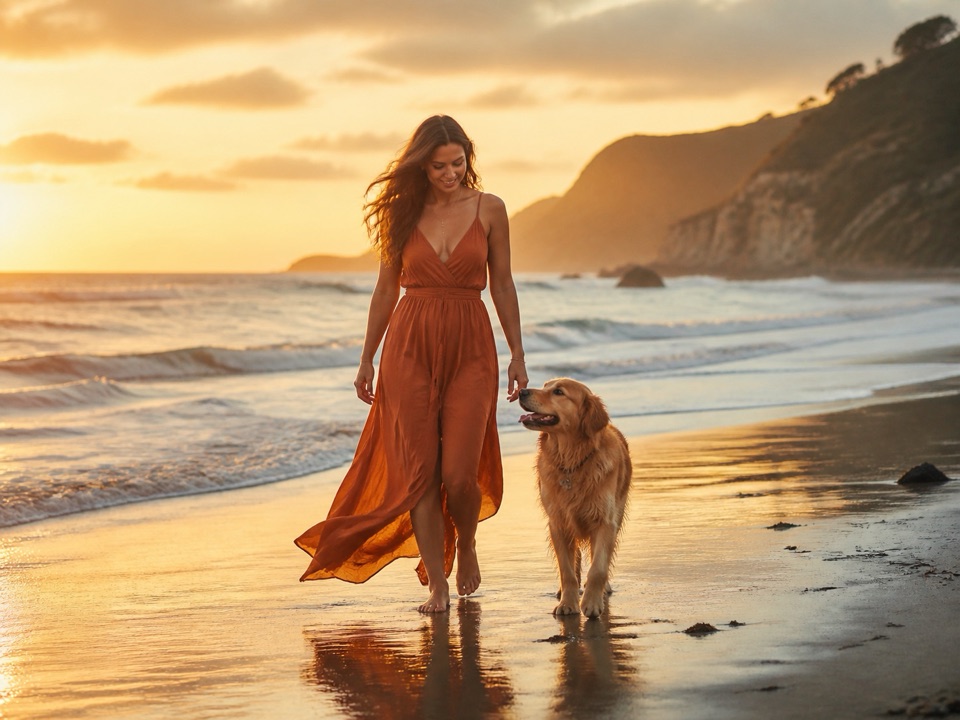
Turn a text description into product imagery, portraits, posters, thumbnails, editorial art, or visual concepts with model and format controls.
Create an AI imageCreate or edit with references, compare models side by side, use @ mentions, and keep refining a selected image through natural conversation.
Create and edit by chat
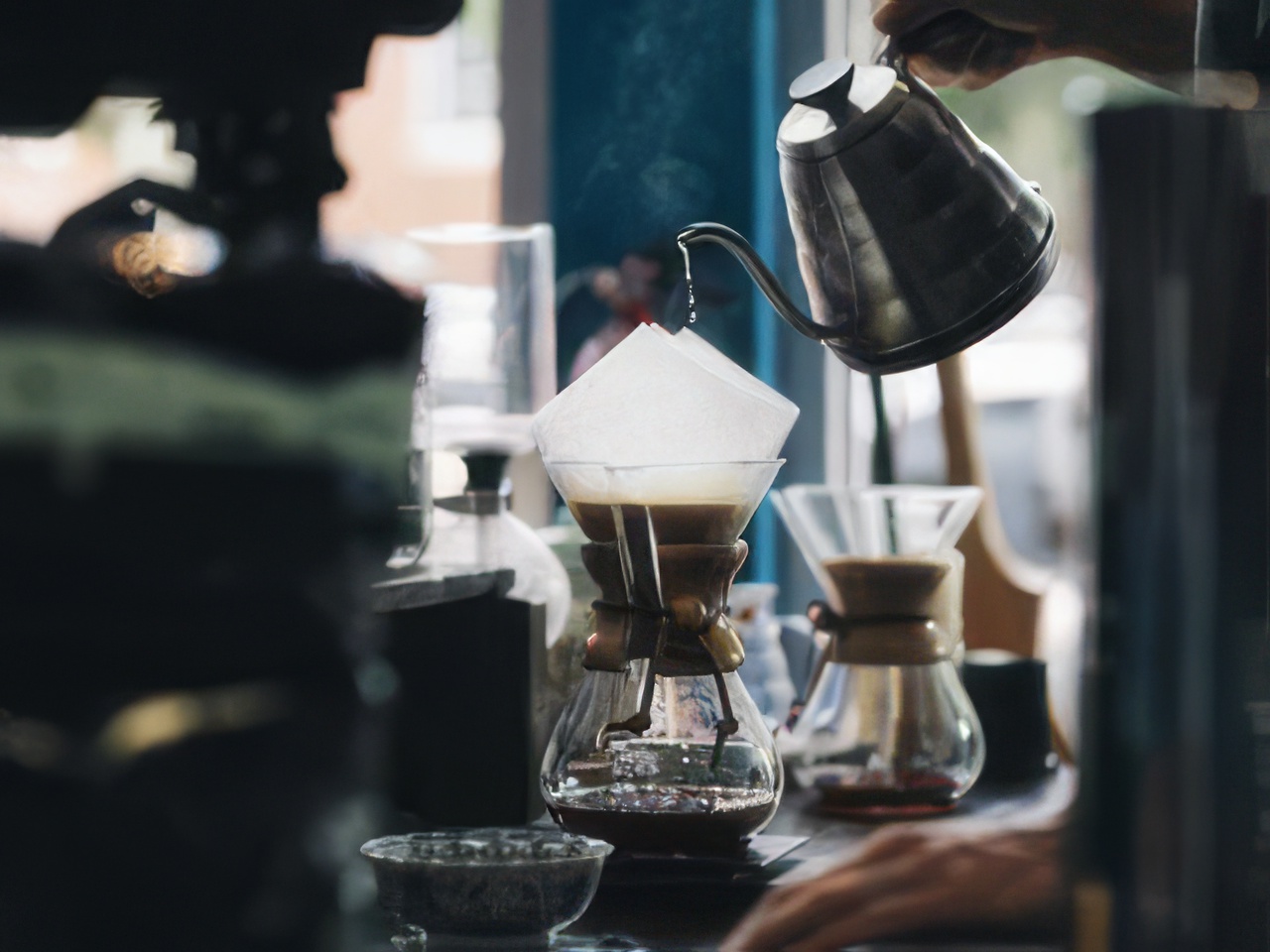
Improve detail and clarity in a focused enhancement workflow, then inspect the result against the original before downloading it.
Improve image quality
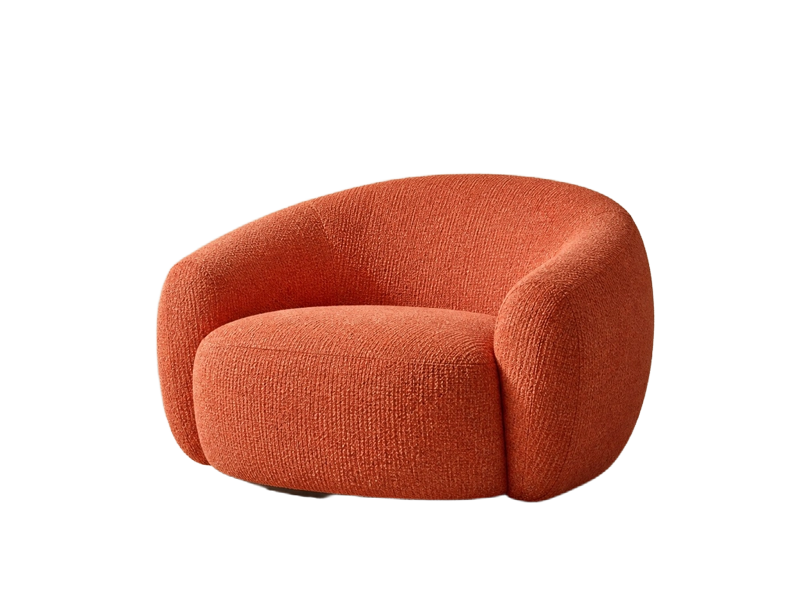
Turn portraits or product photos into clean transparent assets for stores, design files, listings, and social content.
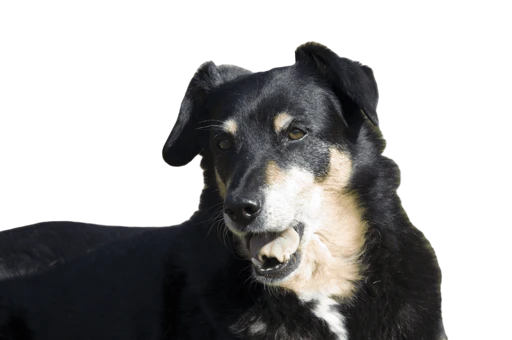
Remove a background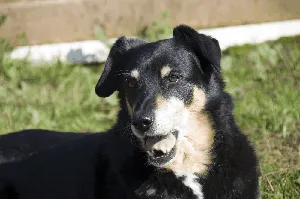
Keep the movement, remove the background. Add text, stickers or an AI-generated scene to your GIF before exporting.
GIF Background Remover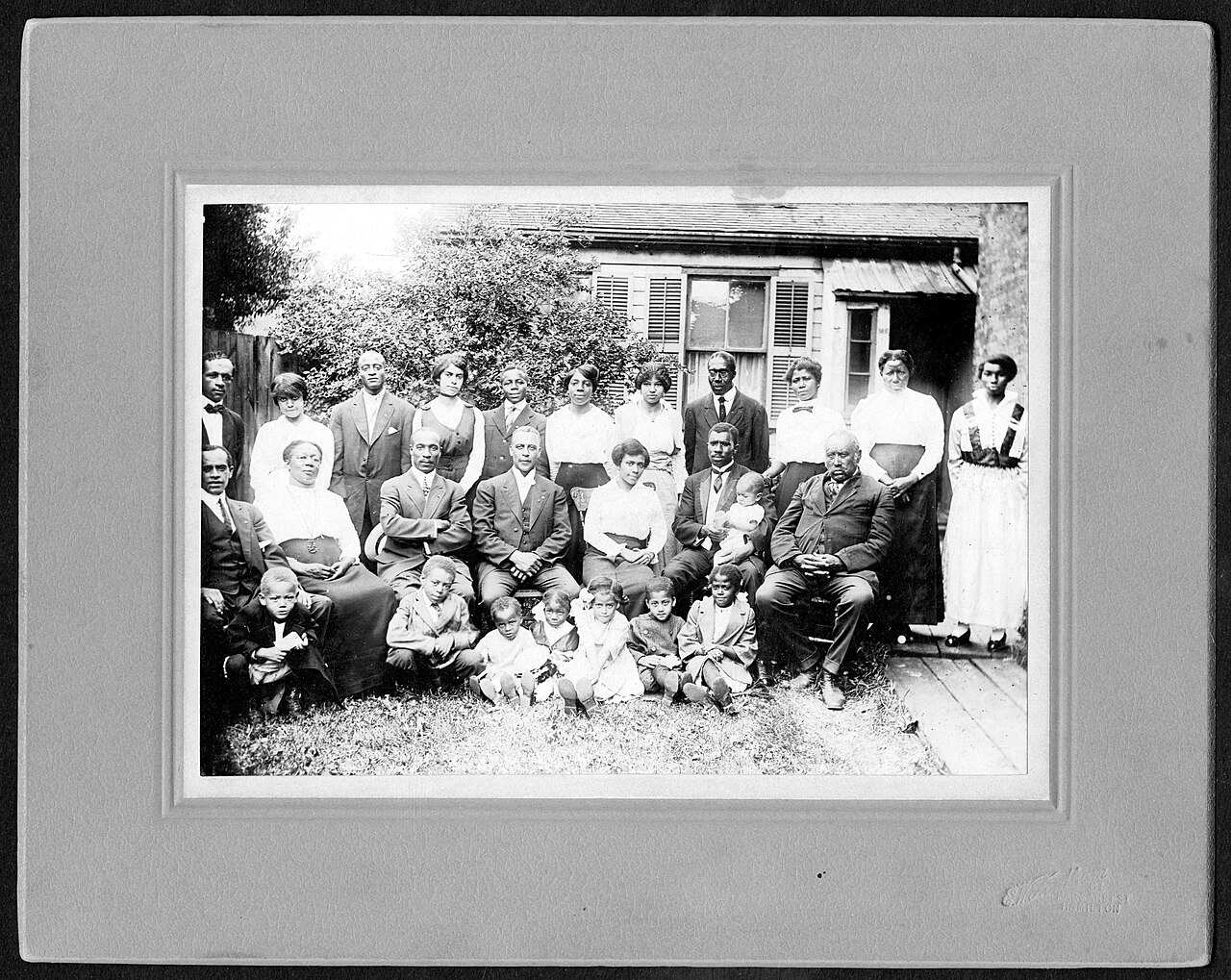
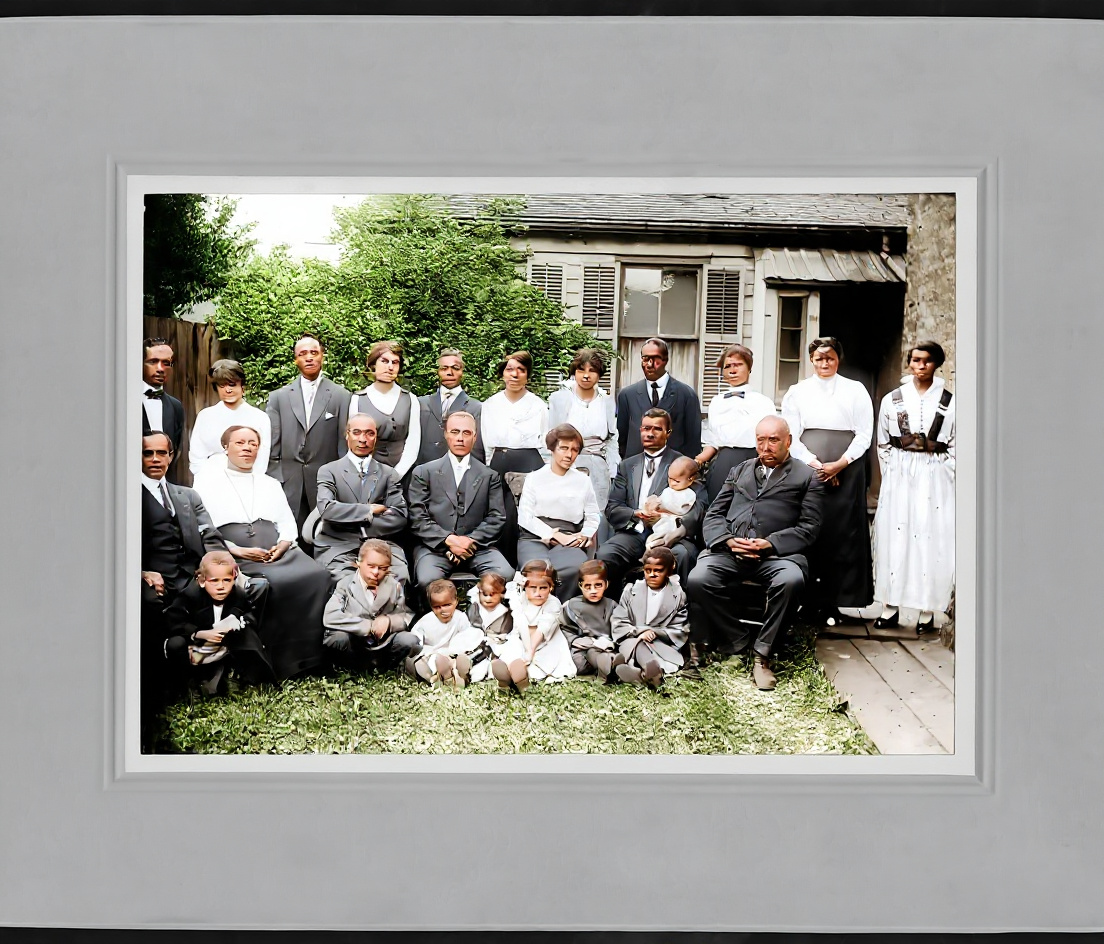
Repair visible scratches, fading, folds, and age damage while preserving the identity and composition of a family photograph.
Restore an old photo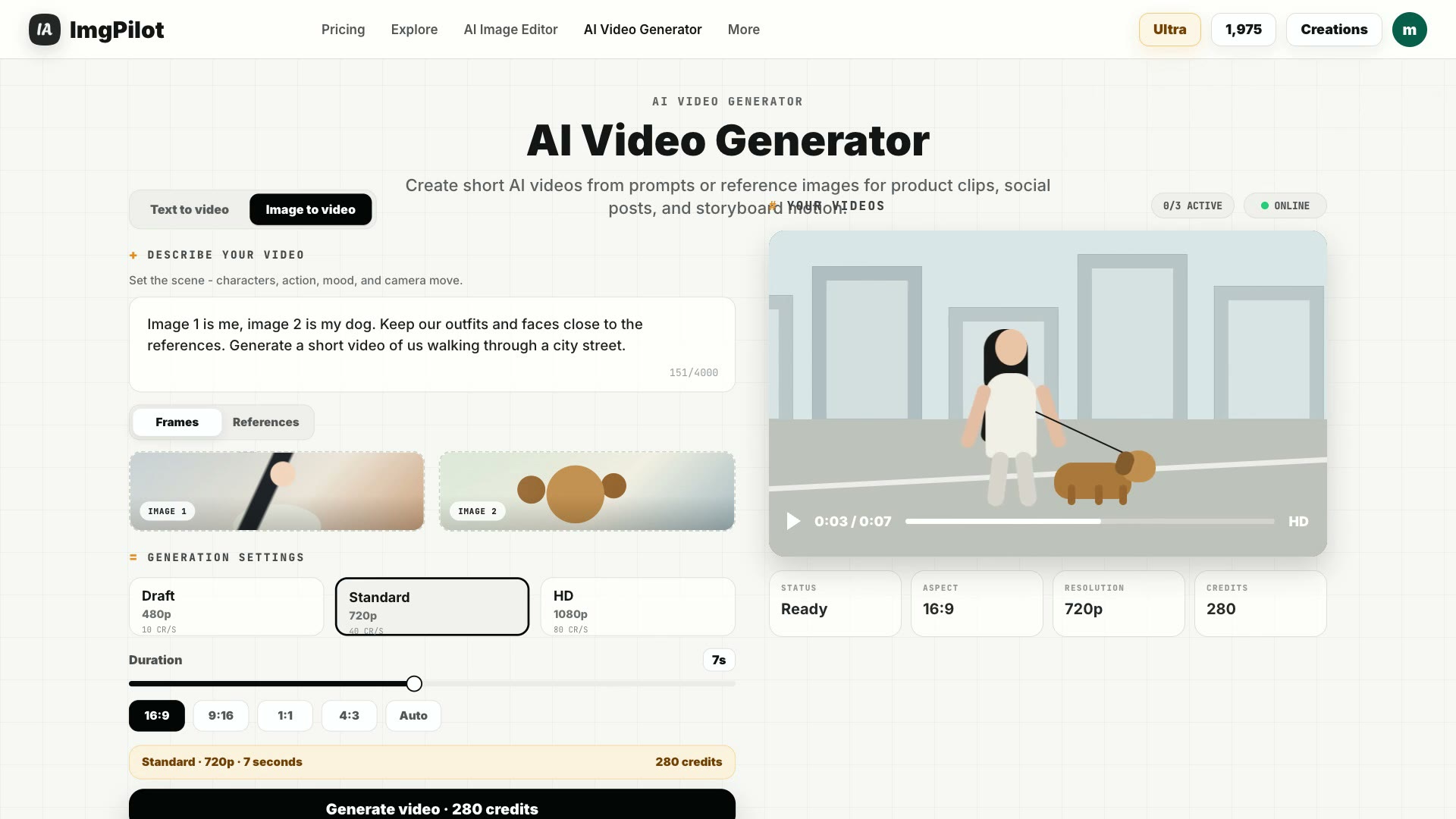
Create a short video from a text idea or use a finished image as the opening frame for motion, camera movement, and generated audio.
Create an AI videoConvert PNG, JPG, WebP, AVIF, HEIC, and HEIF files directly in the browser without uploading the original image to a server.
Convert an imageBrowse tested starting points for product photos, portraits, posters, logos, covers, thumbnails, and 3D scenes before opening the generator.
Browse AI image promptsChoose a model for a specific job or compare several at once. ImgPilot uses the live model configuration, so this section stays aligned with the options that creators can actually select.
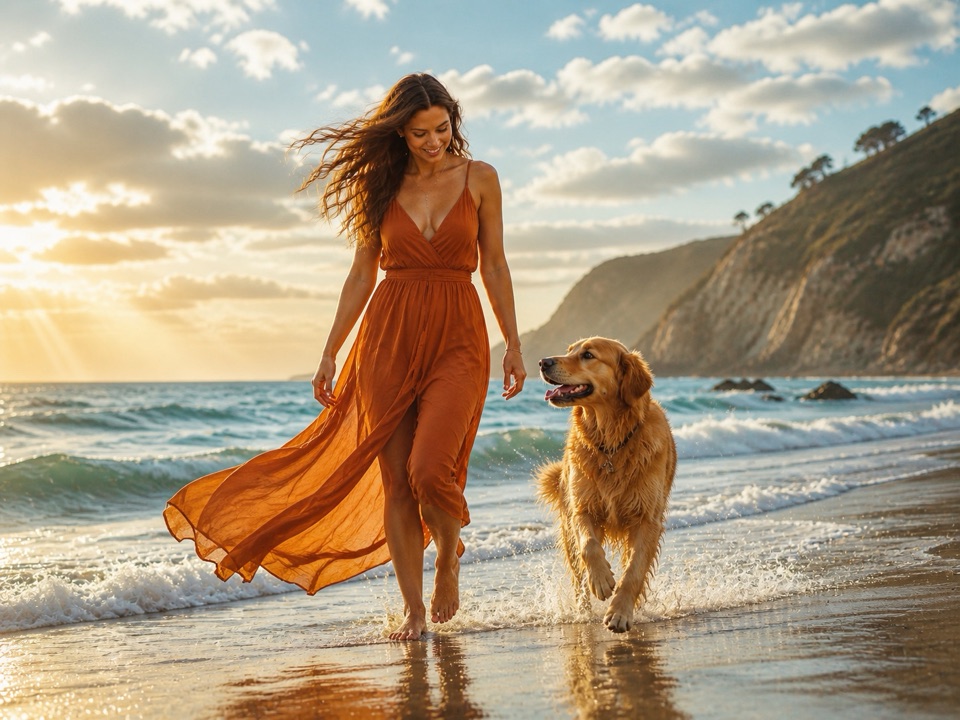
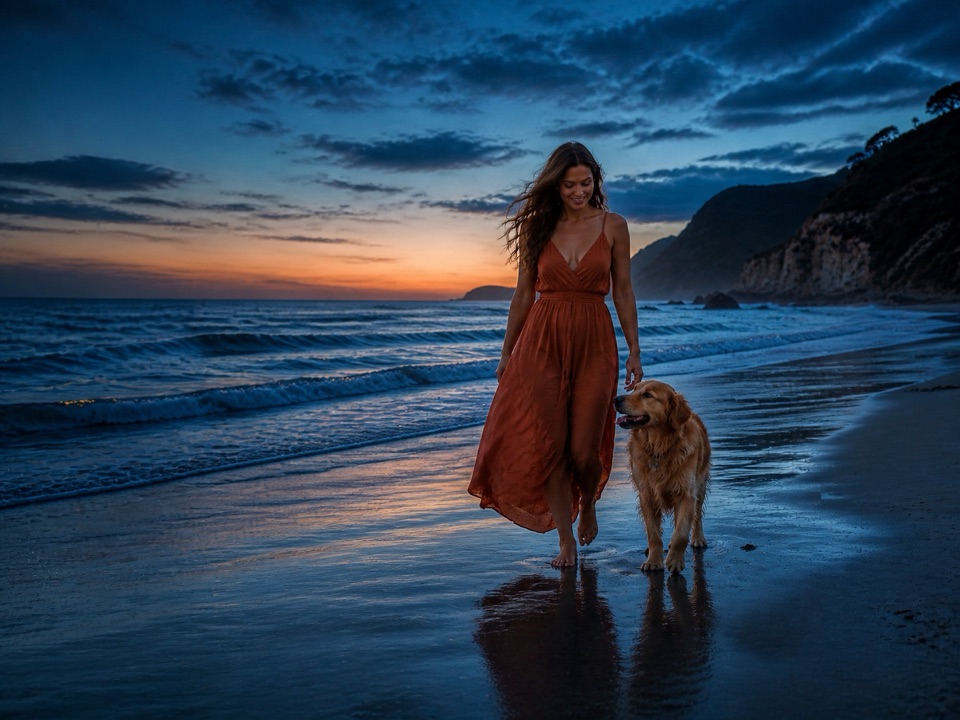
One prompt, three real model results
Cinematic portrait on a windswept beach at golden hour
High-quality detail and precise reference edits, with up to 10 reference images.
Speed-first mode for quick drafts, iterations, and reference edits.
Strong realism, polished compositions, and precise reference-based edits.
Detailed generation, balanced color, multilingual text, and flexible references.
High-fidelity output with flexible aspect ratios and resolutions up to 4K.
Fast visual reasoning, realistic results, and support for several references.

Fast, expressive imagery for editorial, social, and playful visual directions.
Practical details about models, references, credits, files, and what happens after generation.
Start with one prompt in the AI Image Generator or open Chat to Image for references, model comparison, and follow-up edits. ImgPilot keeps the workflow focused from first draft to final export.
Use starter credits on image generation and conversational edits; use browser-local preparation tools for free
One ImgPilot workspace includes
As featured on

Browse published prompts for product photography, avatars, posters, covers, thumbnails, logos, and 3D scenes. Open any example to inspect the visual direction, then send it directly into ImgPilot's AI Image Generator.
Copy a 1980s AI photo prompt for ChatGPT, or upload your portrait and try four styles: American yearbook, mall glamour, denim streetwear and European fashion.
Generate a dreamy travel fashion portrait of a person holding a giant cloud balloon on a scenic mountain ridge.
Replaces real people in a photo with cute, hand-drawn doodle characters while preserving the original realistic background and poses.
Generates a luxurious travel poster featuring a country's iconic landmarks encapsulated inside a luminous glass or crystal architectural frame. Includes elegant typography, golden hour reflections, and an upscale tourism editorial aesthetic.
Get fresh credits and more creative benefits every month with a subscription, or top up anytime with one-time credits that never expire. Choose what fits your pace and keep creating.
For everyday image creation: generate, edit, compare models, and enhance your results.
For creating images and video together: higher resolution and more room to revisit your work.
For frequent iteration and video production: a larger monthly credit balance for more tasks and footage.


























