Old photo restoration

Restore old photos with AI

Repair scratches, fading, and age damage while preserving the people and memories in your photograph.

Real model results

AI old photo restoration examples

Every Before image below is a public-domain archive photograph. Every After image is a real result generated with the same restoration model used by this tool.

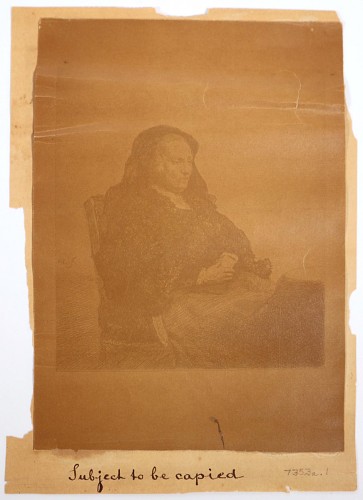
Before and after AI restoration of a severely faded 1857 seated portrait — After
Before and after AI restoration of a severely faded 1857 seated portrait — Before
BeforeAfter

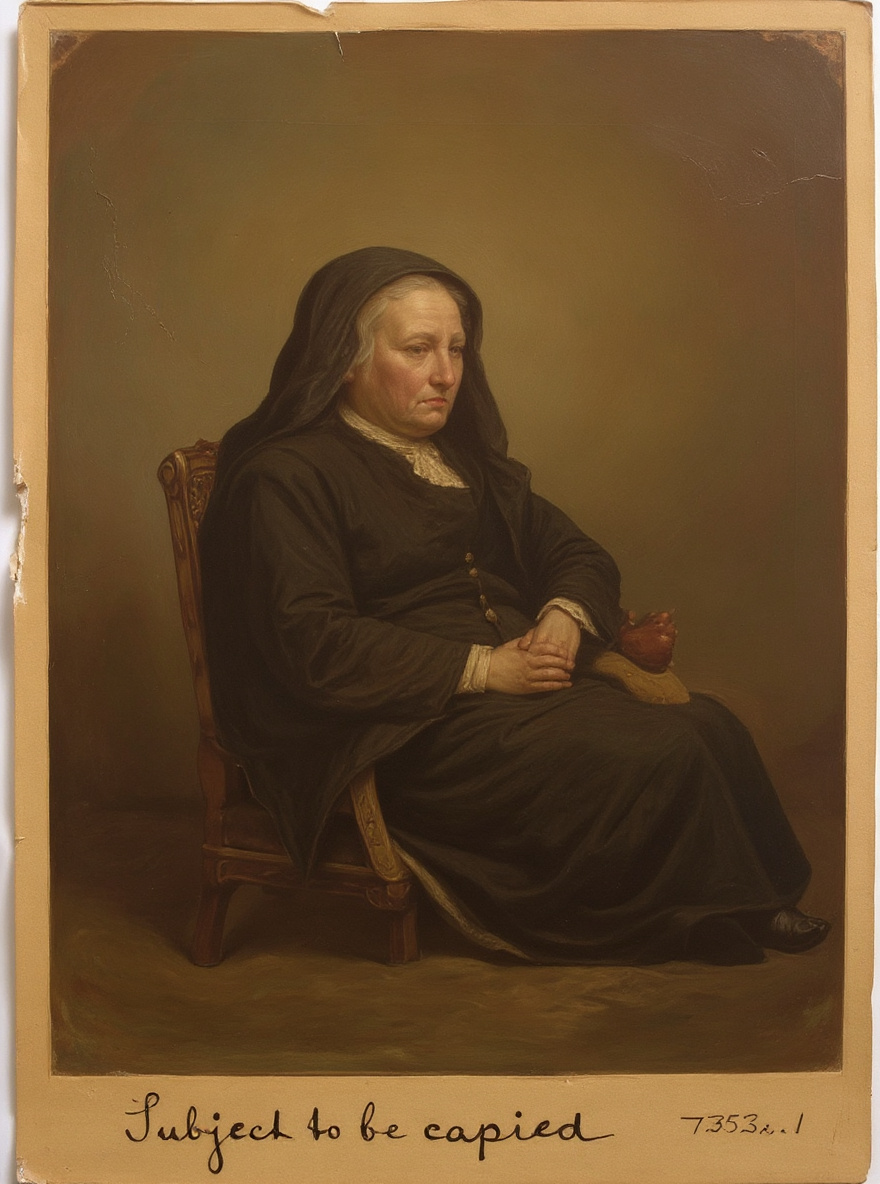
Recovering a severely faded portrait

The 1857 print has very low contrast, uneven fading, and worn edges. Restoration makes the seated subject, clothing, chair, and tonal separation easier to see.

Before
Fading and low contrast
After
Visible subject and stronger tonal detail
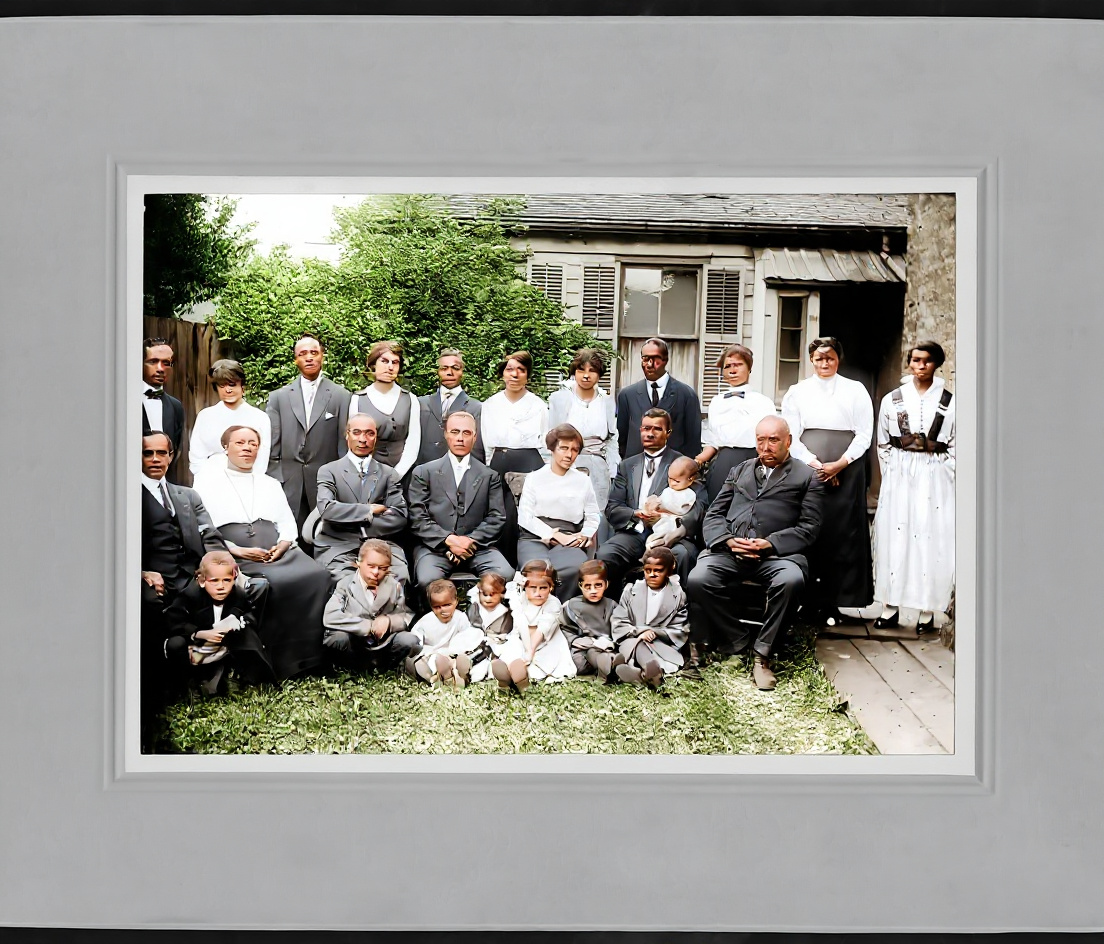
Before and after AI restoration of a circa-1920 family group photograph — After
Before and after AI restoration of a circa-1920 family group photograph — Before
BeforeAfter

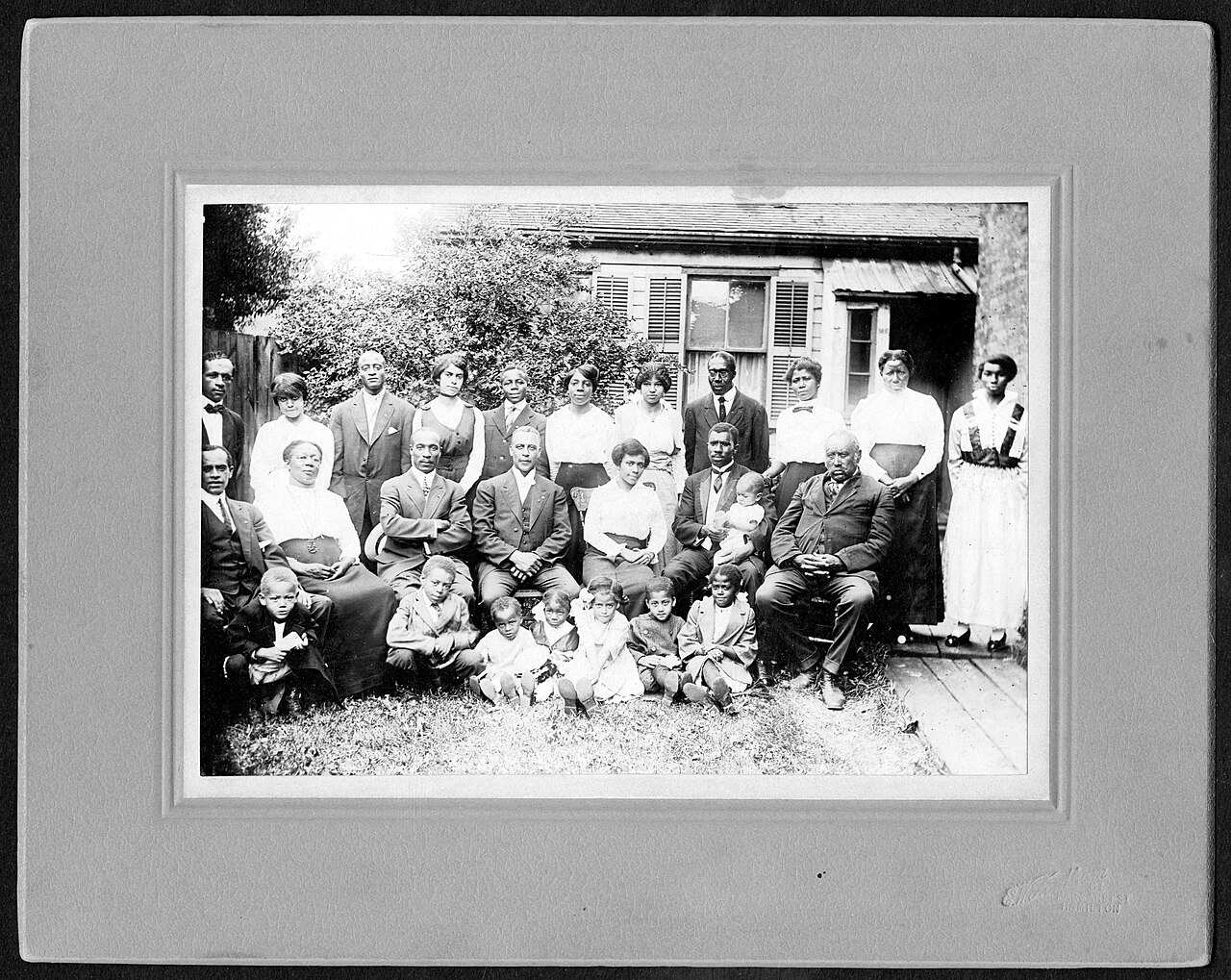
Restoring a century-old family photograph

This circa-1920 group scan contains many small faces and flat monochrome detail. The result improves separation between people, clothing, foliage, and the house.

Before
Flat monochrome group scan
After
Clearer people and scene separation
Before and after AI restoration of a 1920s Malta street postcard — After
Before and after AI restoration of a 1920s Malta street postcard — Before
BeforeAfter

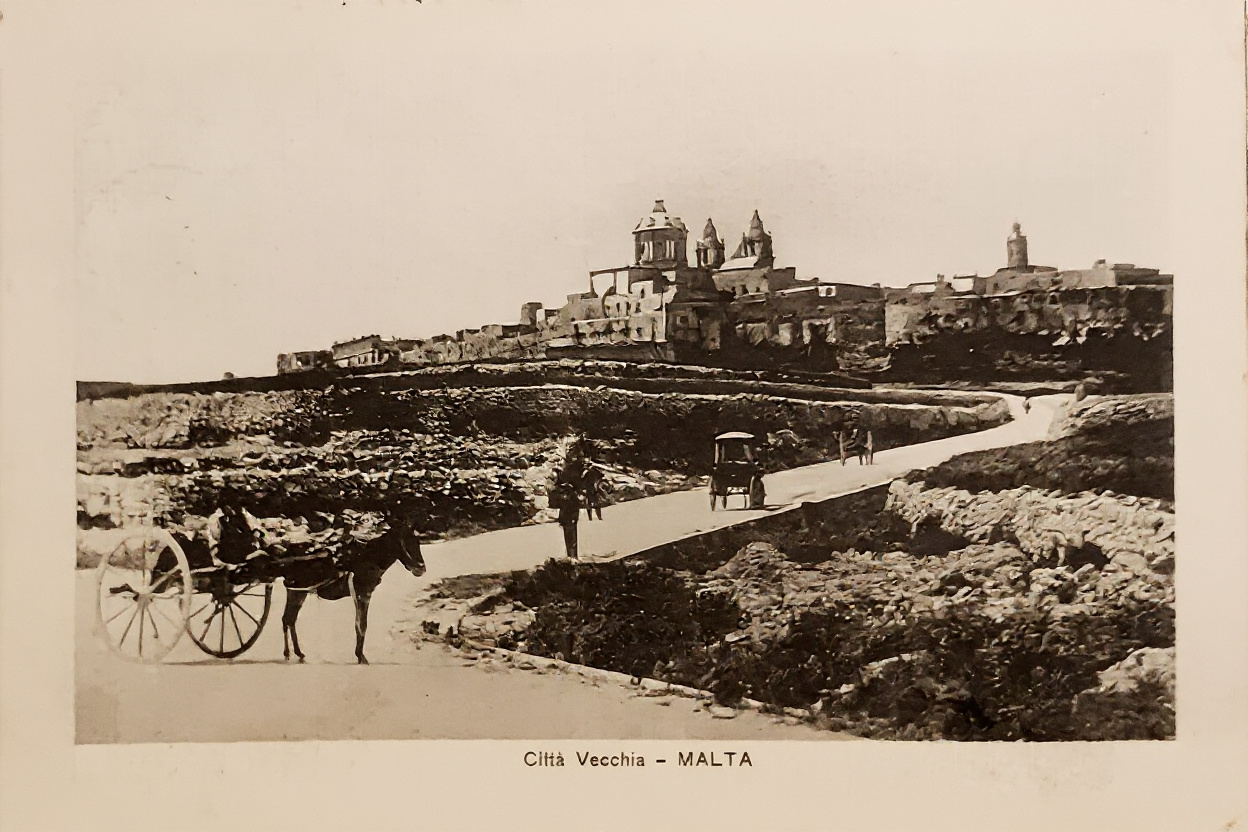
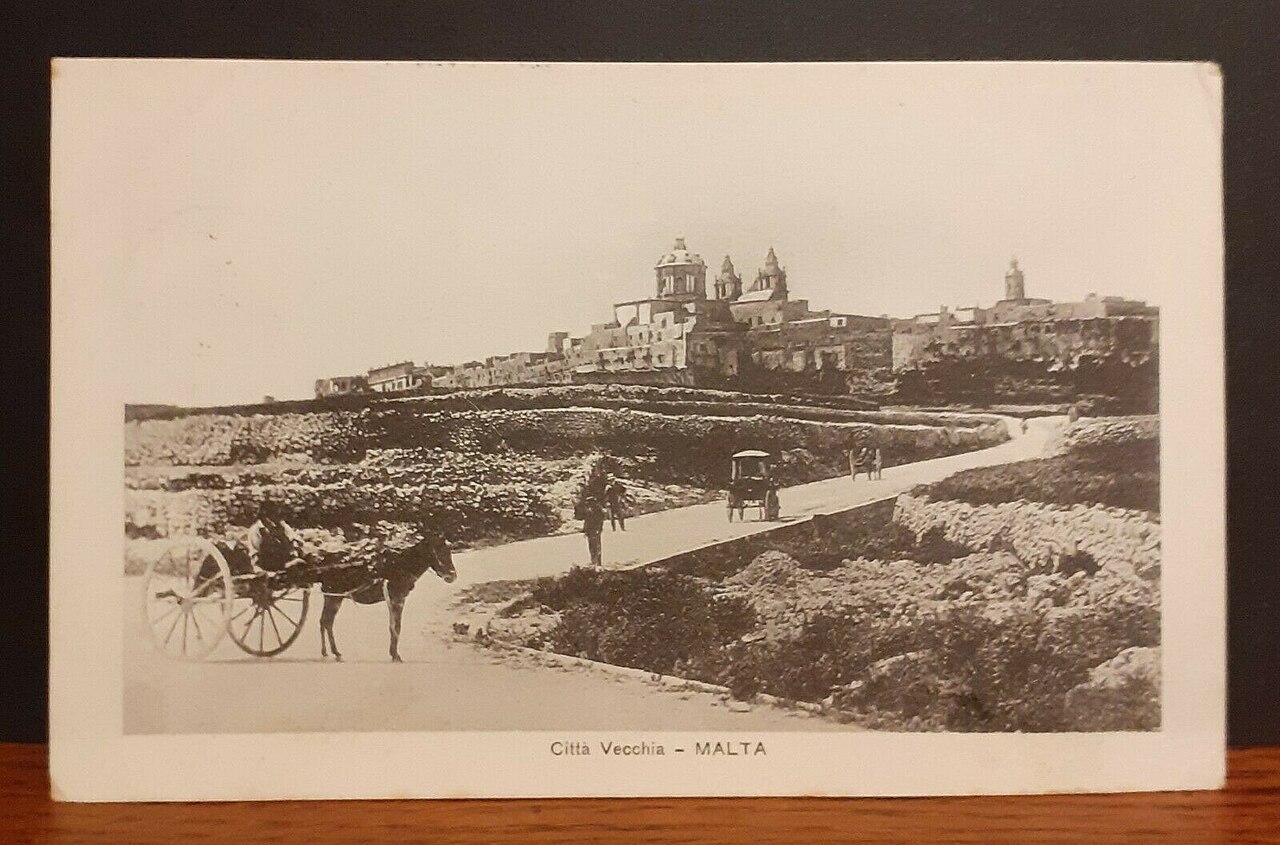
Cleaning an aged street-scene postcard

The old Malta postcard has a warm cast, weak local contrast, and softened stone textures. Restoration clarifies the road, carriage, buildings, and landscape.

Before
Age cast and softened detail
After
Cleaner architecture and street detail

AI restoration reconstructs plausible detail; it cannot recover a historically exact version of information that is completely missing.

How to restore an old photo

01

Upload the damaged photo

Choose a scan or photograph with scratches, fading, folds, or missing detail.

02

Start AI restoration

Review the fixed 30-credit price, sign in, and start one restoration task.

03

Compare and download

Use the Before and After slider, then download or continue editing the result.

What kinds of old photo damage can AI repair?

Old photo restoration works best when the original subject is still recognizable. These are the most suitable problems to upload.

Fading and low contrast

Recover separation between faces, clothing, backgrounds, and shadow areas in washed-out scans.

Scratches, dust, and fold marks

Reduce small surface defects and rebuild short missing lines where enough surrounding context remains.

Discoloration and age cast

Correct uneven yellow, brown, or green casts and produce a more balanced restored photograph.

Old photo restoration questions

Try AI Image Upscaler

How much does old photo restoration cost?

Each restoration costs a fixed 30 credits. Technical failures are refunded automatically.

Will the photo be colorized?

The restoration model may apply natural colorization when it helps recover the photograph.

Is my original photo saved?

No. The original remains in your browser; only the restored result is saved to your account.

Can it repair every damaged photo?

It works best when the main people or objects are still visible. Missing areas may be reconstructed rather than recovered exactly.

Restore Old Photos Online with AI | ImgPilot