Coordinate separate pieces
Use one reference image for each item instead of squeezing several garments into one image.
Upload your photo to try one garment for free, or sign in to combine up to 6 clothing images with Full outfit. Paid results have no watermark.
Free watermarked previews. Unlock the original of a result you like for $1.99, with no subscription.
Upload a person
Use one clear, well-lit person photo.
JPG, PNG or WebP · up to 10 MB
Keep the complete garment visible in its image.
Try a garment sample
Only upload photos of yourself or people who have explicitly allowed you to use their photos. Do not create intimate or sexualized images of anyone without their consent. Person photos and generated results are screened for inappropriate content.
1 free guest preview per browser. Downloads include an ImgPilot watermark.
Want a quick test without creating an account? Use the free online clothes changer
AI outfit editing explained
Full outfit brings separate clothing references into one person photo. Pair a jacket with trousers and shoes, or build another combination from up to six item images. The AI outfit changer uses those references to propose one coordinated look.
Choose a photo that shows the areas you want to restyle: visible legs for trousers and visible feet for shoes. Upload each garment separately so the tool can distinguish the pieces.
Single item remains available for a quick free test. For the complete no-sign-up workflow and free allowance rules, use the dedicated free online clothes changer page.
Use one reference image for each item instead of squeezing several garments into one image.
Full outfit starts at 10 credits. Each additional clothing image adds 2 credits, up to 20 for six items.
Full outfit results are watermark-free and saved to your account history.
How to use it
Start with a clear, well-lit person photo. Use one clothing item per reference image and keep each item fully visible.
Add a clear photo of one person. For trousers and shoes, use a full-body photo with the legs and feet visible.
Try-on mode
Full outfit
Up to 6 items · No watermark
Use Single item for one free garment preview, or sign in and choose Full outfit for 1–6 clothing images. Review the displayed cost before generating.
Your changed outfit
ReadyGenerate your look and review the details. Download a watermarked preview free, or pay US$1.99 once for its watermark-free original. Full outfit results are watermark-free and saved to your history.
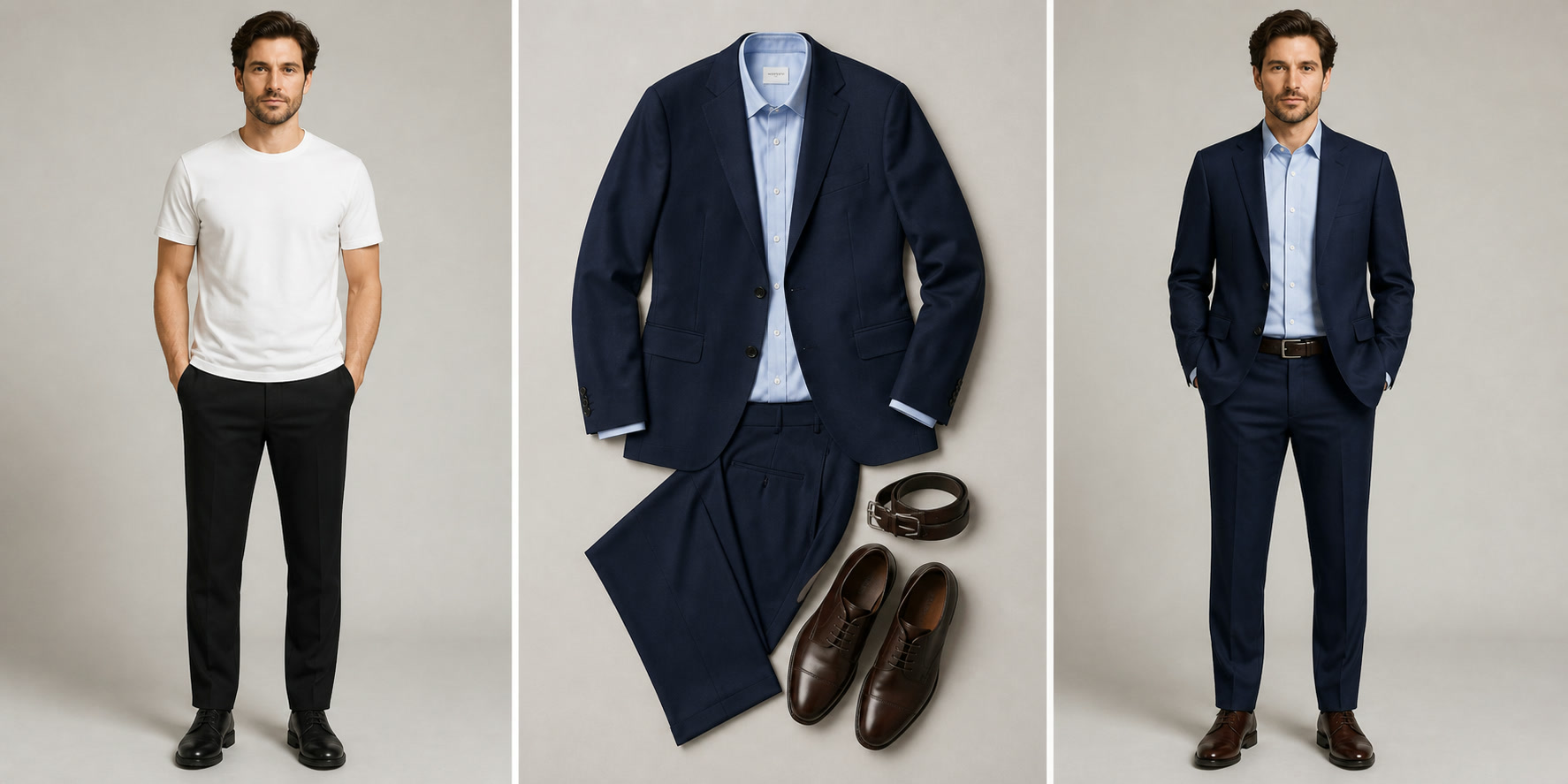
Before · outfit · after
The three-item illustration below shows how a jacket, trousers and shoes form one look. The tailoring comparison offers another styling reference; review generated details before using a result.
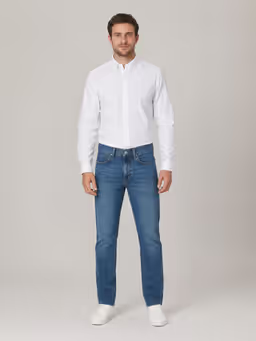
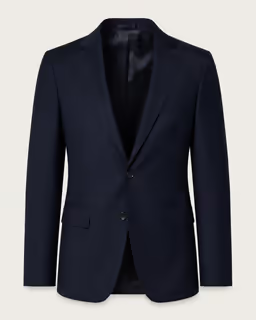
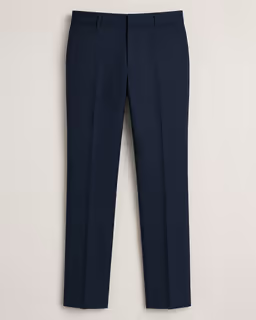
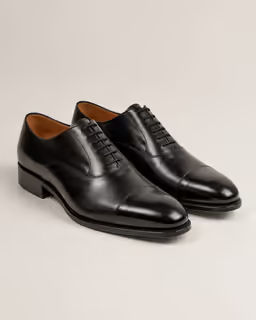
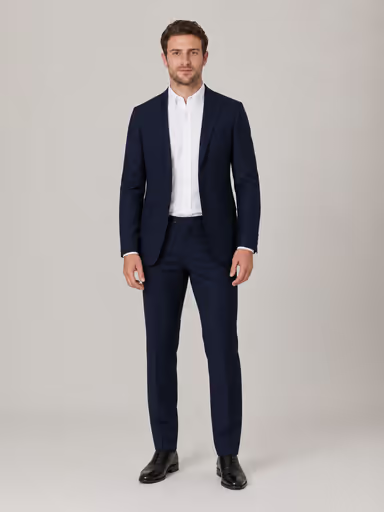
Combine a navy suit jacket, matching trousers and black leather shoes with one person photo. This illustrative example explains the three-item workflow; it is not a recorded tool result.
Where it helps
Use the AI clothes changer for styling exploration, product concepts and content production—not as a substitute for final fit or sizing advice.
Compare colors and silhouettes before buying or packing a wardrobe.
Place a product on a model photo to explore merchandising directions.
Test seasonal looks before committing to a full production shoot.
Refresh portraits and social visuals with a different outfit and mood.
Full outfit capabilities
Review the inputs, credit cost and delivery before creating a complete look.
| Capability | Full outfit includes |
|---|---|
| Clothing references | 1–6 images, with one item per image |
| Credit cost | 10 credits for the first item, then 2 per additional item; 20 for six |
| Person photo | One person photo; no additional image charge |
| Result download | No watermark on paid results |
| Saved results | Paid generations appear in your account history |
| Failed generation | Credits returned if the paid generation fails |
Questions
Yes. Standard free downloads include a light ImgPilot watermark. You can pay $1.99 once to unlock the original of a result you like. No subscription is required. Download within 24 hours after payment; repeat downloads of that image within its download window cost nothing extra.
An AI clothes changer is a photo-editing tool that replaces visible clothing from one or more garment images while attempting to preserve the original person, pose and scene.
Yes. Full outfit accepts one person photo and 1–6 clothing images, with one item per image. For example, upload a jacket, trousers and shoes separately to create one look.
One item costs 10 credits, with 2 credits for each additional item: 10, 12, 14, 16, 18 or 20 credits for 1–6 items. Your person photo does not add to the cost.
Credits are returned if a paid generation fails. A request that is still processing can be checked again without paying for another generation.
No. Upload your clothing images and Full outfit combines them automatically. No text prompt is required.
Use a clear person photo and separate, well-lit images showing each complete clothing item. For trousers and shoes, keep the legs and feet visible in the person photo. Avoid folded items and heavy obstruction.
The workflow is designed to preserve identity, pose and proportions, but difficult poses, cropped bodies, hands covering clothing and low-resolution photos can introduce changes.
No. It is a visual content tool, not a measurement system. Do not use generated images as a guarantee of physical sizing, drape or fit.
ImgPilot automatically deletes uploaded files from its servers within 7 days, ensuring your data remains secure and private. Full outfit reference photos are stored privately for generation and necessary troubleshooting by authorized staff. Free preview uploads may be deleted sooner. This does not delete paid generated results from your history.
Single item or full outfit
Try one garment free, or combine up to 6 clothing images with Full outfit for a watermark-free result saved to your history.


























