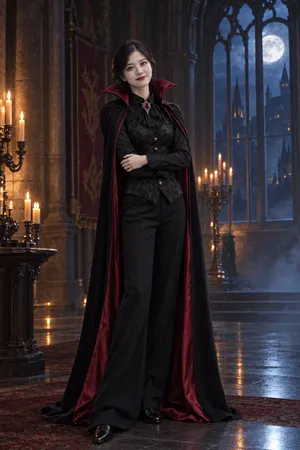
Figure out what to be for Halloween
Not sure what to dress up as? Pick four costumes and compare them side by side on your own photo. Choose Costume to see a wearable outfit with your face untouched, then use the list to put it together.
What should you be for Halloween? Ask the mirror.
Upload one photo, pick up to four costumes and see yourself in each one: the costume, the makeup and the scene.
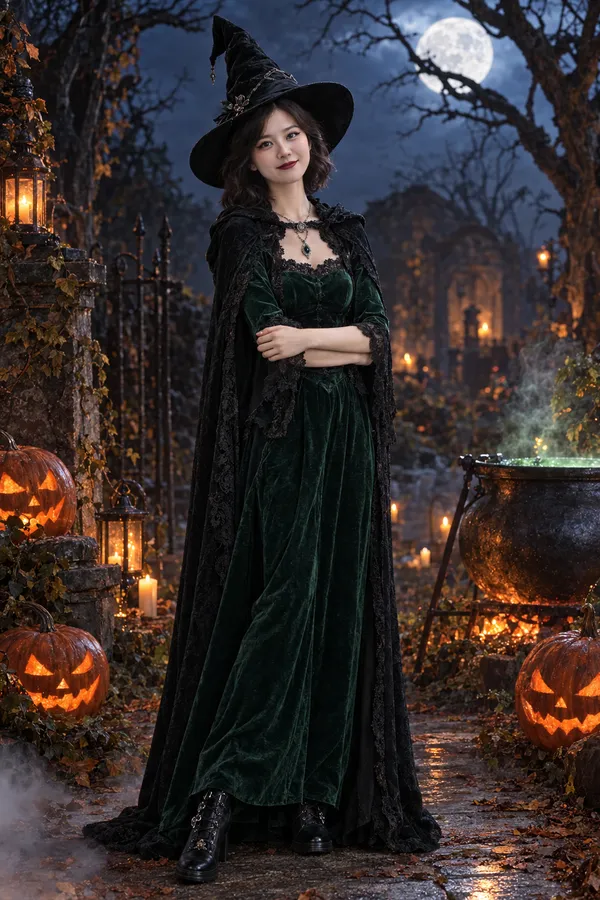
All 16 looks below come from the same everyday photo. Each one has a get-the-look list, so it doubles as an easy DIY or last-minute Halloween costume idea.
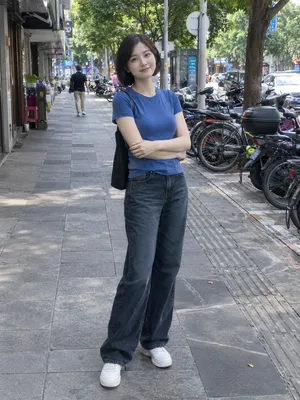 Every card is a real result on the same person.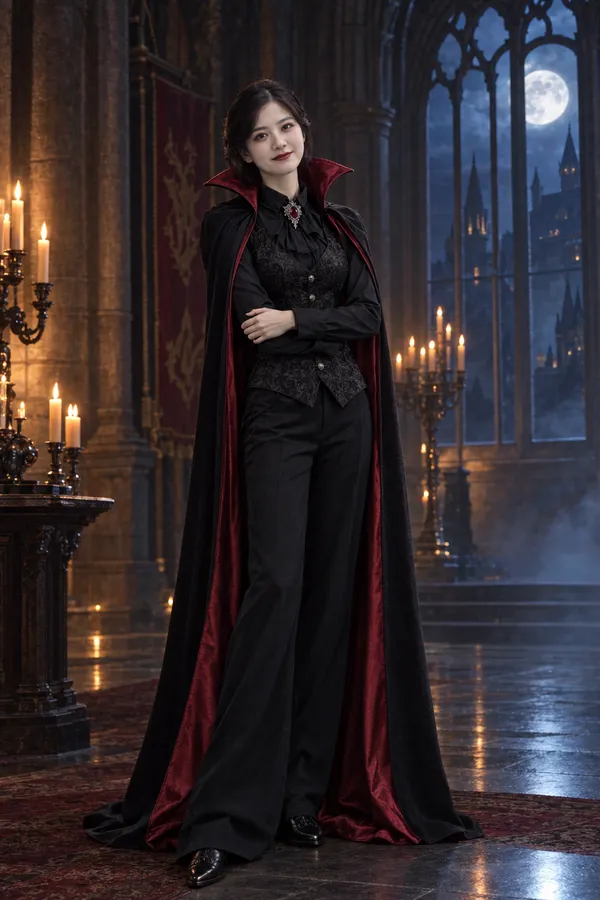
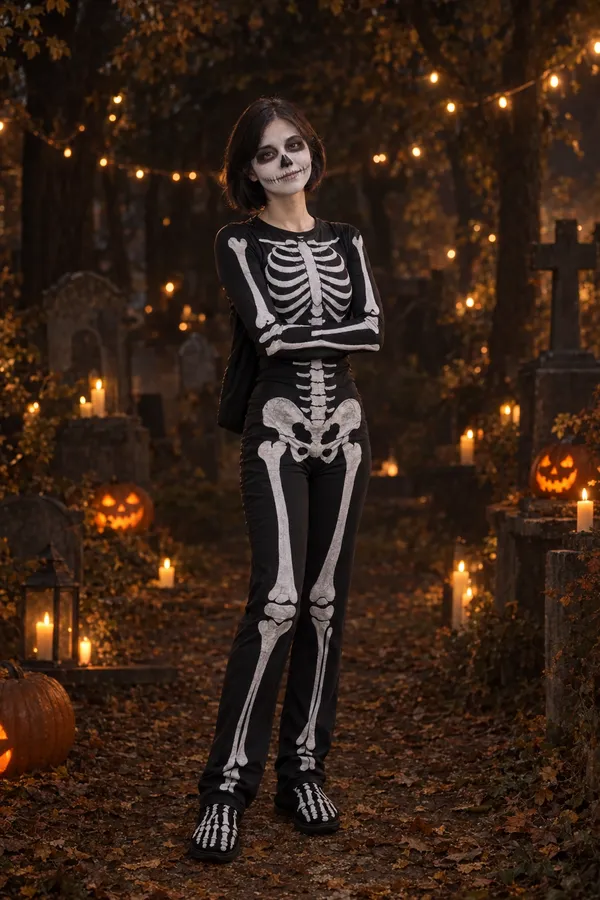
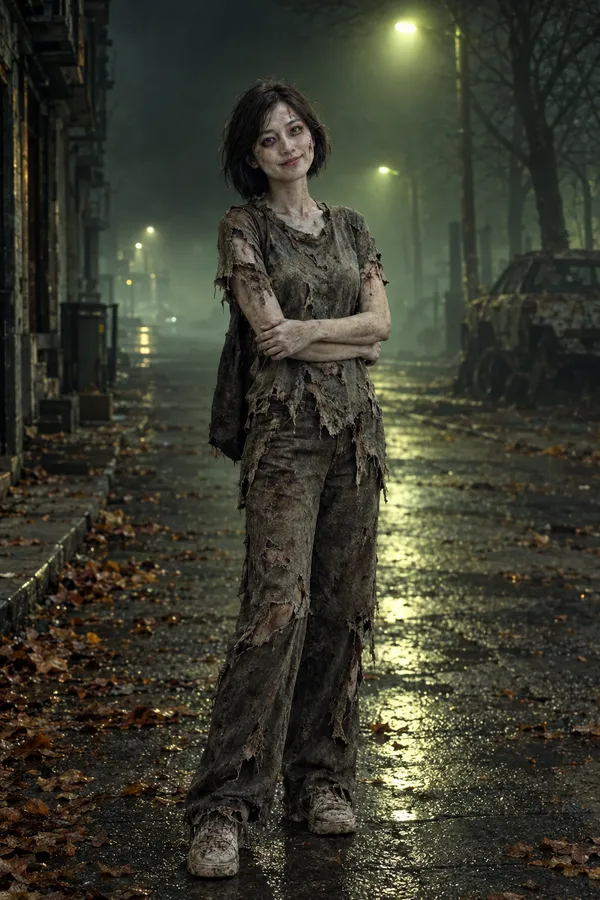
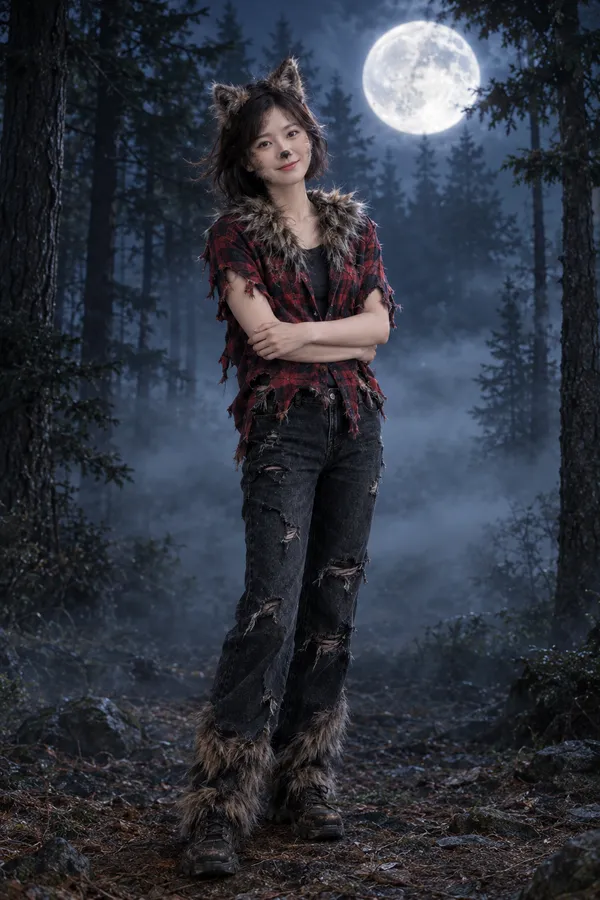
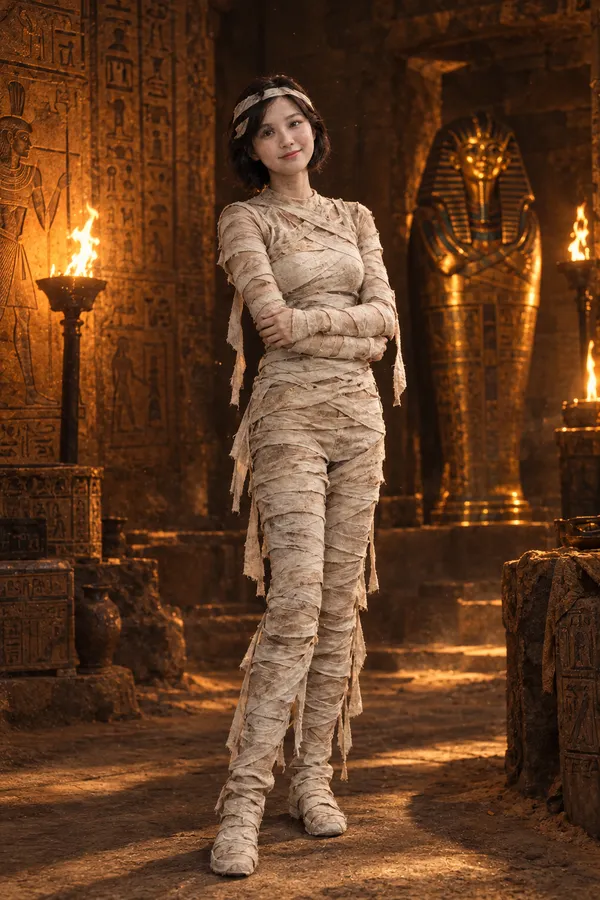
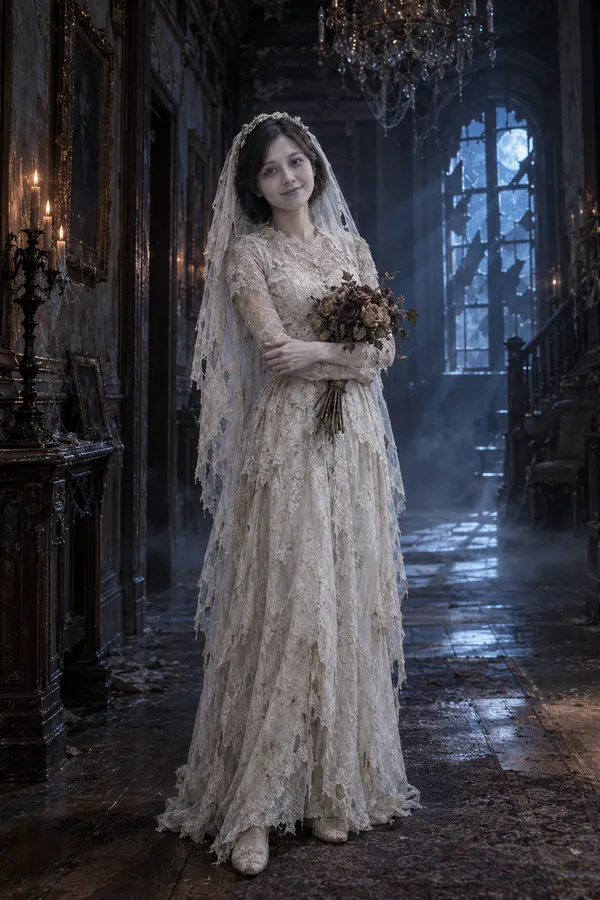
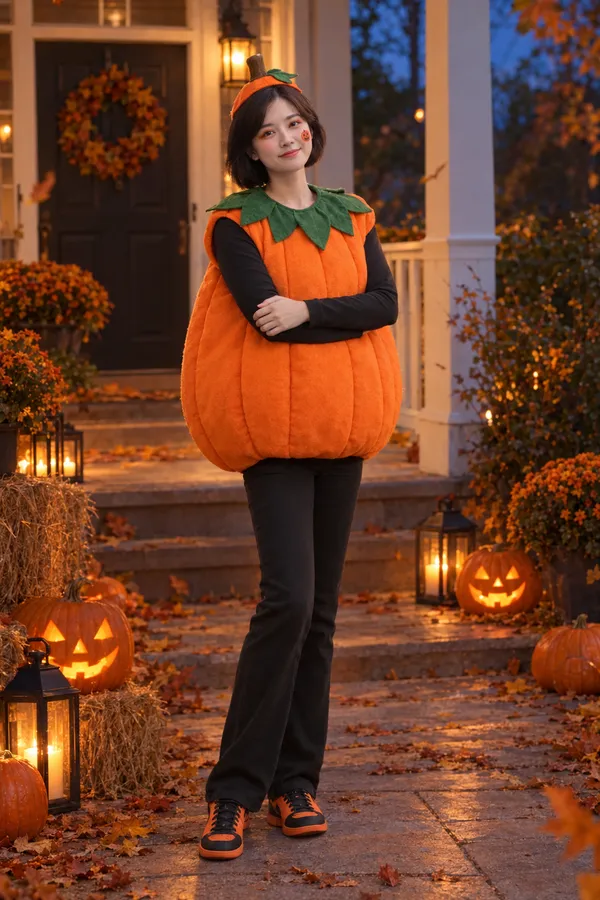
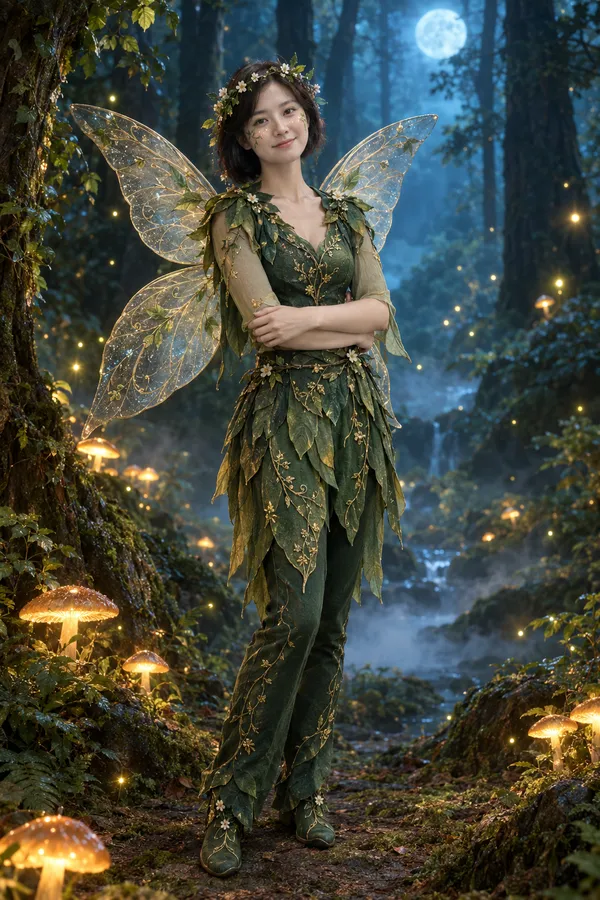
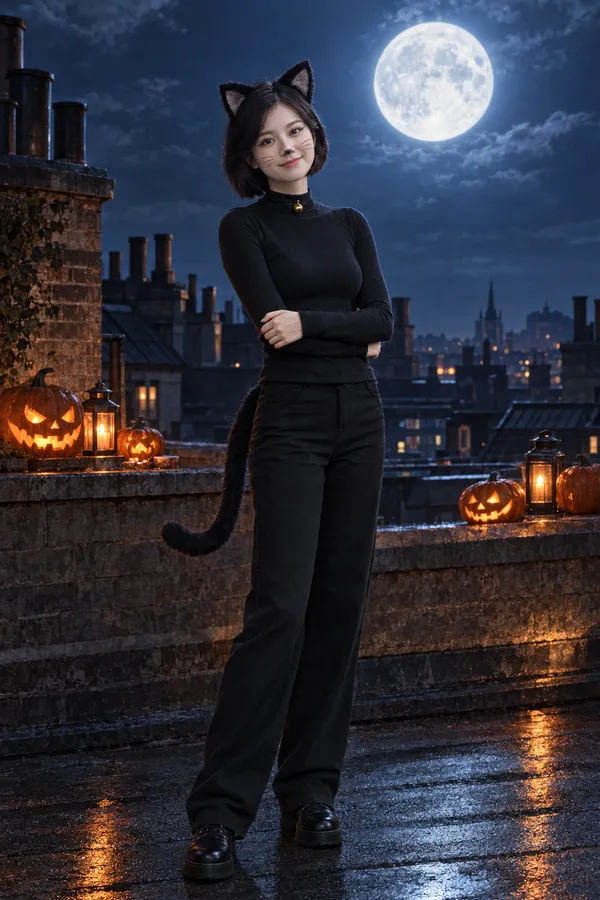
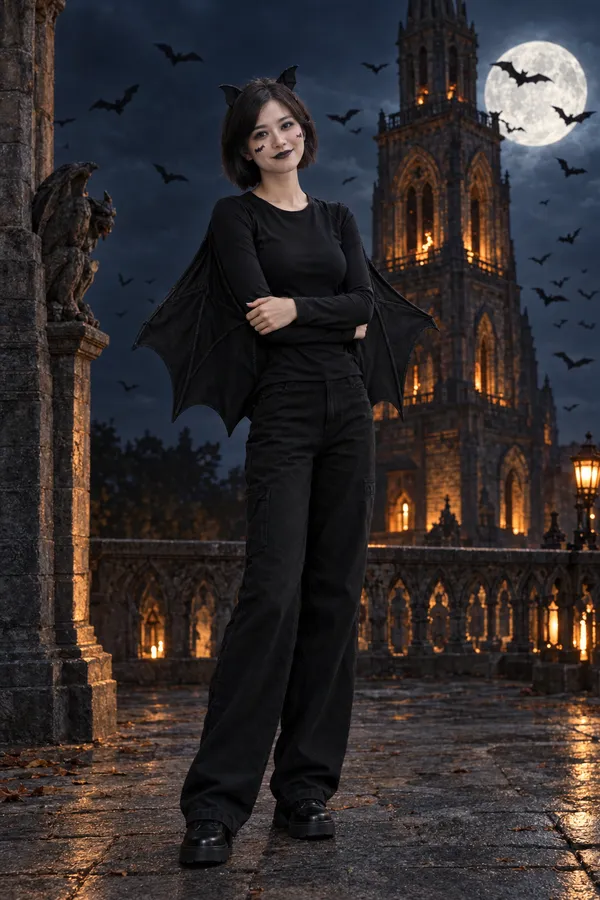
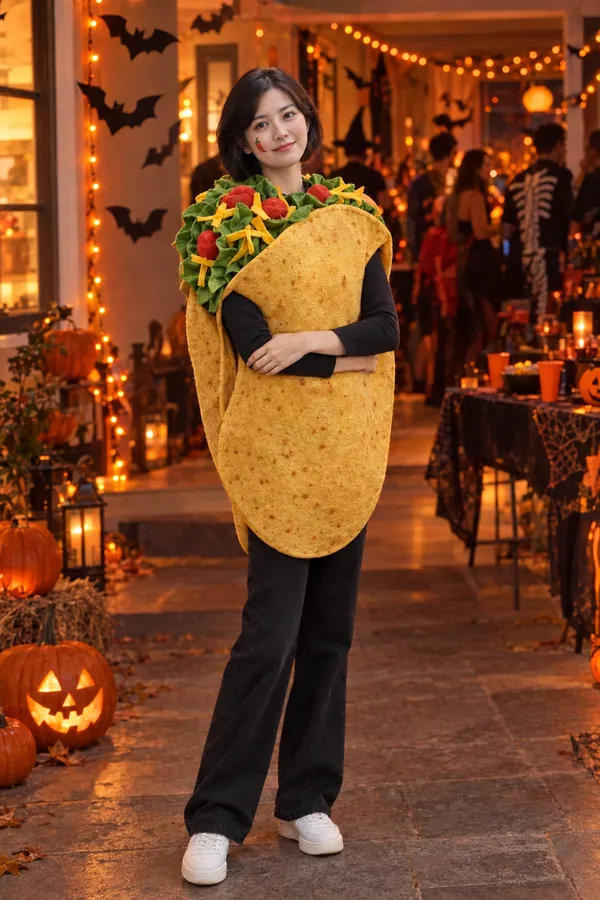
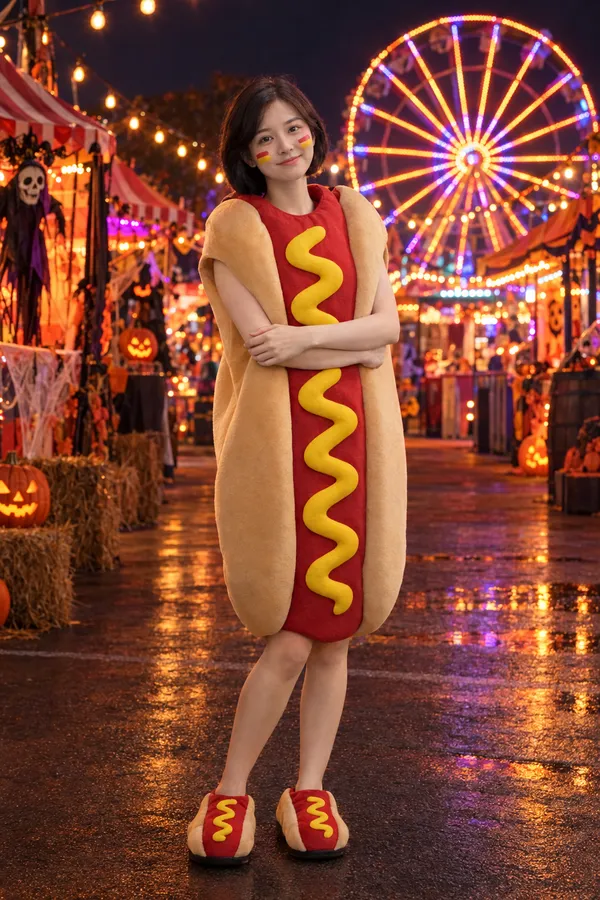
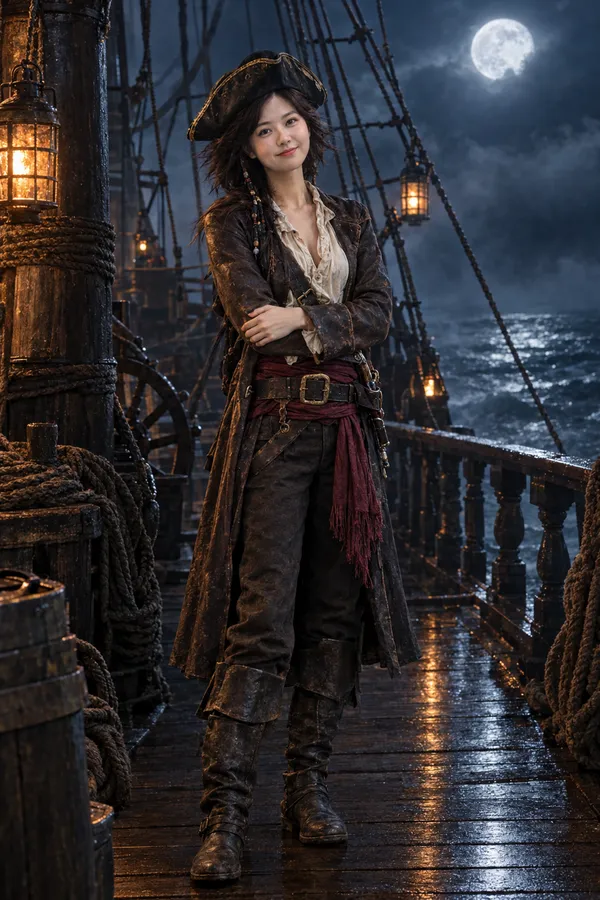
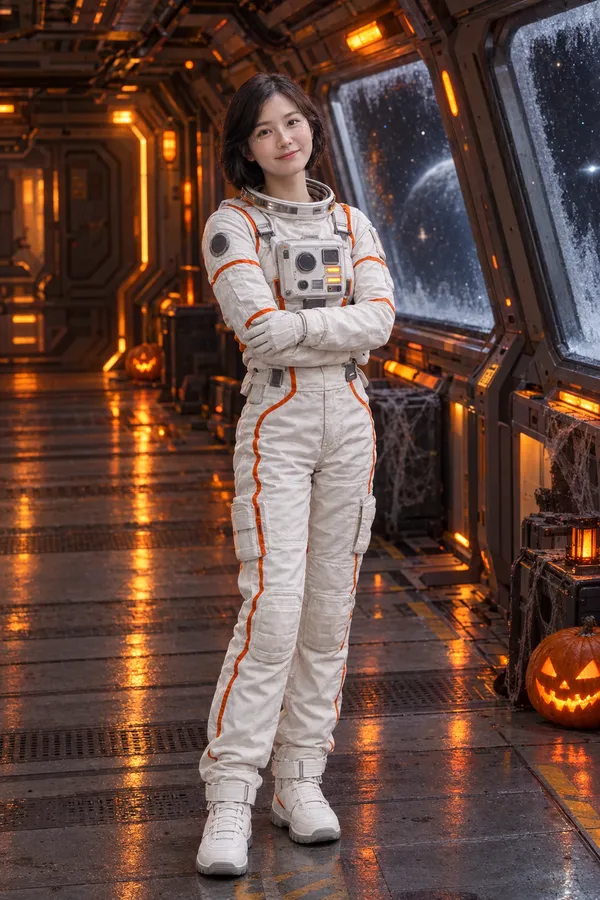
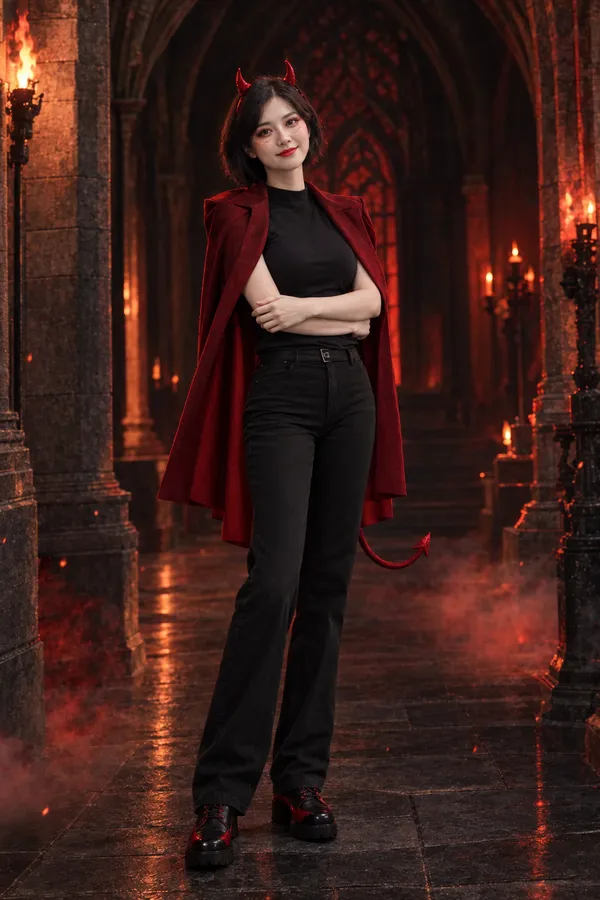
Not sure what to dress up as? Pick four costumes and compare them side by side on your own photo. Choose Costume to see a wearable outfit with your face untouched, then use the list to put it together.
Full look adds makeup to your real features: skull face paint for a skeleton, red lips and smoky eyes for a vampire, winged liner for a witch or a black cat. See the idea on your photo before you buy the paint.
Parents can try costumes on a child's photo. The AI keeps the child's real age and every level stays kid-friendly, so even All in looks cute-spooky rather than scary.
Party flash and 80s horror scenes make an instant Halloween profile picture. Post a “which one should I be?” collage, or turn your favorite look into a short Halloween video.
Photo too blurry or dark? Sharpen it with the AI image enhancer first. Want to try a real outfit from a store photo? Use the AI clothes changer. Dressing up as a pair? Make a zombie couple video.
Upload one clear photo. A full-body photo shows the whole costume; a portrait stays a portrait.
Choose costumes, how spooky you want to go and the scene. Not sure? Let the mirror surprise you.
See every look side by side, download your favorite or post a “which one should I be?” collage.
Upload one photo, pick up to four costumes, choose how spooky to go and a scene. The AI dresses the same person from your photo in each costume. No prompt writing needed.
It aims to keep your face, age, skin tone and body recognizable. Costume keeps your face untouched, Full look adds makeup on your real features, and All in adds creature effects like fangs or fur. Exact likeness is not guaranteed, and blurry photos give weaker results.
Yes. A full-body photo lets the AI dress your whole body, including shoes. Seated and side-facing photos work too. A half-body photo stays half-body; legs are not invented.
One person with a clear, well-lit face. Include head to feet if you want the whole costume, and leave some space above the head for hats and horns. Group photos, tiny faces and sunglasses give weaker results.
Sixteen looks: vampire, witch, skeleton, zombie, werewolf, mummy, ghost bride, pumpkin, fairy, black cat, bat, taco, hot dog, pirate, astronaut and devil.
Yes. Choose Full look to add matching makeup to your own face, such as skull face paint, vampire lips or witch eyeliner. Choose All in for special effects like fangs, fur or cracked zombie skin.
Yes. Download any look as a full-size image for your profile, or post the 9:16 “which one should I be?” collage. You can also turn a look into a short video with the ImgPilot AI video generator.
You can try it for free: new accounts get free credits for a first look. After that, each look uses ImgPilot credits, comparing two to four looks costs less per look, and you can top up with a one-time credit pack. No subscription needed.
Yes, if you are their parent or guardian. The AI keeps a child's real age and keeps every level kid-friendly: no gore, and All in stays cute-spooky.
One clear photo of you, face visible. Full body if you want the whole costume.
JPG, PNG or WebP · up to 10 MBDrop your photo on the mirror
Every card is a real result on the same person.
Costume plus matching makeup and hair, like skull paint or vampire lips. Your features stay recognizably you.
A scene made for each costume: a castle, a forest, a ghost ship…
By revealing, you confirm you have the right to use this photo.