Classic GTA Art
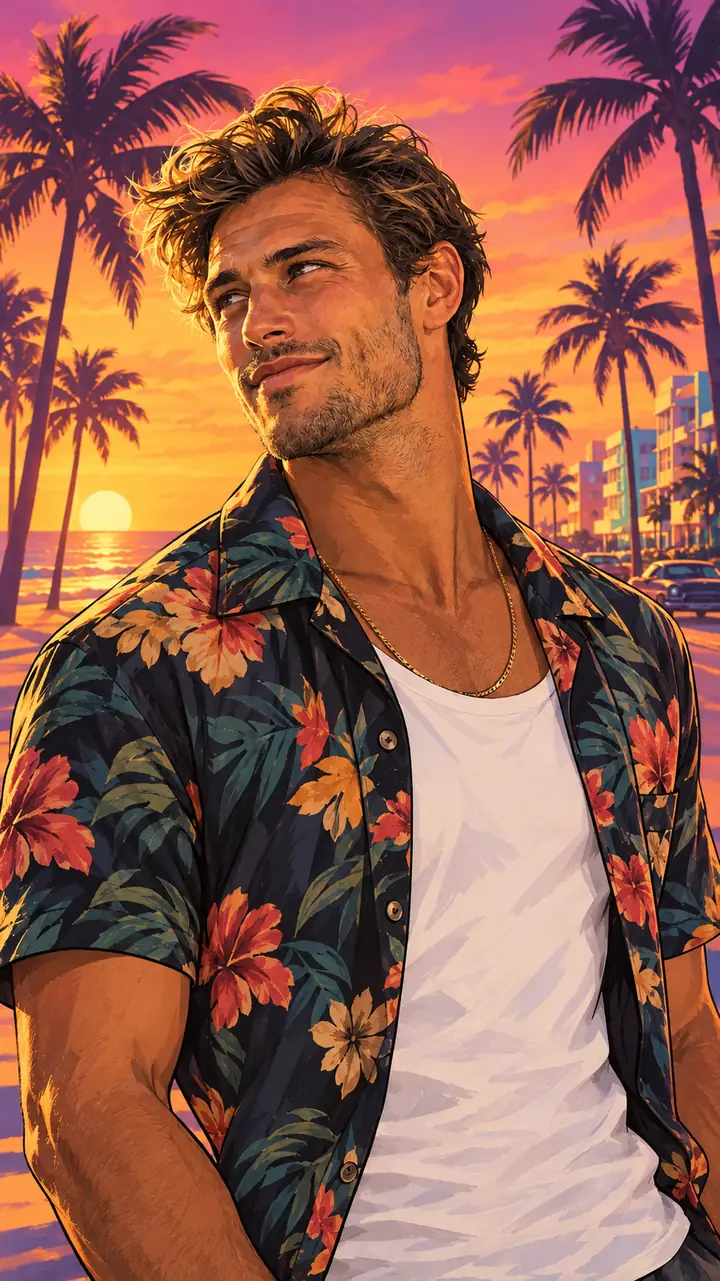
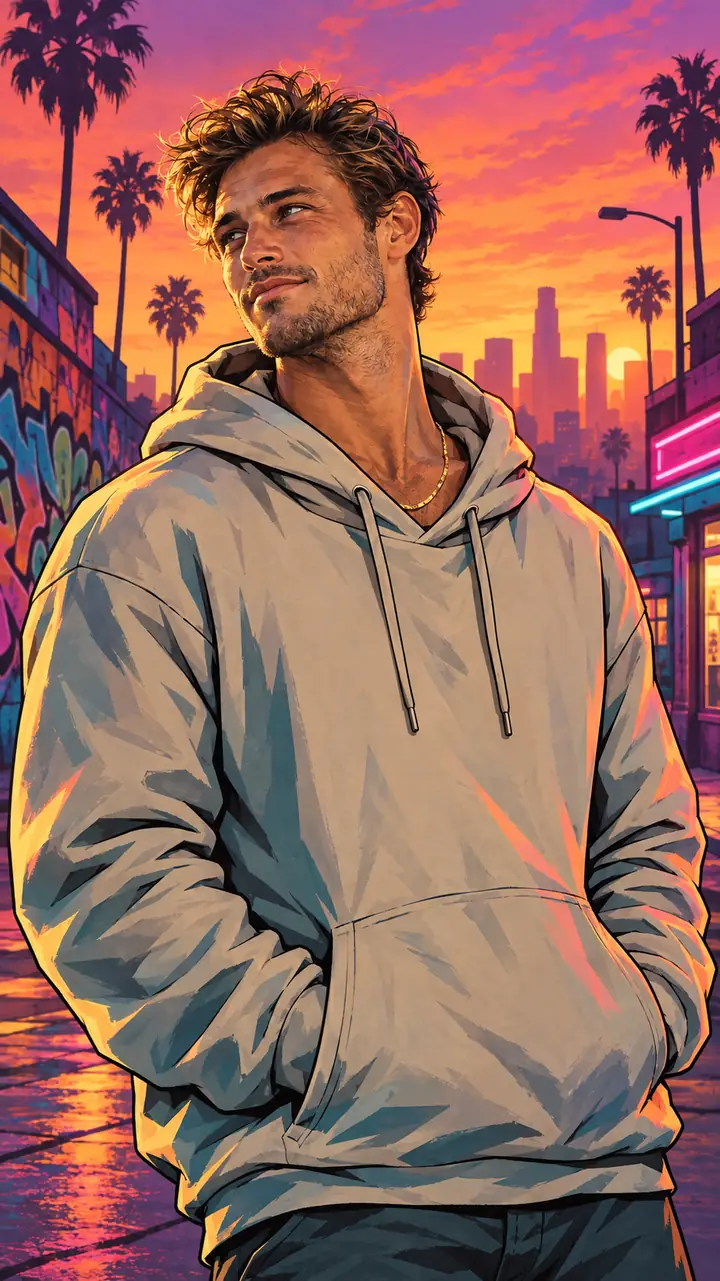
The iconic GTA art style: bold ink outlines, cel shading and a neon sunset city behind you — like GTA cover art, starring you.
- Best for profile pictures and posters
- Works for people, couples and pets
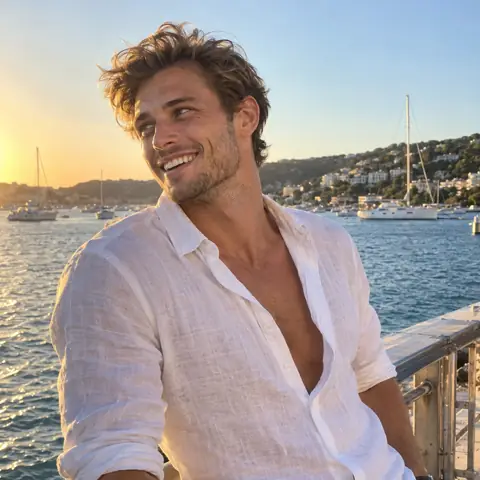
Upload a selfie and see yourself as a GTA character in seconds — classic GTA art, Vice City, San Andreas or the real-to-GTA 6 look. Your first look is free, no sign-up.
Four looks from one photo. Every style keeps your face recognizable — only the art style, era, outfit and city change.
The iconic GTA art style: bold ink outlines, cel shading and a neon sunset city behind you — like GTA cover art, starring you.
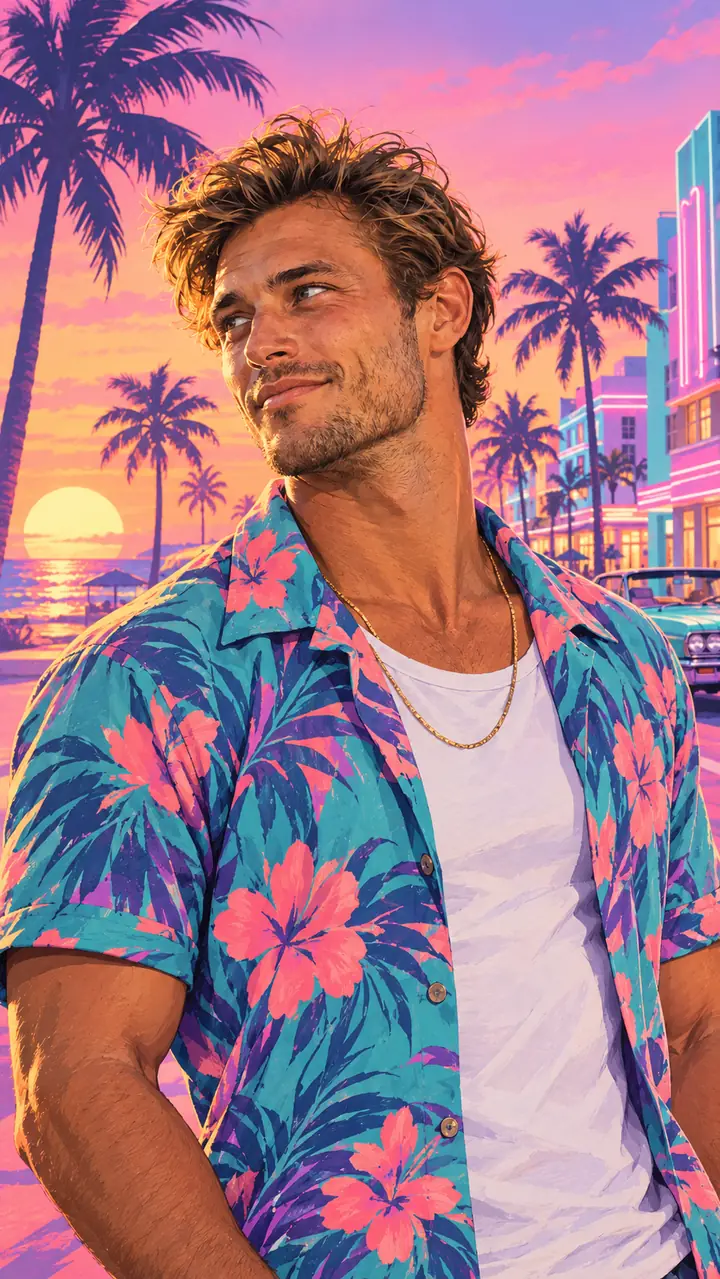
Hot pink, turquoise and sun haze: a retro 1980s Miami-style cover with art-deco hotels and palm trees.
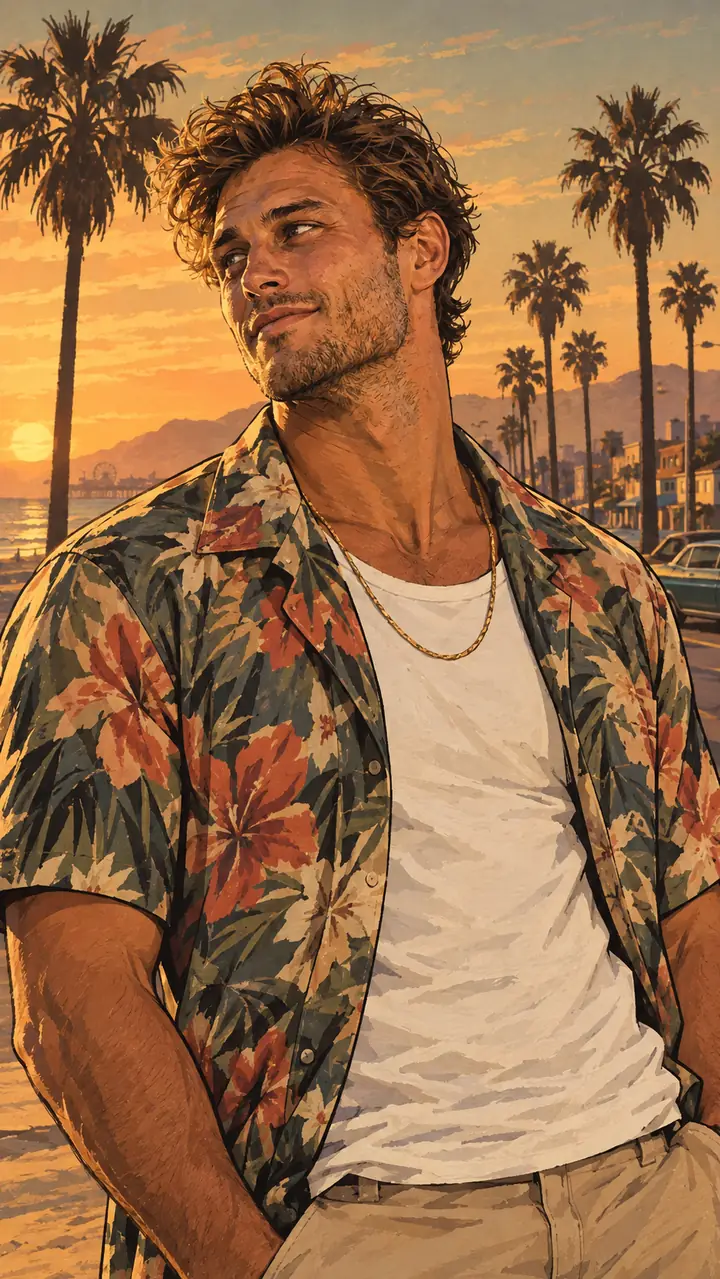
Warm, gritty 1990s West Coast art: low-rise streets, hazy hills, palm trees and 90s streetwear.
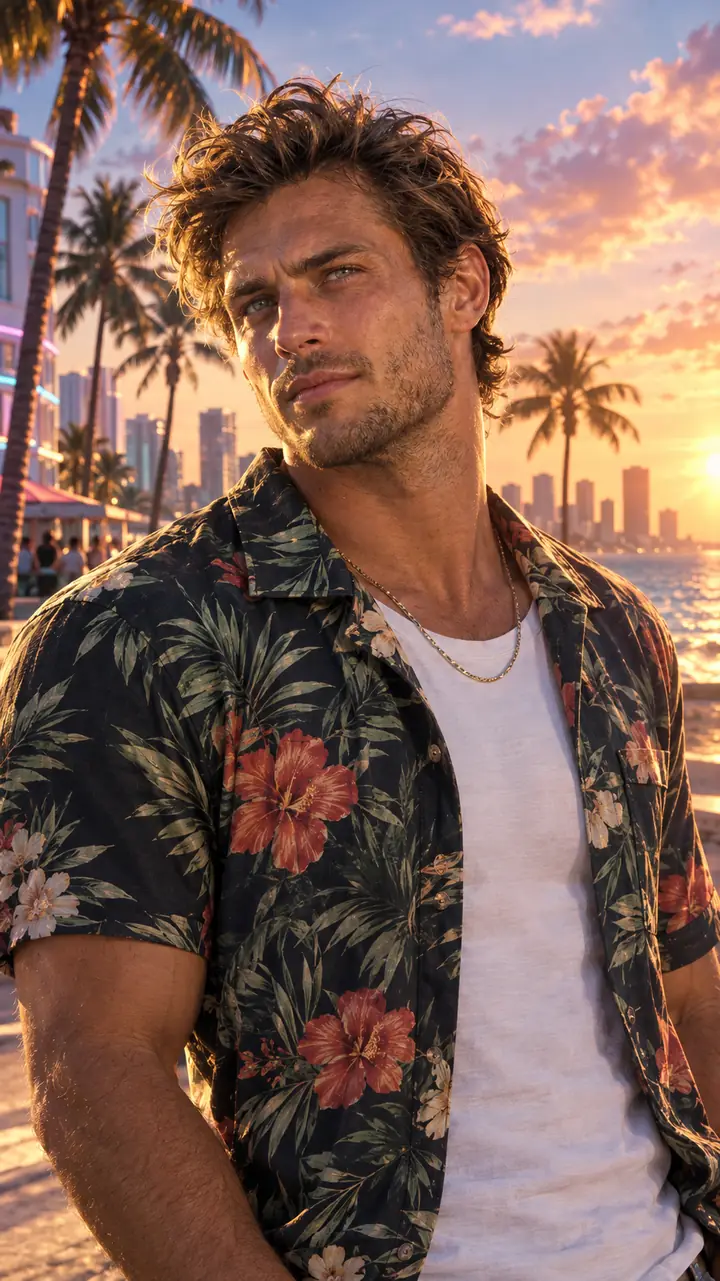
The viral real-to-GTA trend: you as a glossy, next-gen in-game character on a neon Vice-style strip, like a frame from a GTA 6 trailer.
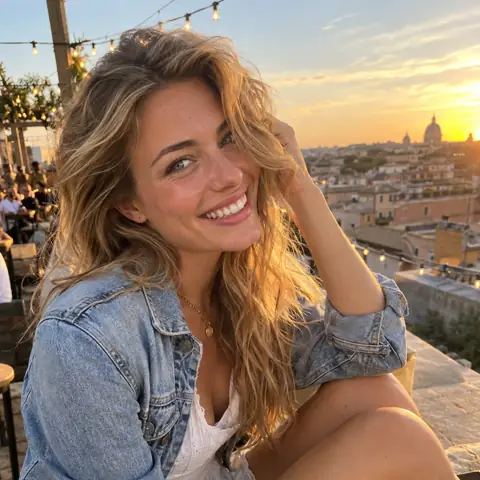
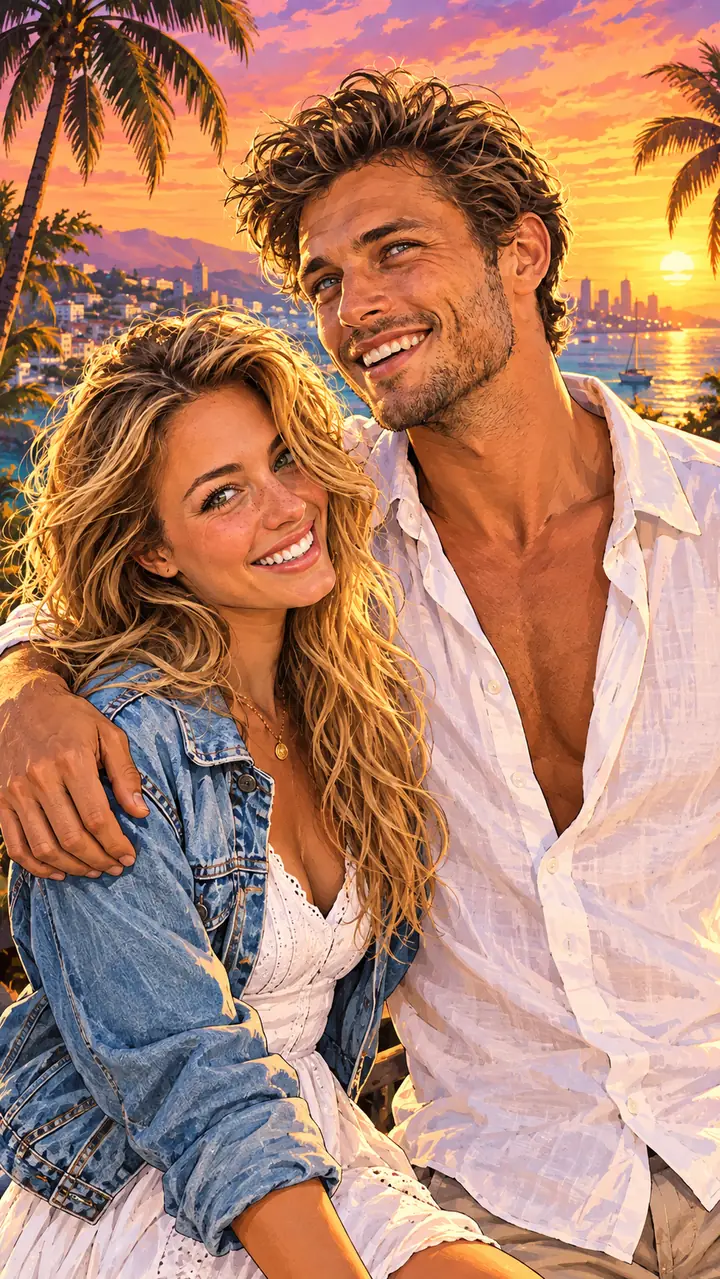
GTA 6 is a story about a couple. Upload one photo of each of you and get a crime-couple cover pose, a convertible ride or a night out — then turn it into a couple video.
Pick up to four outfits and lay your looks out like a game cover grid — one selfie, four characters, one post.
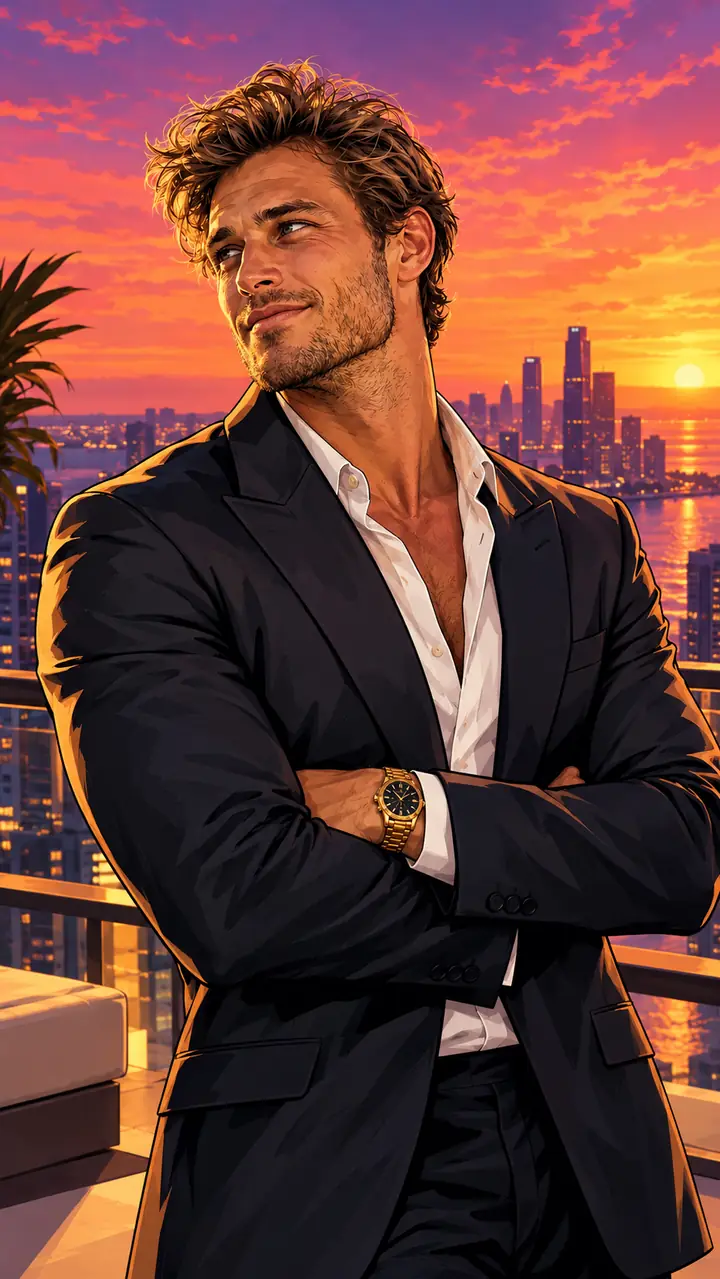
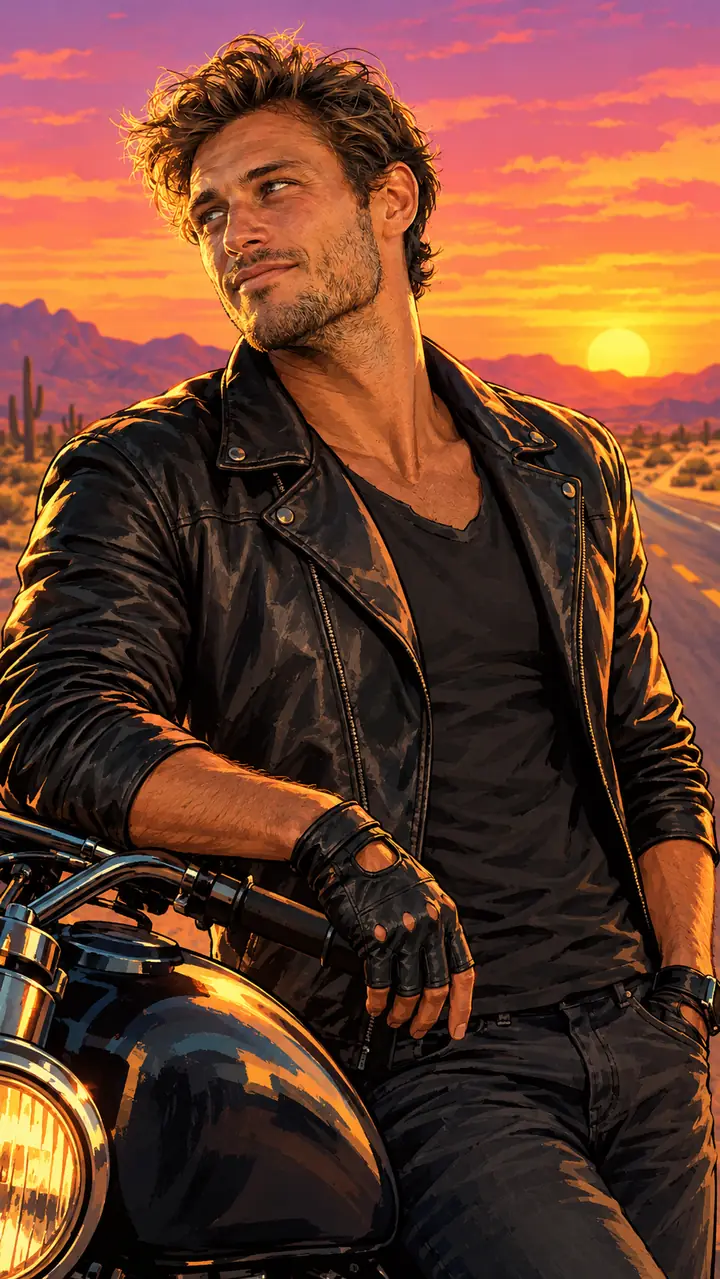
Love your GTA look? Bring it to life as a 5- or 10-second AI video with trailer-style camera moves, neon lights and a synthwave beat.
5 or 10 seconds · 9:16 or 16:9 · with sound · refund if it fails
One clear, front-facing photo of just you — or one photo of each partner, or your pet.
Classic, Vice City, San Andreas or Real-to-GTA 6. Your first look is free; ready in about a minute.
Save your looks in HD, lay them out as a GTA-style cover, or turn your favorite into a 5- or 10-second video.
The GTA lenses on Instagram and Snapchat are live camera effects. If you want a high-quality GTA-style picture of yourself instead, create it here and post it in vertical 9:16 for Stories, Reels and TikTok — next to your original photo for the before-and-after reveal.
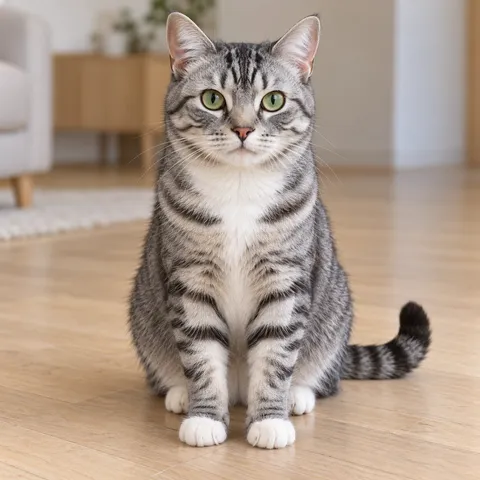
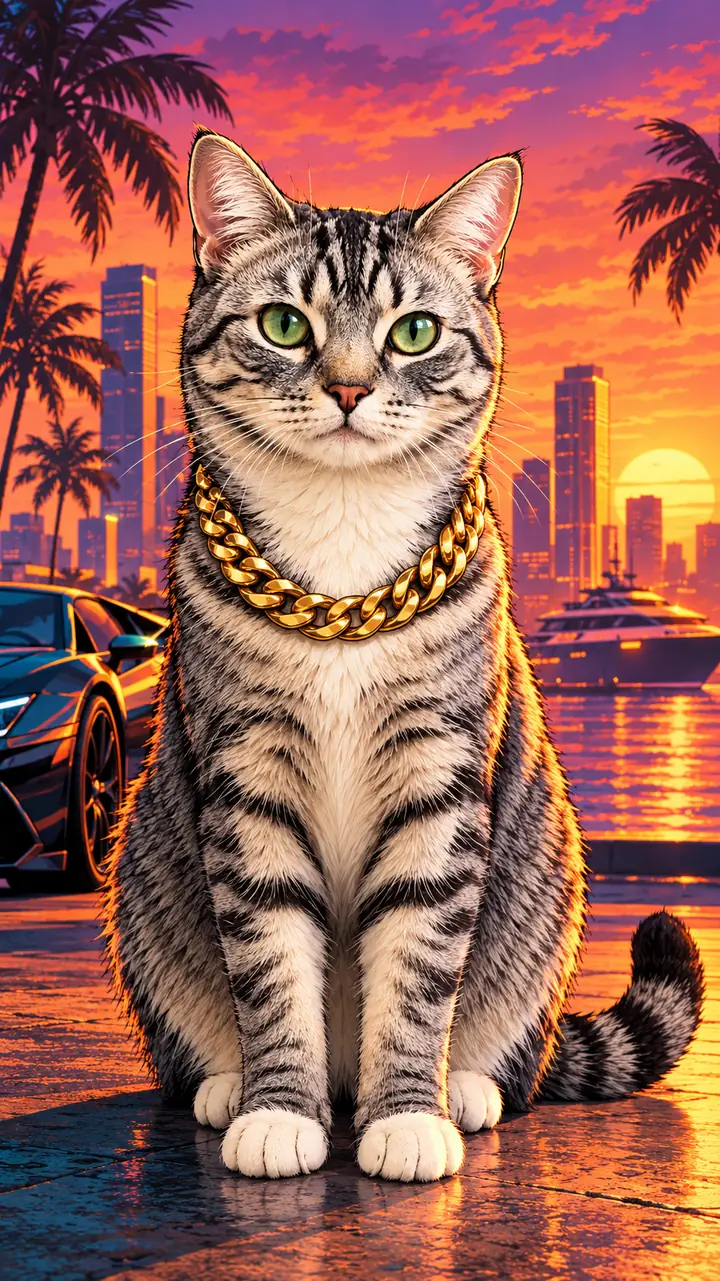
Turn your dog or cat into a GTA crime boss with a gold chain in the style you like — then send them cruising the coast in a Pet Boss Ride video. Same face, same markings, more attitude.
Prefer to tweak every detail yourself? Copy one of our tested GTA prompts and use it in any AI image tool.
An AI tool that turns your photo into a GTA-style character. Upload a selfie, pick Classic GTA Art, Vice City, San Andreas or Real-to-GTA 6, and get your GTA look in about a minute — no editing or prompts needed.
Yes. Your first look is free without signing up, with a small watermark. New accounts get free credits for clean HD looks; after that each look costs 15 credits, and two to four looks at once cost less each. Videos are optional and start at $1.49, with no subscription.
Upload a clear, front-facing selfie, choose the Real-to-GTA 6 style and an outfit, then tap Create. The AI keeps your face and restyles your outfit, lighting and city so you look like a character from a GTA 6 trailer.
Classic GTA Art (painted cover art), Vice City (1980s neon pastel), San Andreas (1990s West Coast) and Real-to-GTA 6 (a glossy in-game render). Try several from the same photo.
Yes. Switch to Couple and upload one photo of each person. You get a crime-couple cover pose, a convertible ride or a night out, and you can turn it into a couple video.
Yes. Create two to four looks and tap Make my GTA-style cover to lay them out like a game cover grid, ready to download and post.
Yes. When your GTA look is ready, tap Make it move to create a 5- or 10-second AI video from it — trailer-style camera moves, neon lights and a synthwave beat.
You choose the length: 5 seconds costs $1.49 (480p), $2.49 (720p) or $8.49 (1080p); 10 seconds costs $2.49, $3.99 or $13.99. It's a one-time payment per video with no subscription, and you're refunded automatically if generation fails.
Instagram and Snapchat have GTA-themed live camera lenses, but no official GTA 6 filter. For a high-quality GTA-style image of yourself, create it here and post it as a photo, Story or Reel.
Yes. If you wear glasses in your photo, the AI keeps the same pair in your GTA look, so friends still recognize you.
Yes. Switch to My pet to turn your dog or cat into a GTA crime boss with a gold chain in Classic, Vice City or San Andreas style. Use a clear photo where your pet faces the camera.
A clear, well-lit, front-facing photo with your face large in the frame and no heavy filters. The AI keeps your real face, so a close, clean photo gives the most recognizable result.
No. ImgPilot is an independent fan creation tool and isn't affiliated with Rockstar Games or Take-Two Interactive. We never add official logos, characters or game footage.
GTA-style fan creation tool. Not affiliated with, endorsed by, or connected to Rockstar Games or Take-Two Interactive. "Grand Theft Auto" and "GTA" are trademarks of their respective owners. We never add official logos, characters or game footage.
1 · Choose your GTA style
2 · Pick your outfits (up to 4)
3 · Upload a clear photo
Checking the price…


























