Step by step
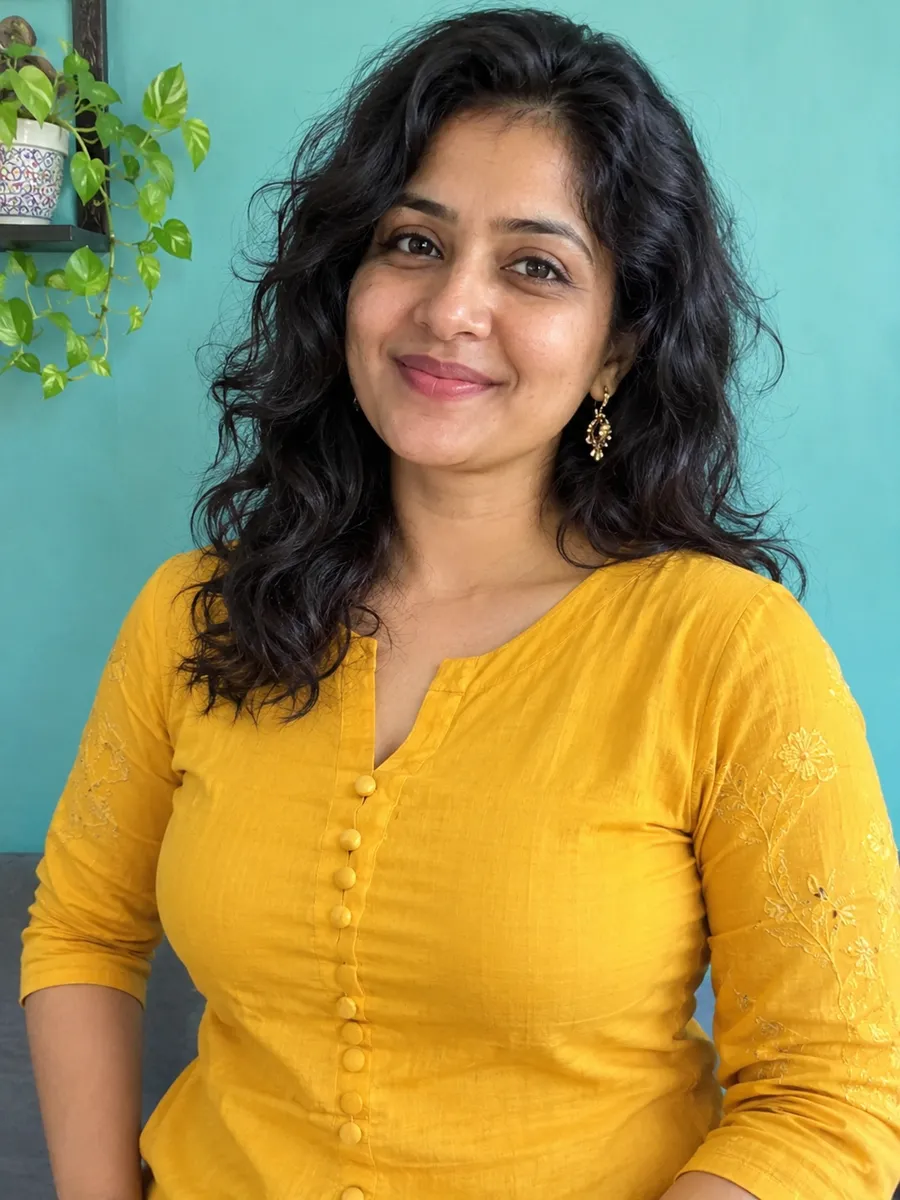
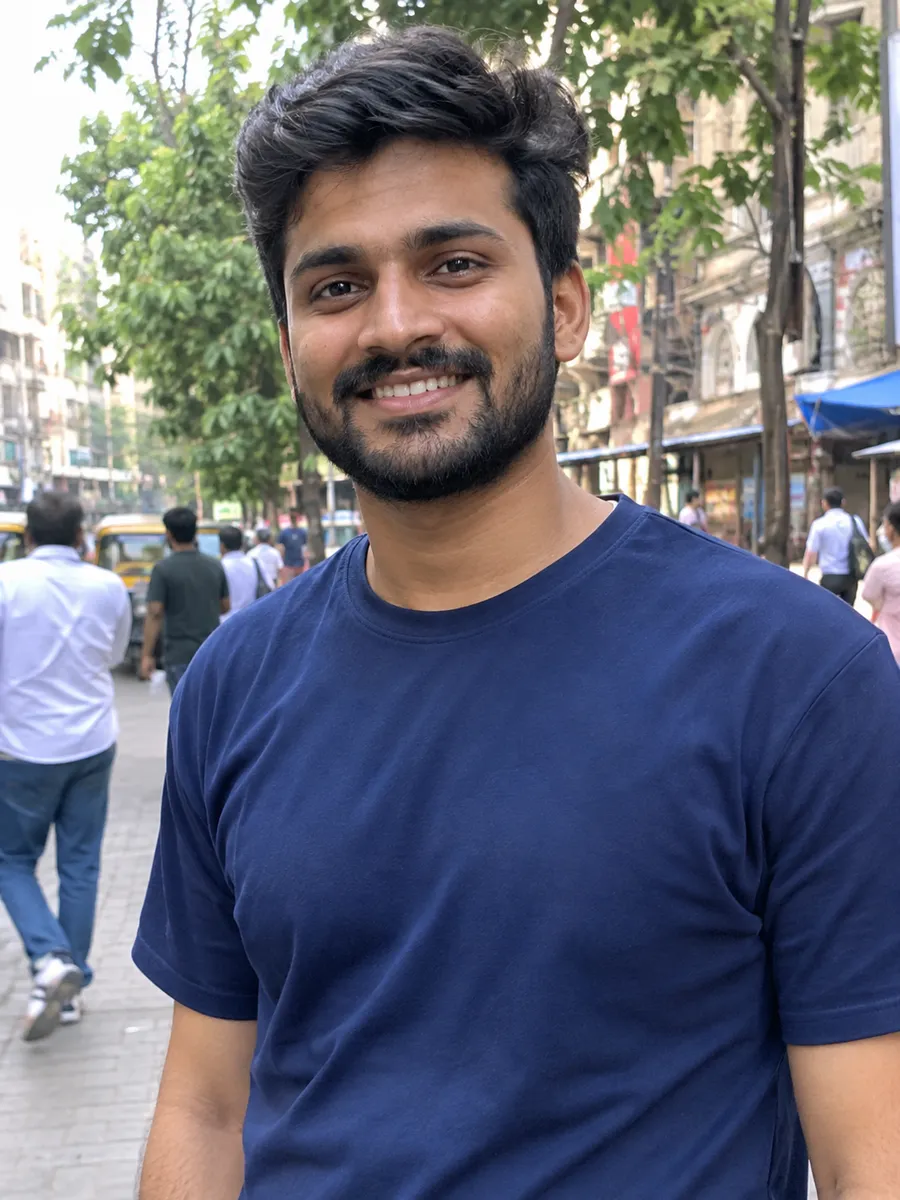
Add a clear photo of yourself
Click "Choose image" in the editor at the top of this page, or drop or paste a photo. Use a sharp, well-lit photo where your face is clearly visible, from the waist up if you can. JPG, PNG or WebP files up to 10 MB work. You need an ImgPilot account to upload.
Pick a prompt
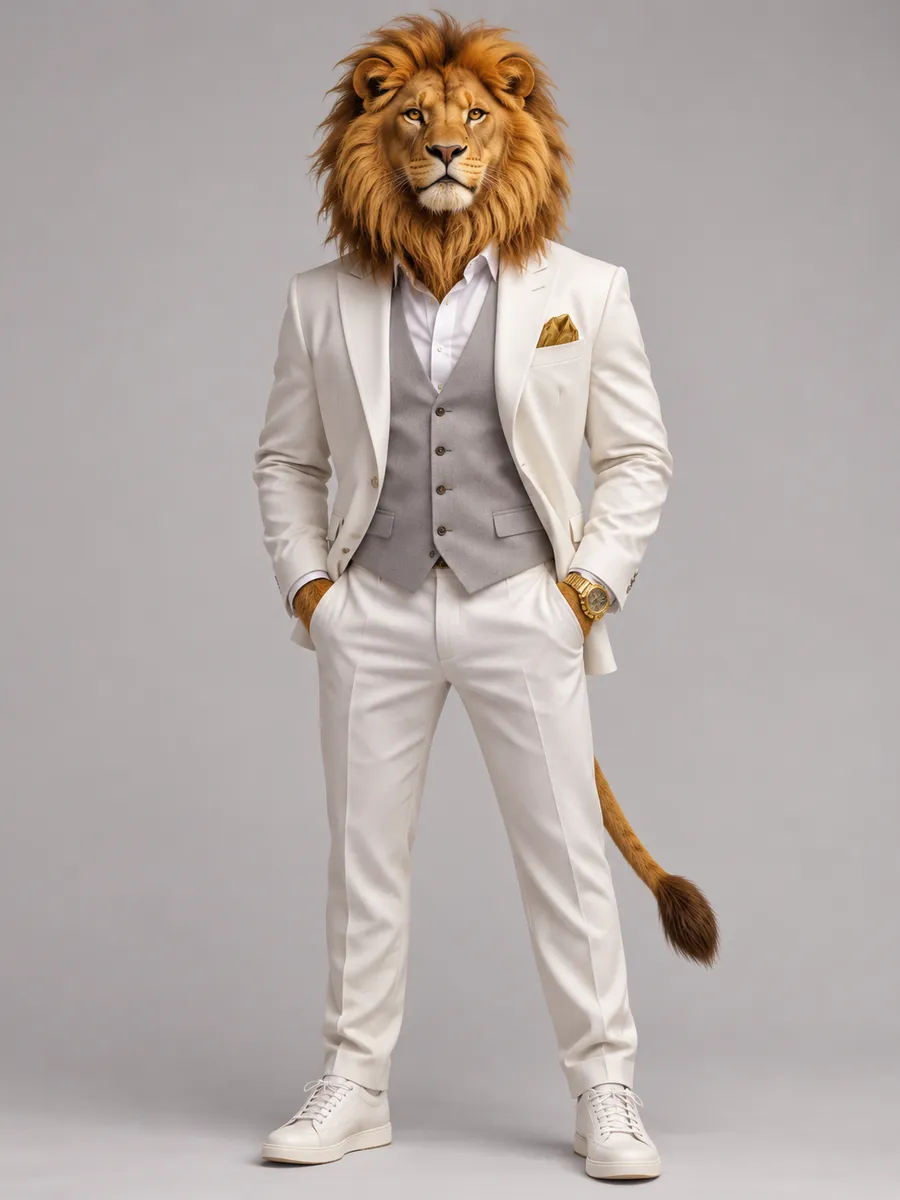
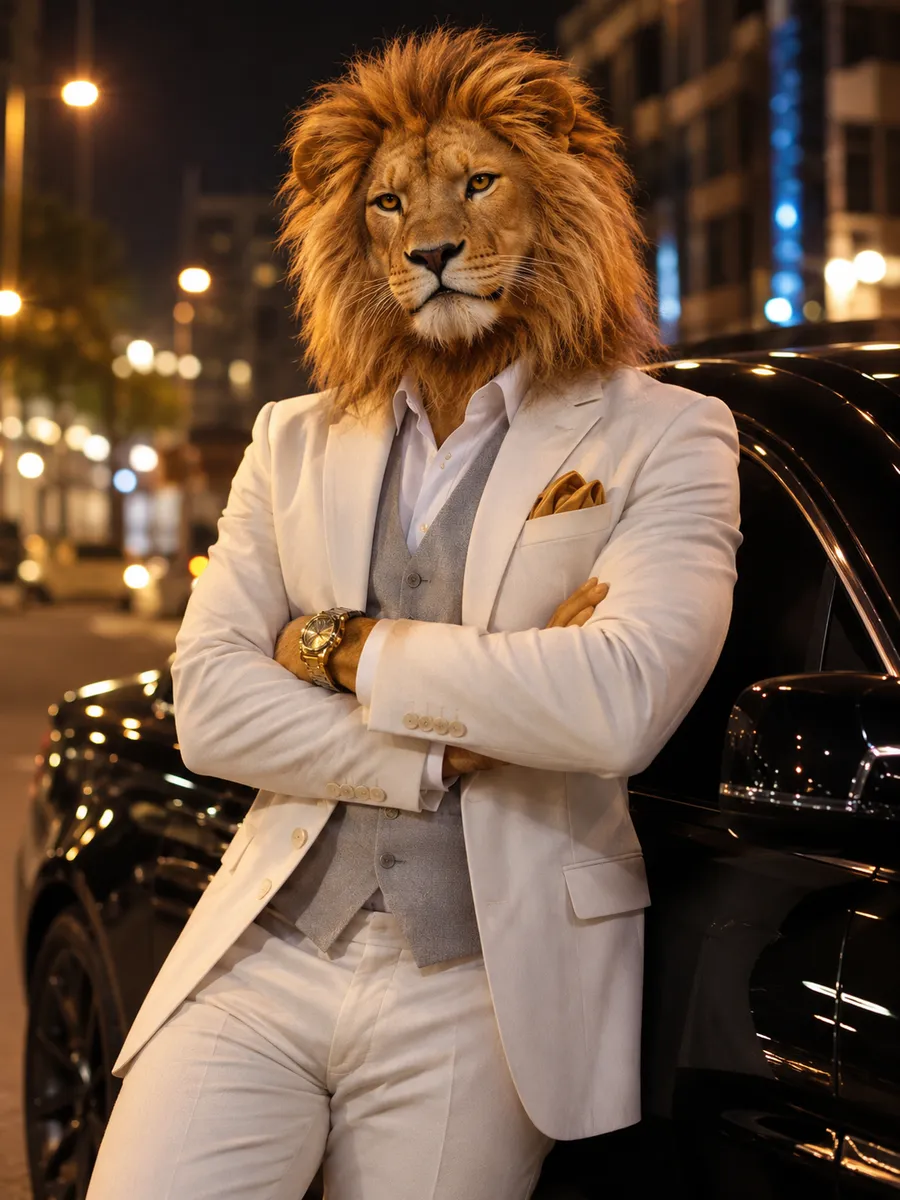
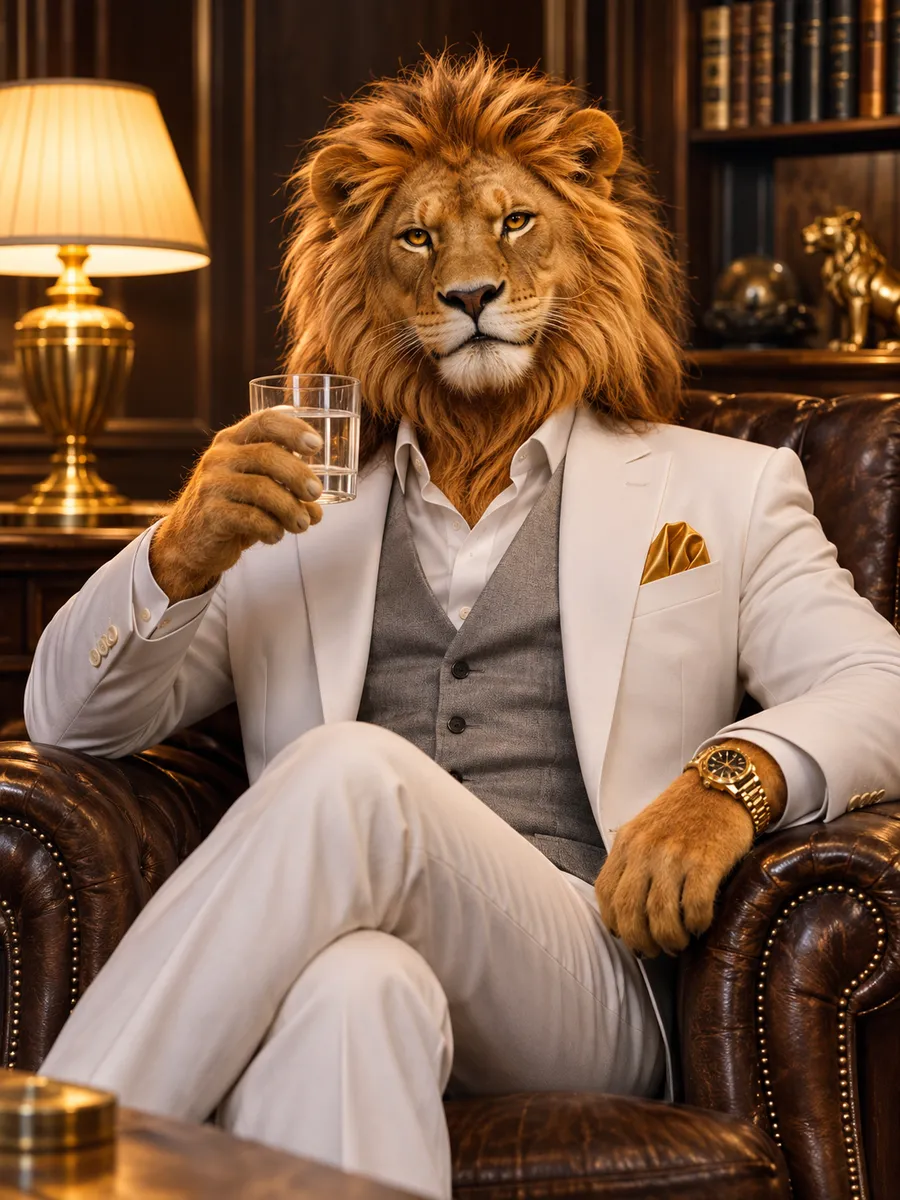
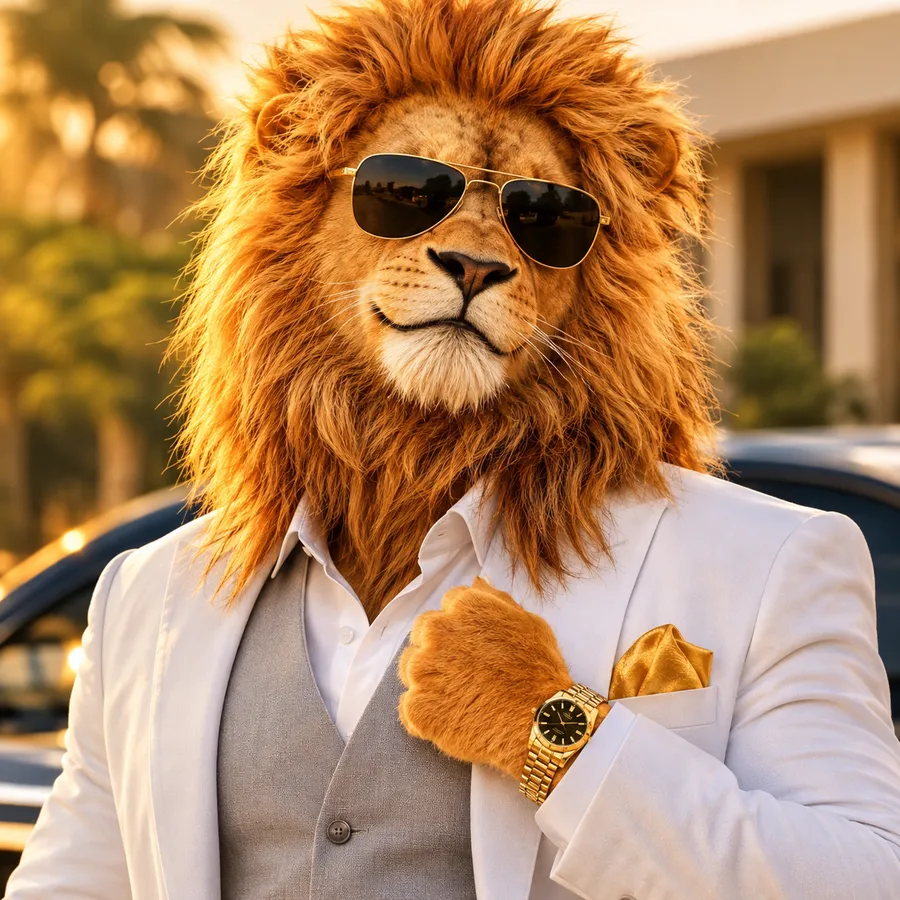
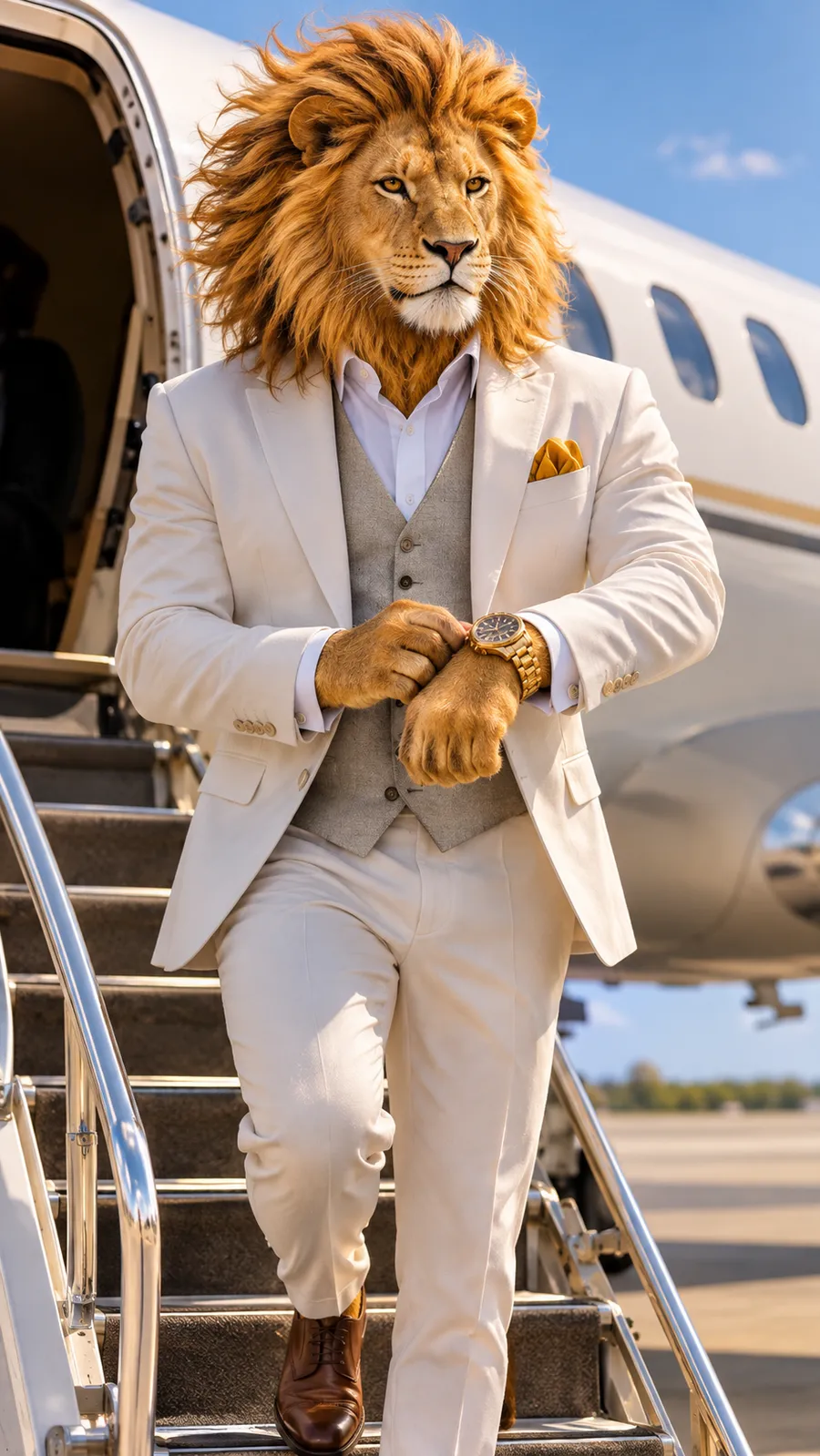
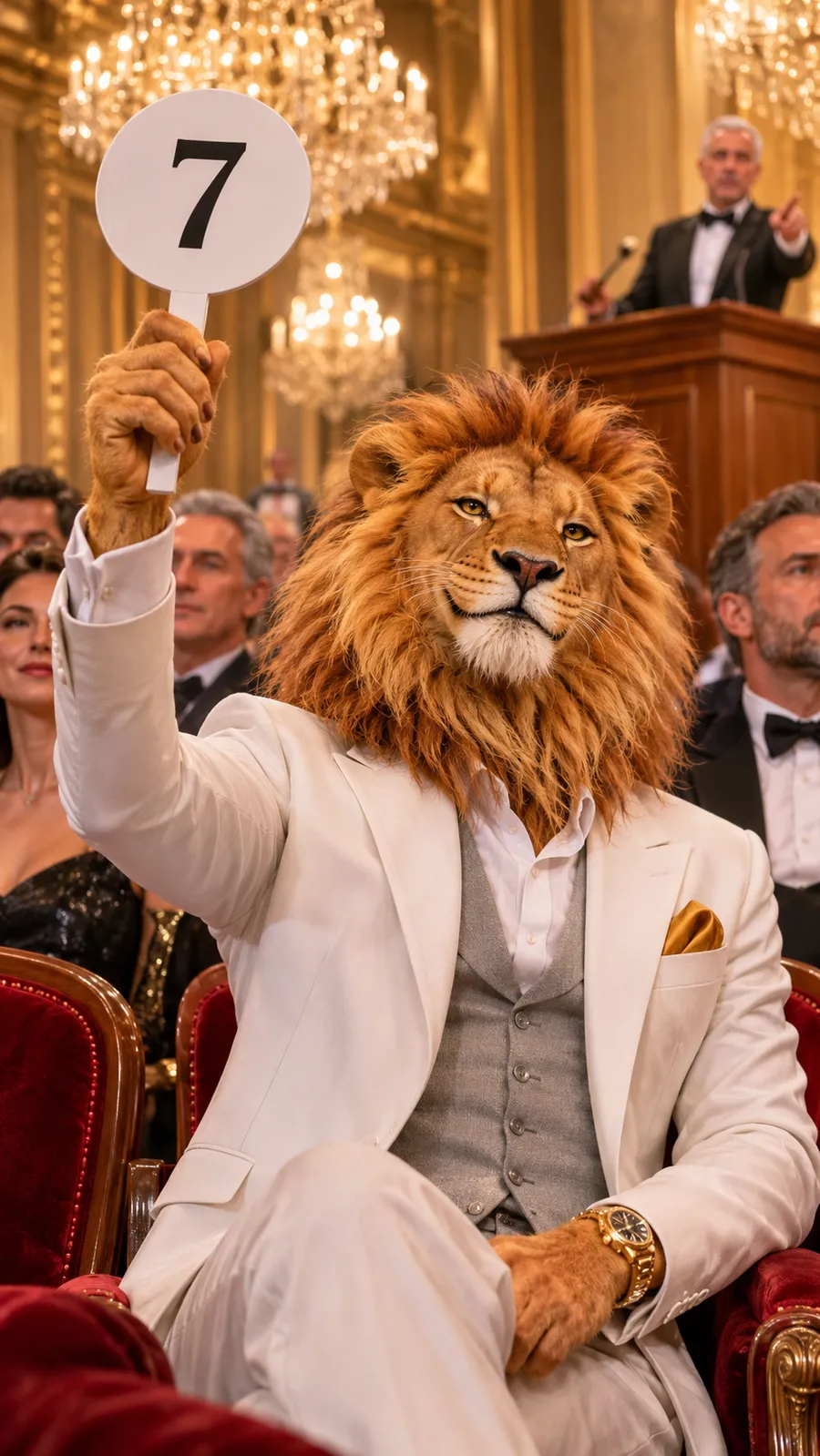
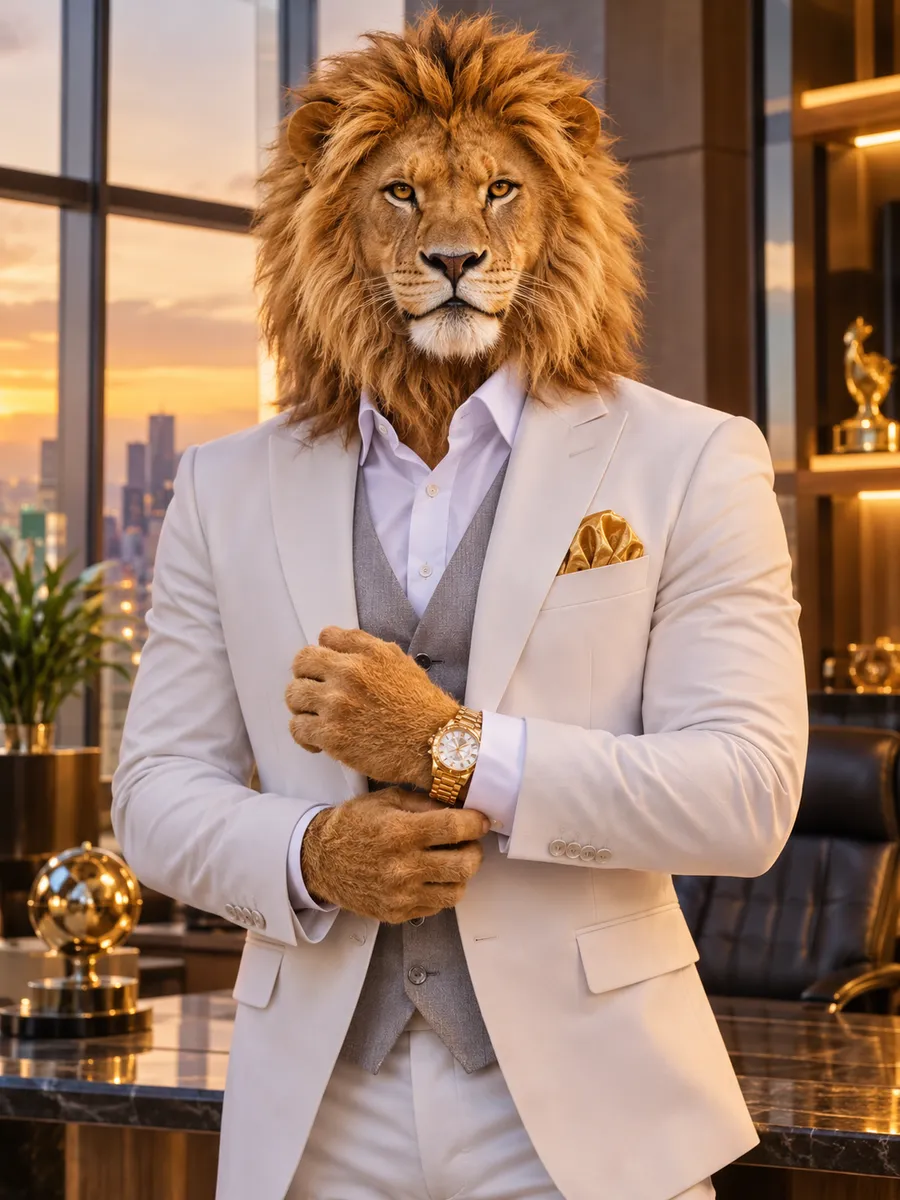
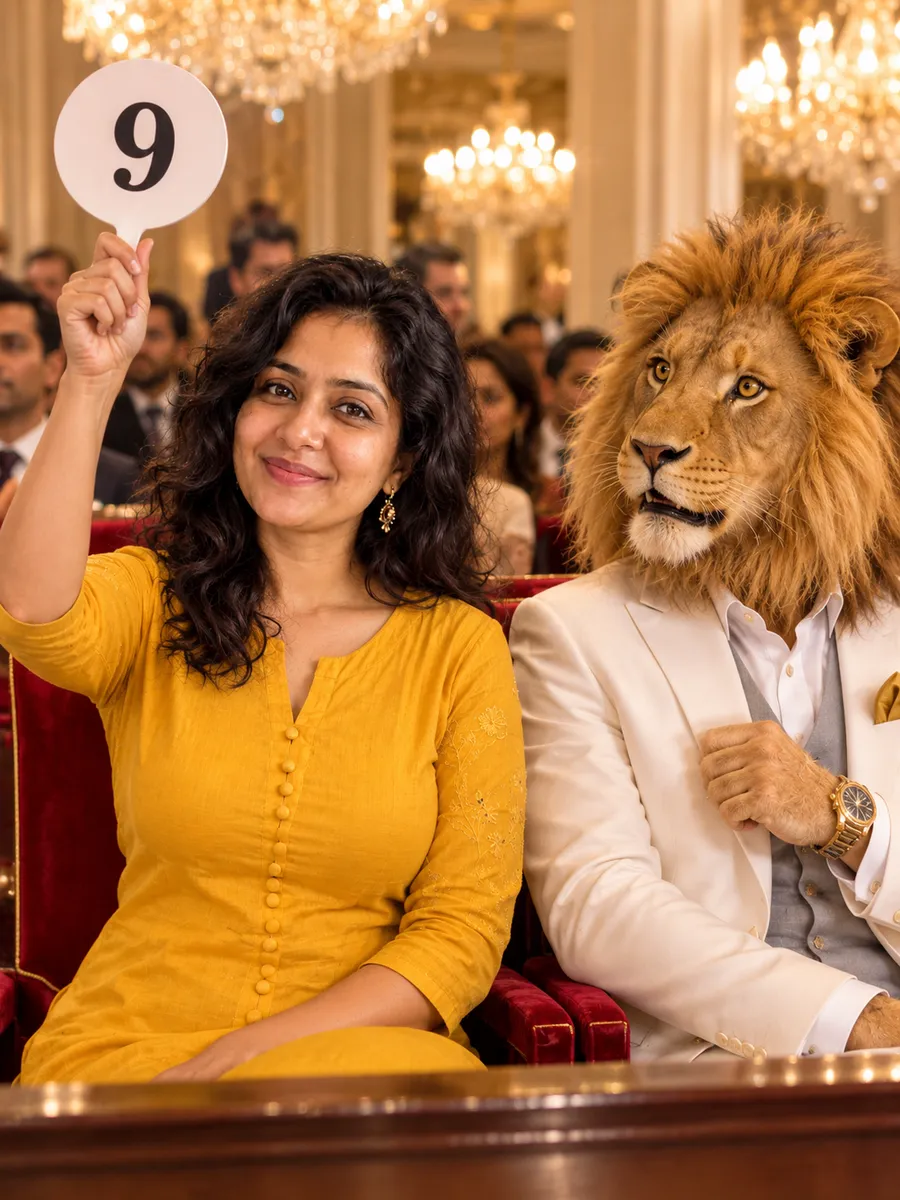
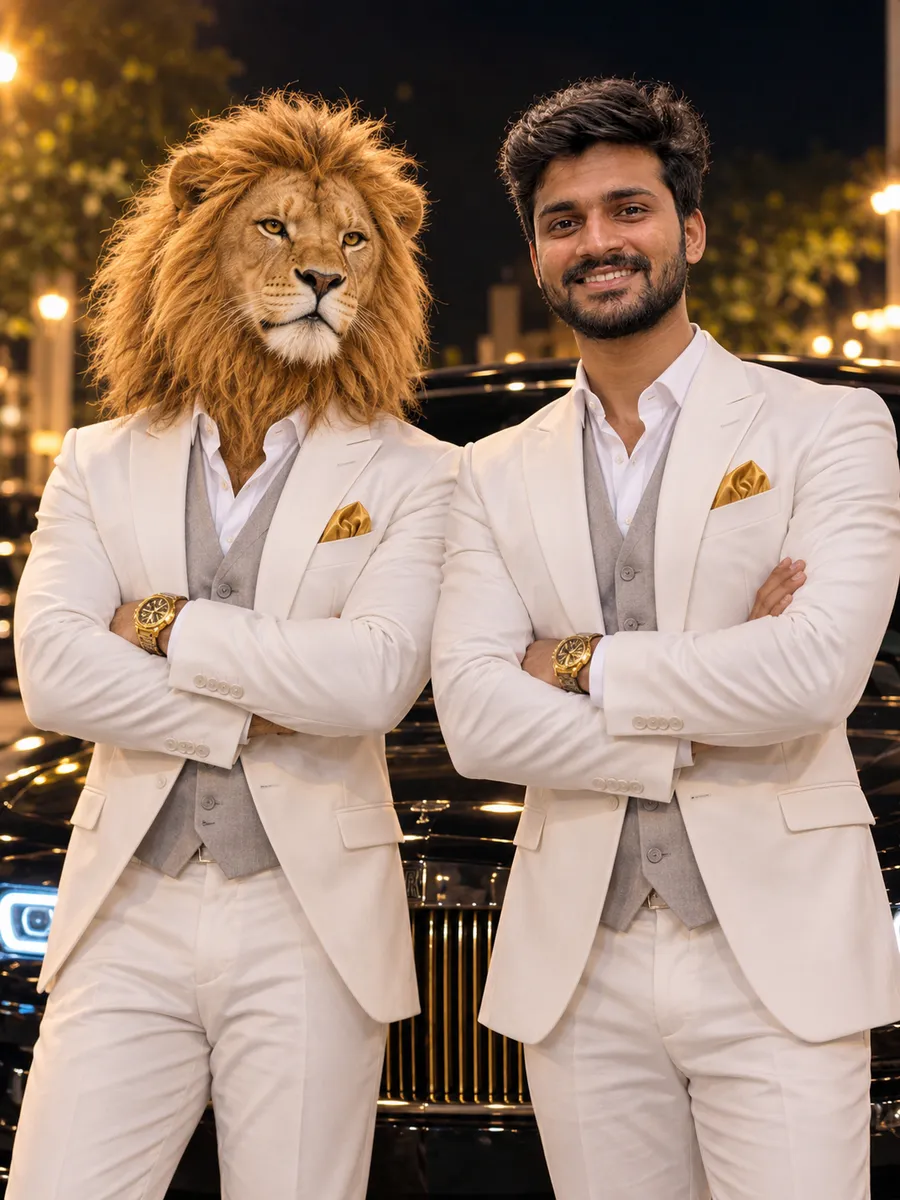
The auction-hall prompt is already filled in. To use another one, click "Copy" under an example on this page and paste it into "Describe the scene". Keep the long Sheru Bhai description as it is: it keeps the lion, the white suit and the gold watch consistent. Change only the scene.
Check the cost and make the photo
The credit cost is shown on the "Make the photo" button before you press it. The editor uses GPT Image 2.5 · Sunburst by default, and an edit usually takes one to two minutes. If your face changed, run it again: each run is different.
Turn the photo into a Sheru Bhai video
Download the photo, then open the AI video generator and choose "Image to video". Click "Upload first frame" and add your Sheru Bhai photo. Paste a video prompt that describes one action and one short Hindi line, turn on "Generate audio", choose 9:16 for Reels, and press "Generate video". A video usually takes one to three minutes.
Post it as a Reel or Short
Download the clip and post it in vertical format. The auction meme works best as a series: each new clip has a bigger, sillier bid, and Sheru Bhai wins every time.