 OriginalColorized
Family photos and portraits
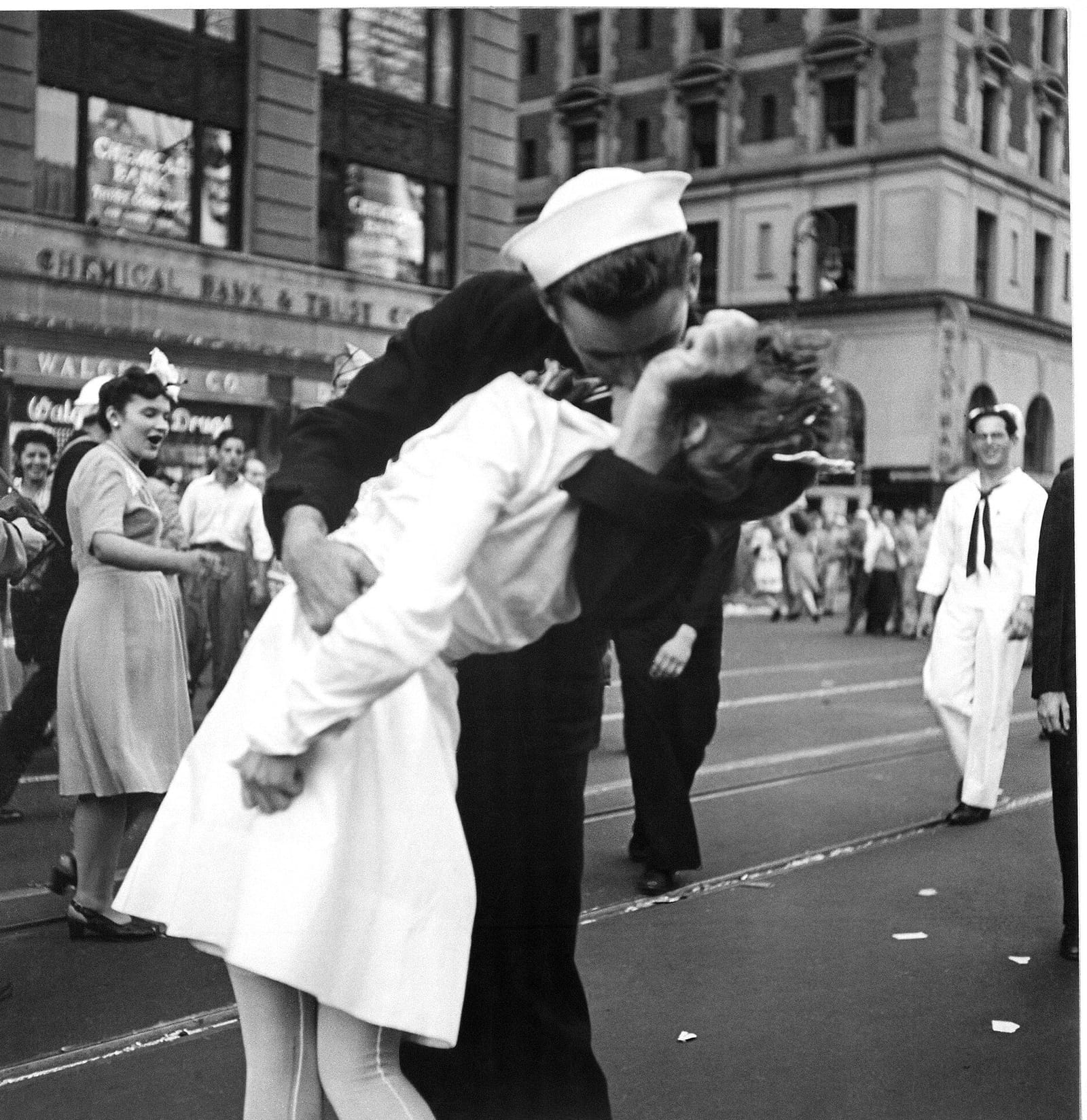
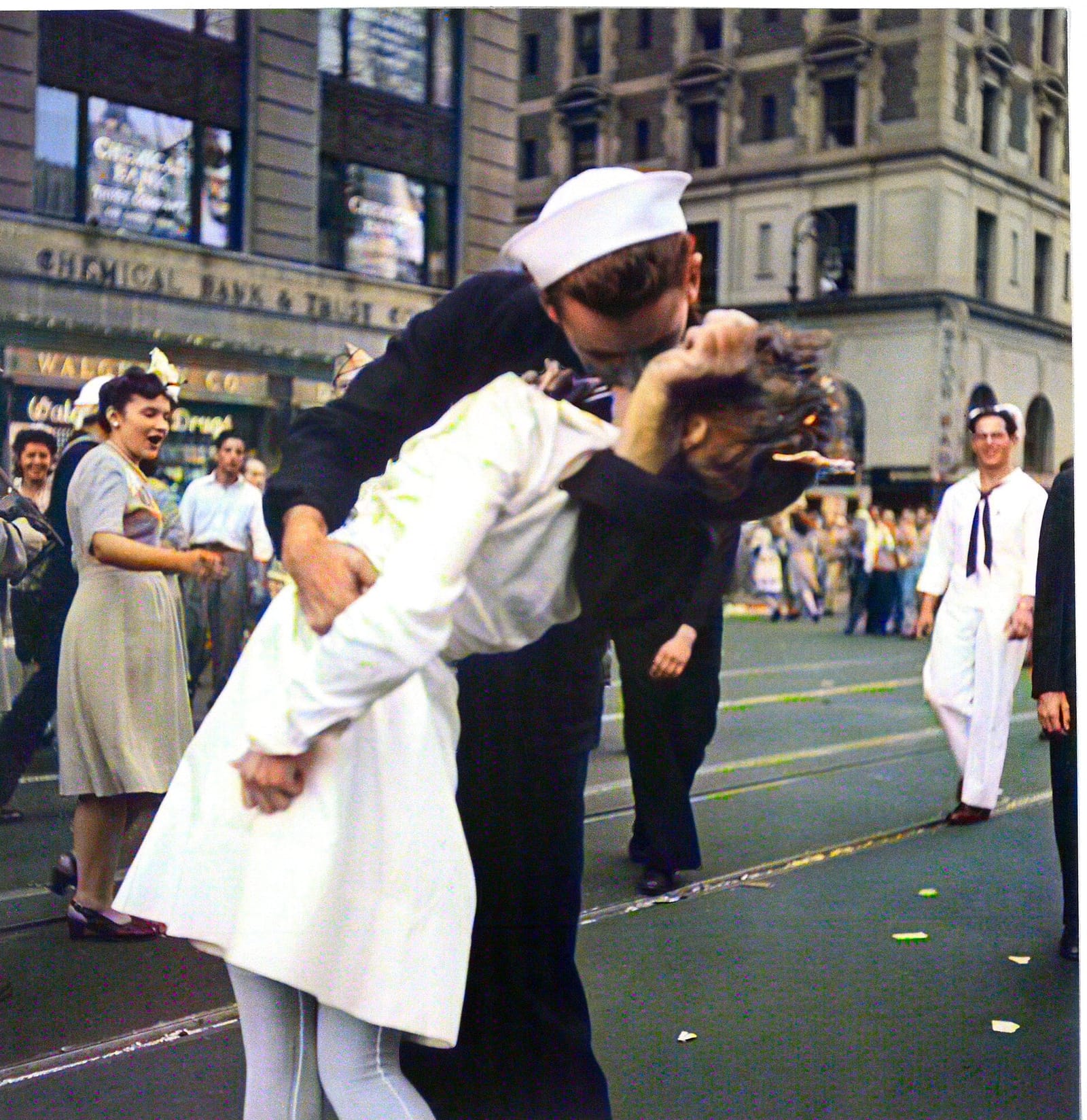
Colorize old photos of grandparents, weddings, and childhood. Skin, hair, and clothing get their own tones, which helps a family album feel closer.
Victor Jorgensen, 1945A black and white photo colorizer for old family photos and archive pictures. Upload an image, add natural-looking color, then compare and download the result.
 OriginalColorized
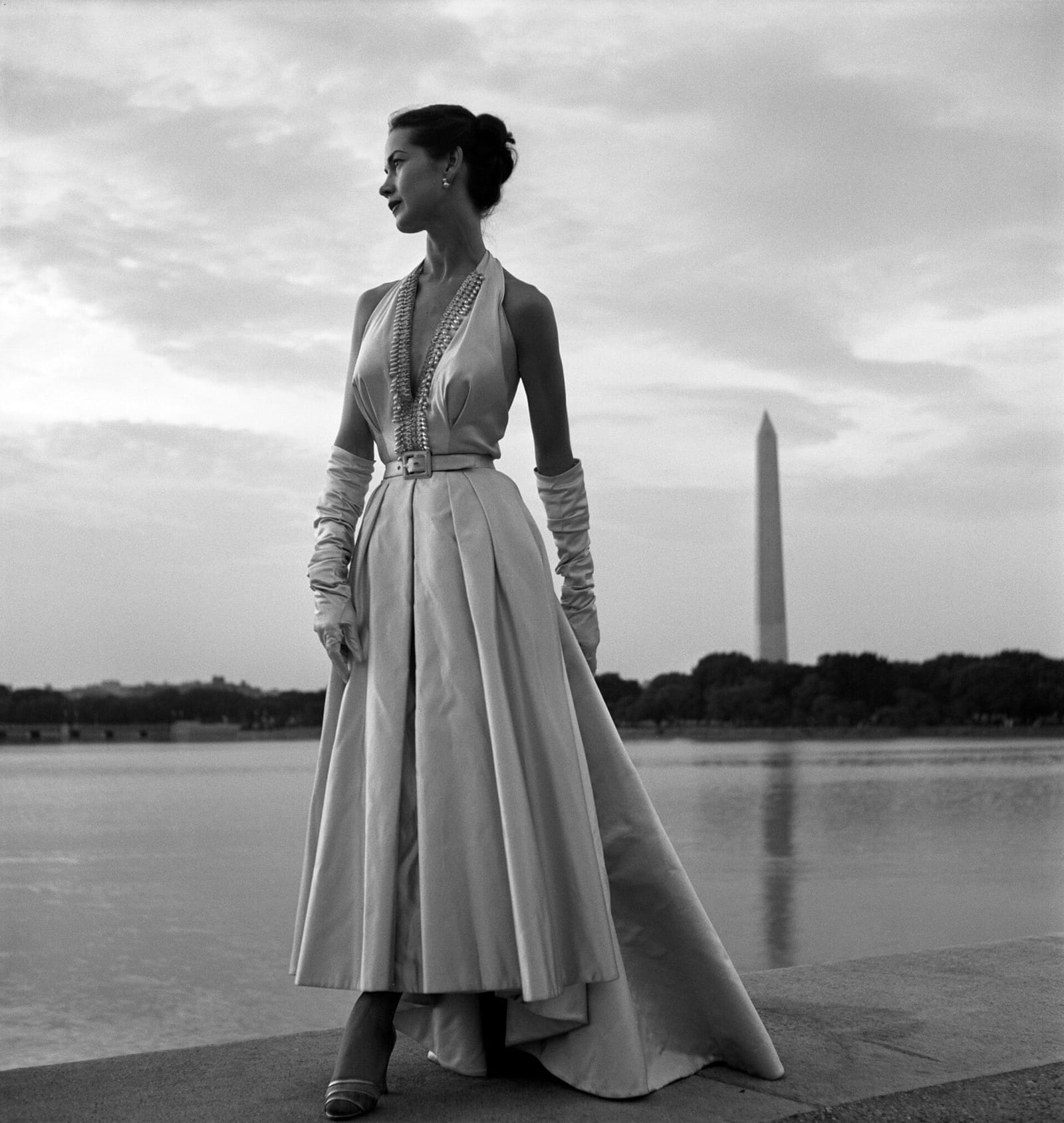
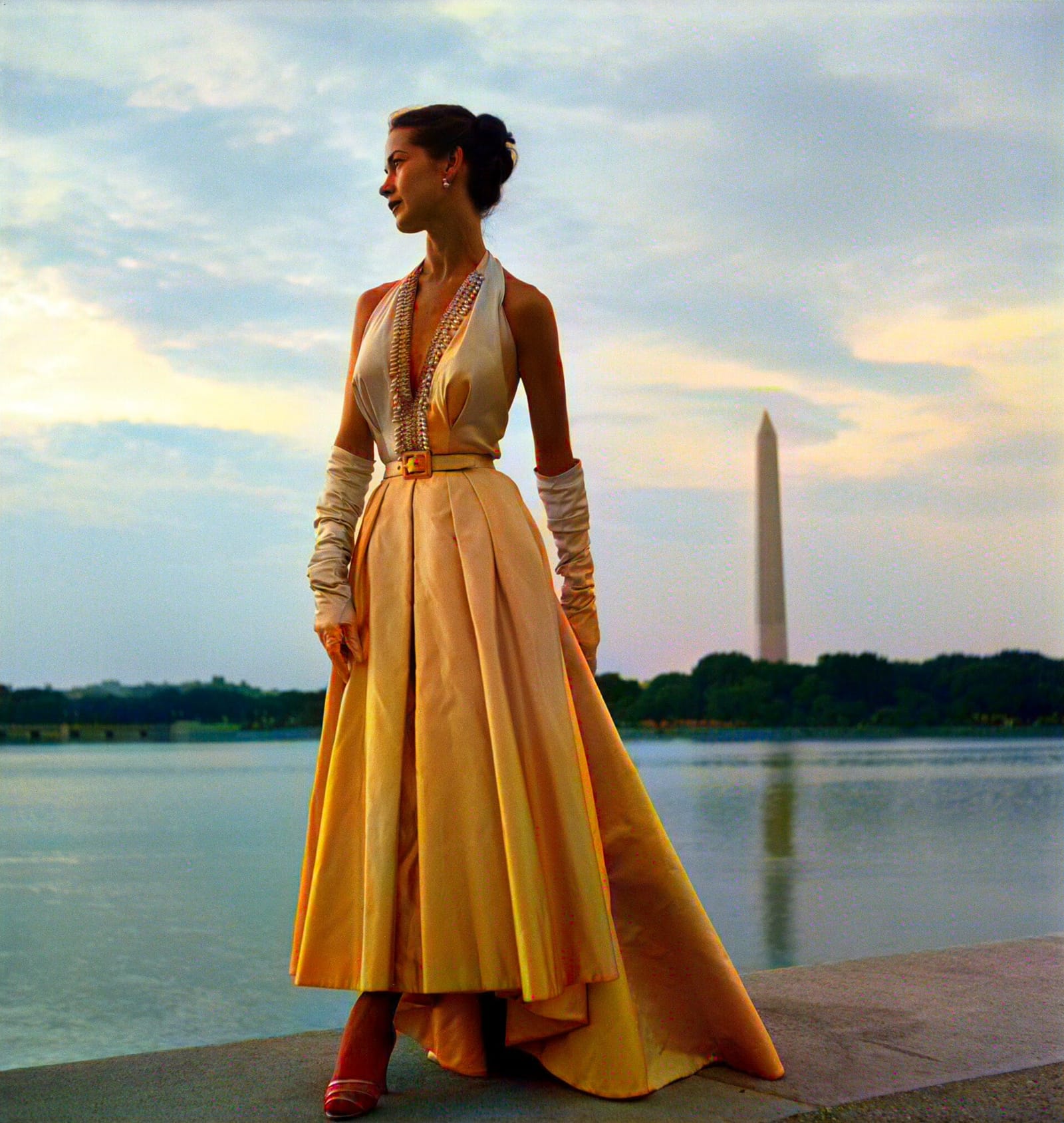
Toni Frissell, 1949
Choose a JPG, PNG, or WebP image of up to 10 MB. A sharp scan or a clear phone photo of the print both work.
Sign in and start the task for 5 credits. The AI colorizer usually finishes in under a minute.
Drag the line across the photo to check the result, then download the color version.
Each comparison below is a real result on an archive photo. Drag the line to see it go from black and white to color.
OriginalColorizedColorize old photos of grandparents, weddings, and childhood. Skin, hair, and clothing get their own tones, which helps a family album feel closer.
Victor Jorgensen, 1945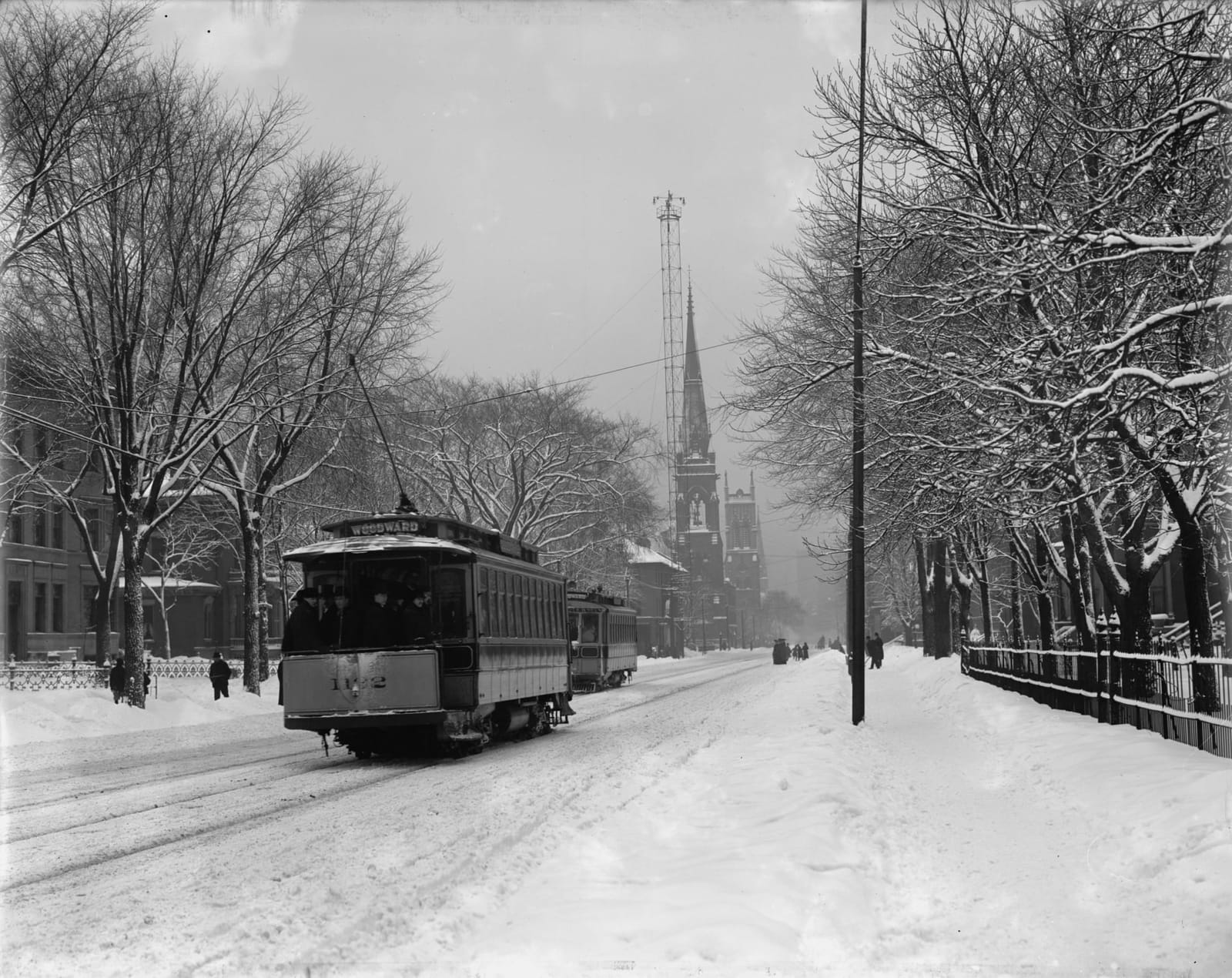
 OriginalColorized
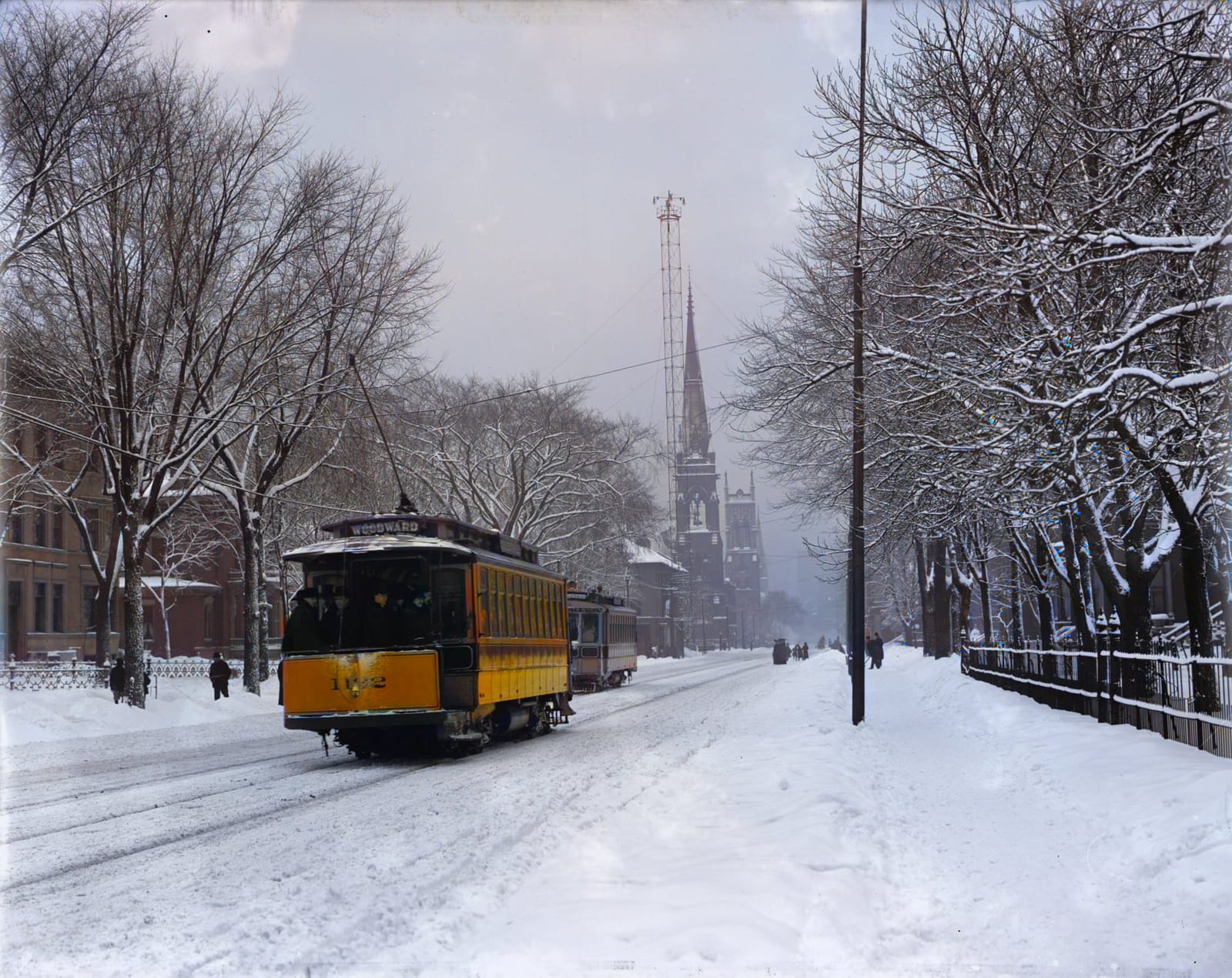
Add color to a black and white photo of a street, shopfront, or hometown. Streetcars, brick, and sky separate into distinct colors.
Detroit Publishing Co., c. 1905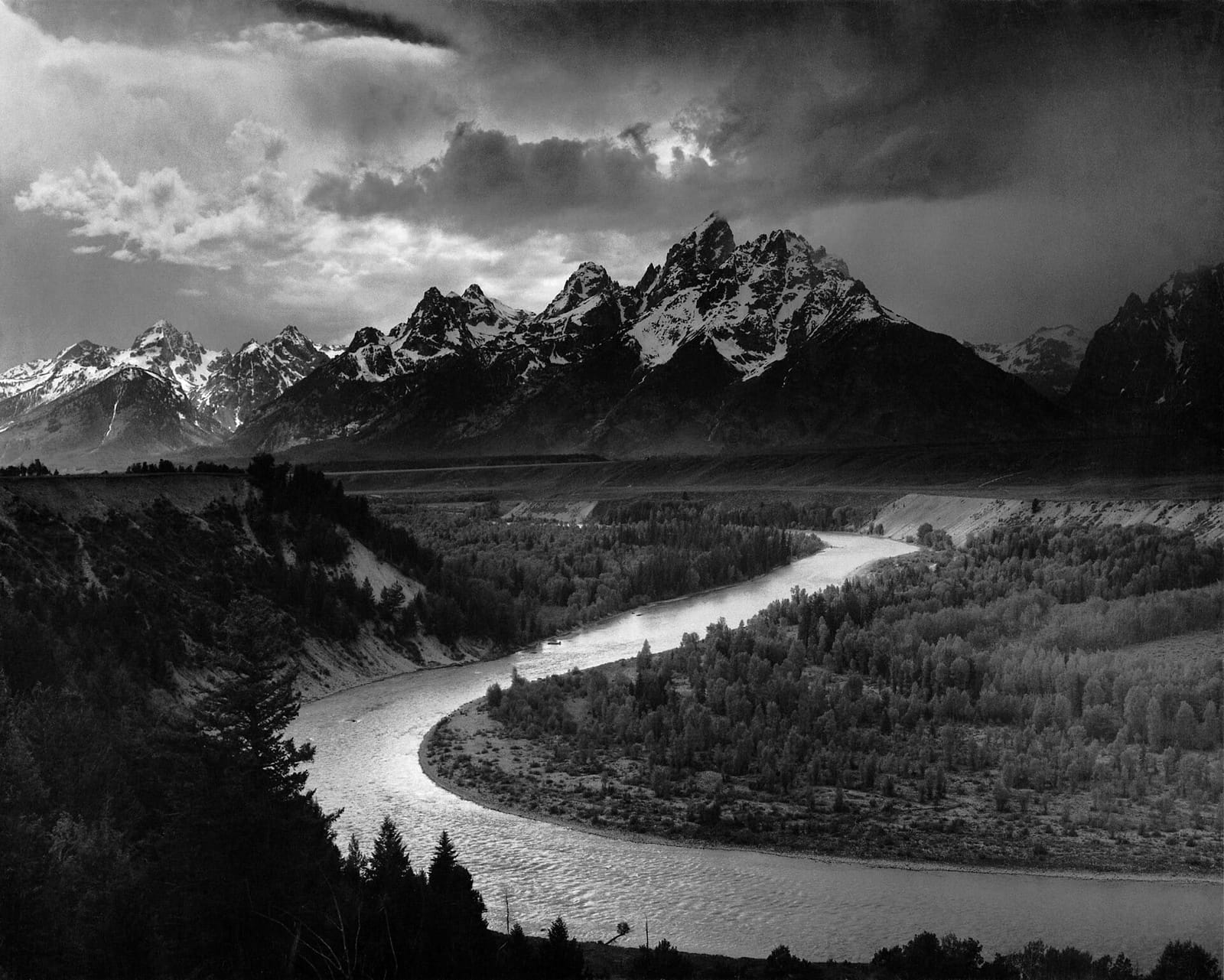
 OriginalColorized
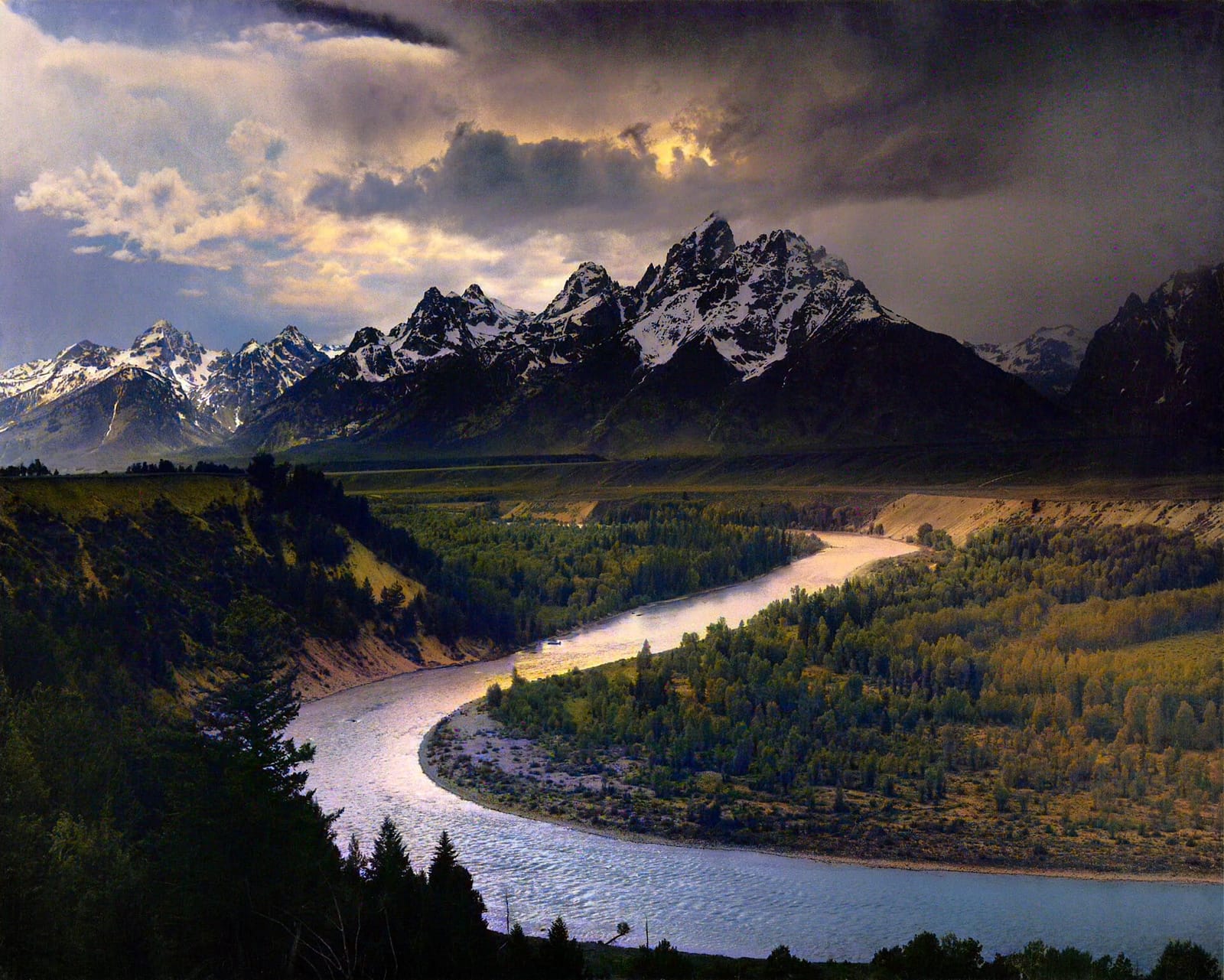
Colorize images of mountains, rivers, and old holidays. Dramatic skies can come back more saturated than life, so compare before you print.
Ansel Adams, 1942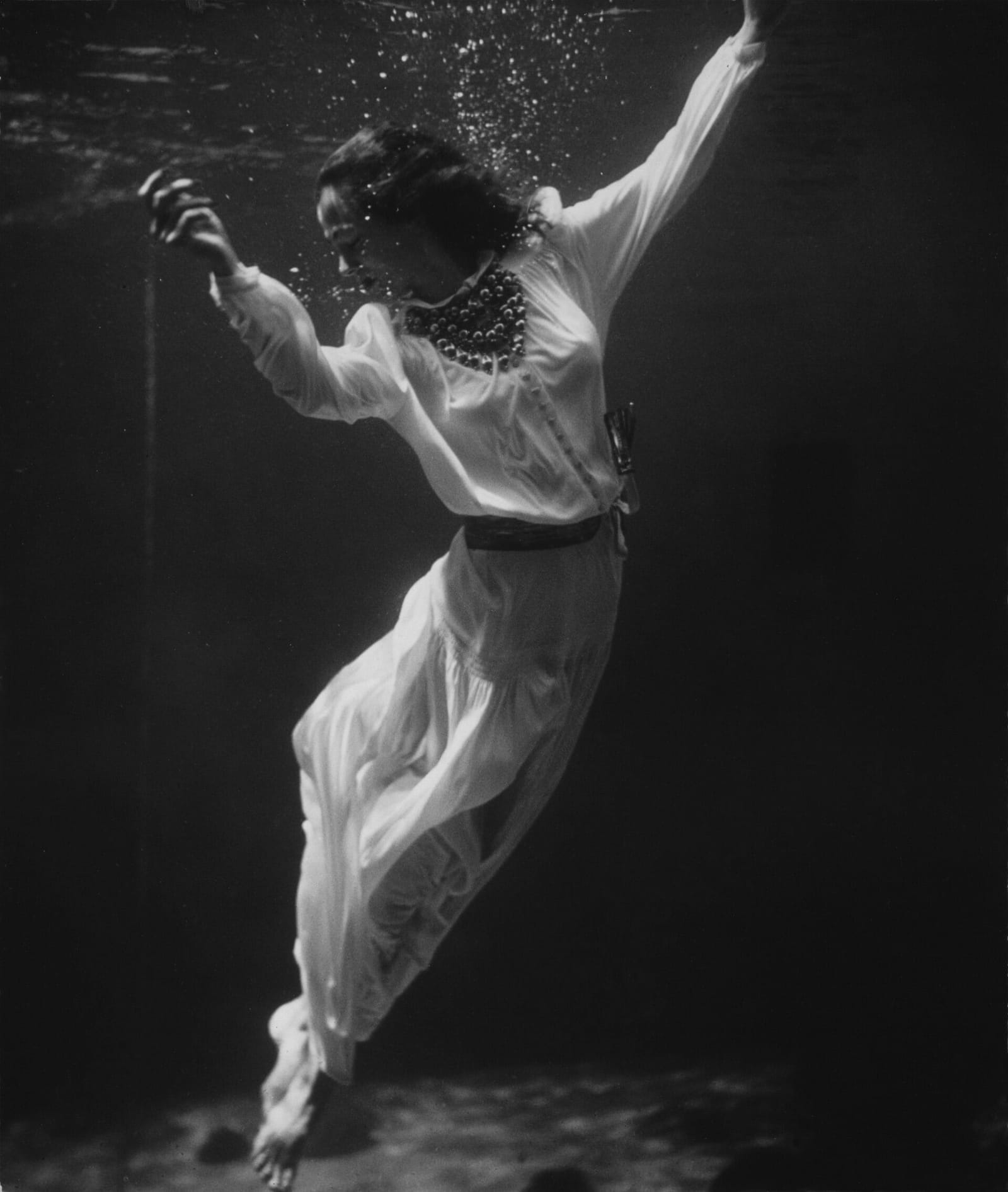
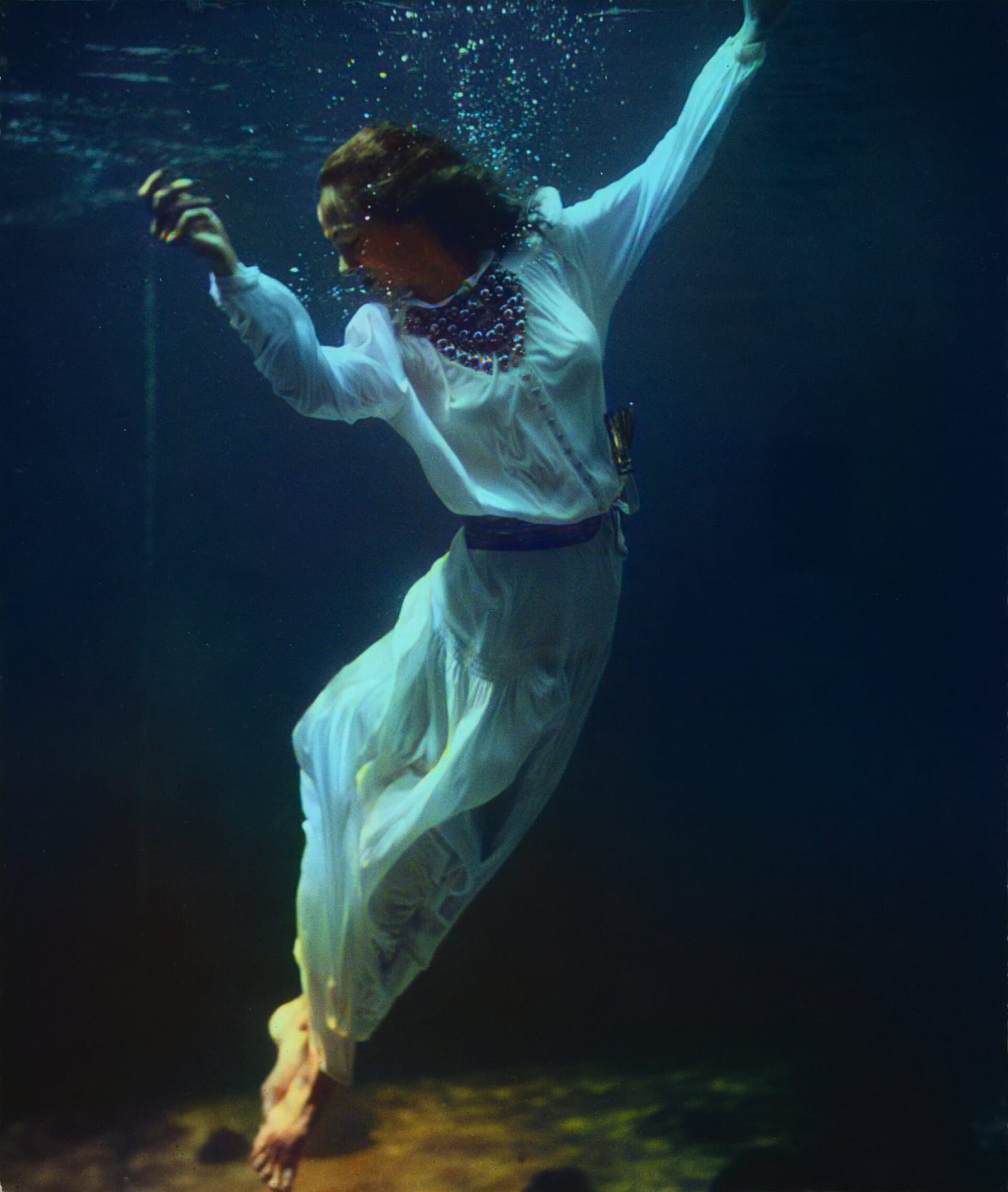 OriginalColorized
Use the colorized image in a blog, a video, or a print. Fabric colors are estimates, which suits creative work better than a historical record.
Toni Frissell, 1939Example photos come from public archives, including the Library of Congress and the U.S. National Archives. All colors are AI estimates.
They do different jobs. Use the colorizer when the photo is in good shape and you only want color. Use restoration when it is torn, scratched, or faded.
| Compare | Photo Colorizer | Old Photo Restoration |
|---|---|---|
| Best for | Black-and-white photos in good condition | Damaged, scratched, or faded photos |
| Color | Always added | Often added, not guaranteed |
| Faces and detail | Light and detail stay as they were | May be redrawn while repairing damage |
| Scratches and tears | Stay in the photo | Repaired |
| Cost | 5 credits | 15 credits |
Colorize image files in JPG, PNG, or WebP, up to 10 MB. Use the photo colorizer online in your browser, with nothing to install. The result keeps the same pixel dimensions as your upload and downloads as a PNG.
Black-and-white film records brightness, not color, so no tool can know the real shade of a dress or a door. The AI predicts plausible colors from what it recognizes. Grass and sky are usually convincing, while clothing and painted objects are often guesses. Treat a colorized photo as an interpretation, not a historical record.
ImgPilot's Photo Colorizer is free to try, not free without limits. New ImgPilot accounts receive free credits, and each photo costs 5 credits. You don't need a card to sign up and try it.
You can colorize photos online for free with the credits new ImgPilot accounts receive. Each colorized photo costs 5 credits. Sign up, upload a photo, and download the result. After that, you can buy credits or subscribe.
Upload the black-and-white photo to ImgPilot's Photo Colorizer, sign in, and start the task. The AI colorizer adds color automatically, with no brushes or layers. You can compare the colorized photo with the original before downloading it.
ChatGPT and other general AI image tools can try, but they usually generate a new image, so faces and small details may change. ImgPilot's Photo Colorizer only adds color and keeps the photo's original light and detail.
It depends on your photo, so test with one you know well. Look at skin tones, whether color spills past edges, and whether faces still look like the same person.
Usually, especially on clear portraits. Mixed lighting, heavy shadow, and low-quality scans can produce uneven or unusual tones, so check faces closely before printing.
Yes, but ImgPilot's Photo Colorizer won't repair anything. Scratches, stains, and blur stay in the colorized photo. For damaged photos, use ImgPilot's Old Photo Restoration instead.
Yes. ImgPilot's Photo Colorizer works in a mobile browser, so you can photograph a print and upload the picture from your camera roll.
ImgPilot's Photo Colorizer is designed for photographs. Drawings and line art may give uneven results.
Finished photos are saved in your ImgPilot history, where you can download them again. Uploads are sent to our AI processing provider to create the result.
5 credits per photo. New accounts get free credits to try it.
Colorize photo